300 Card Printer – User Guide
28
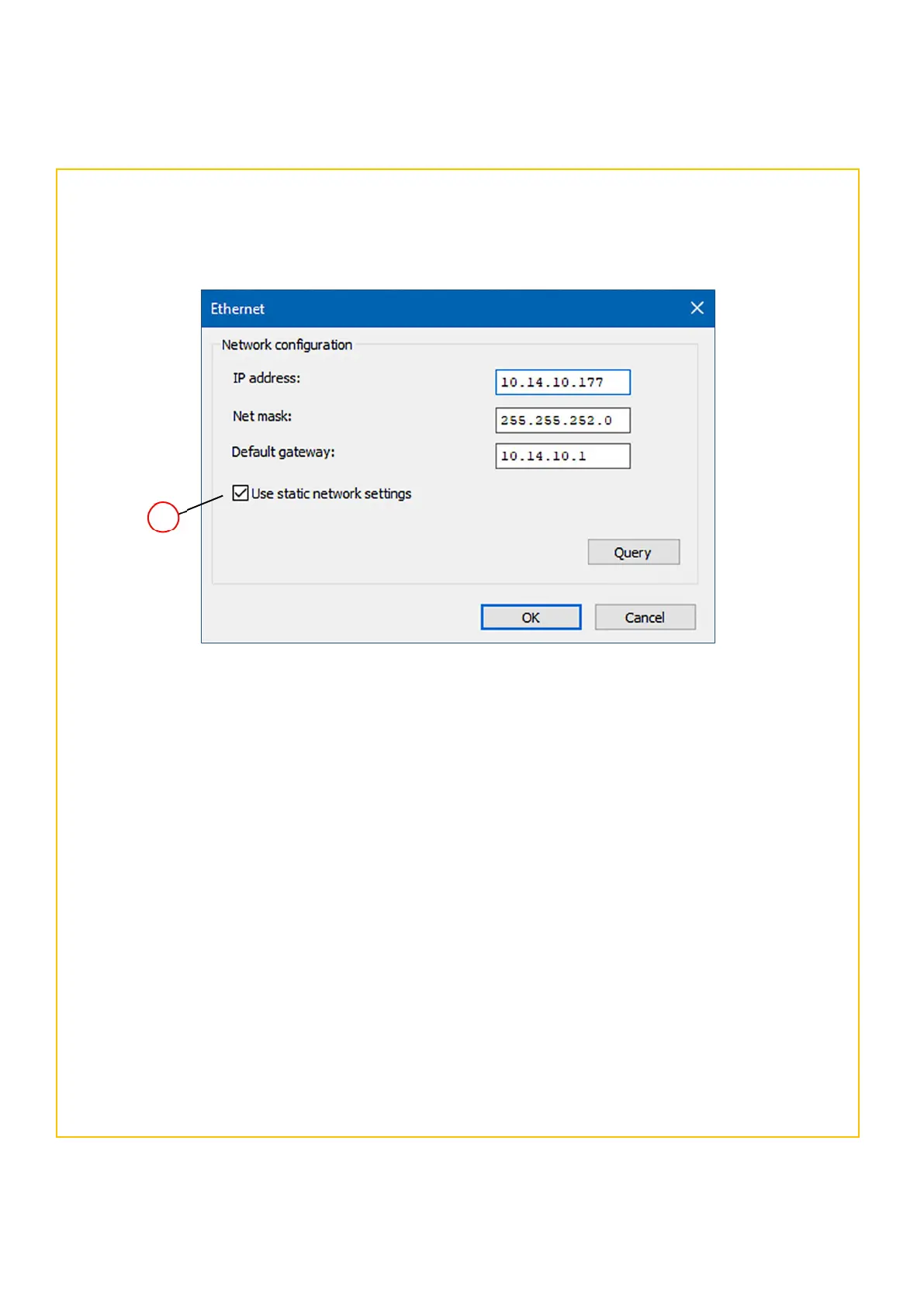
The Network and Configuration window allows the user to set (and store) an IP address in the printer. The user
also has the option to choose a static or dynamic IP address. (Static IP settings are generally more commonly
used with networked printers).
Use Static Network settings
(together with the other network settings applicable to the
user’s network).
7. Click the OK button. This will exit the setup windows and save the user’s settings.
Finally, connect the network (LAN) cable to the Ethernet port of the rear of the printer and then power-cycle
the printer (remove the power supply connector and then refit. Allow the printer fully initialise).
8. When the printer is fully initialised, the user can check the stored configuration using the front panel buttons
as follows:
Select Menu > More > Network Info > IP Address (please also refer to the Menu options on page 9 for
additional details).
Setting the Printer Network configuration



 To Next Page