■ 4 First measurement
20
• Once the drying has ended, an audio
signal sounds, and the heating is
switched off.
The fan keeps running until the
temperature in the sample room
drops below 40°C.
+ XX.xx %
• The measurement display shows the
result in the unit of measurement
set.The measurement result is
displayed in the other units of
measurement by pressing the «
F»
key.
• The info line shows how long the
measurement takes.
DURATION XX.X MIN
• Open the hood
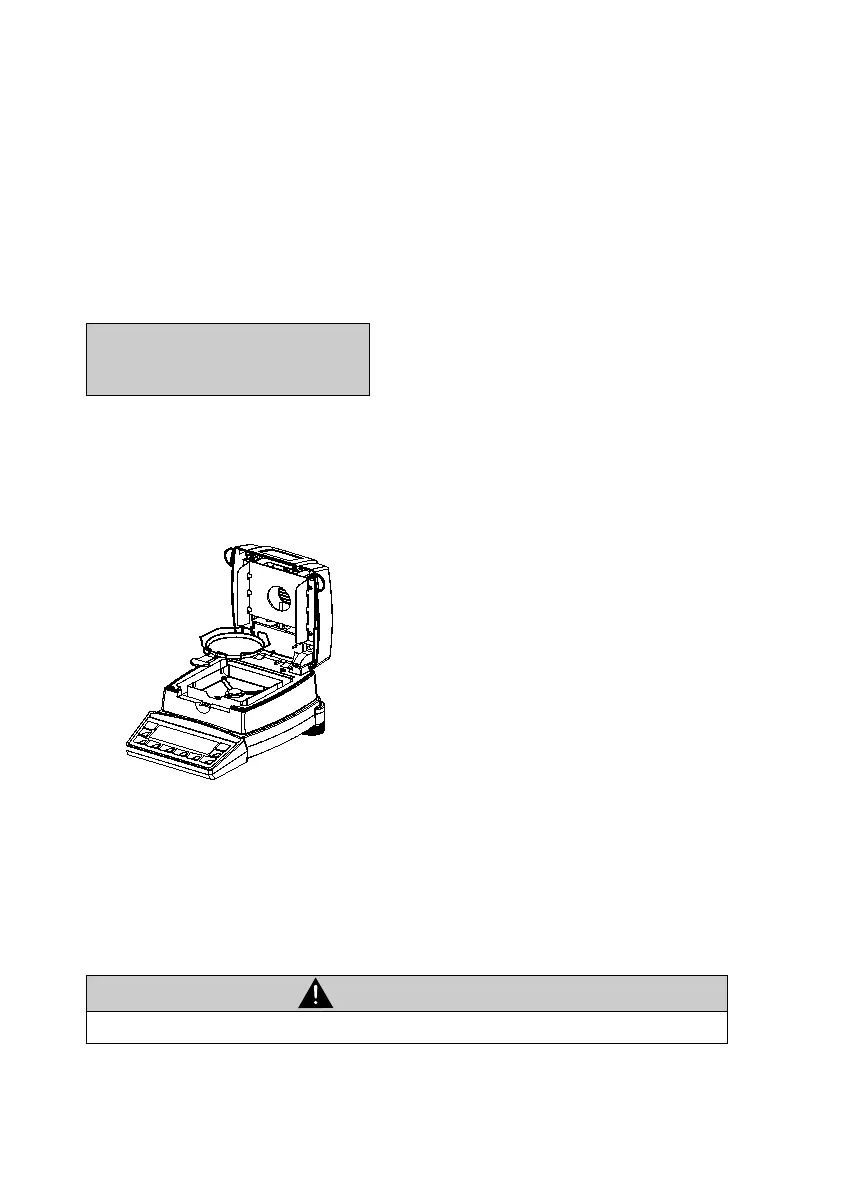
• Carefully remove the weighing pan,
only gripping the sample holder by
the handle.
Caution! All the parts of the sample
chamber are hot.
Allow the weighing pan and holder to
cool down before doing anything else
with them.
• Insert a new weighing pan into the
instrument.
• Press the «T» key; the instrument is
ready for you to perform a new
measurement.
CAUTION
The weighing pan and holder are hot!



 To Next Page