■ 8 Service
62
Temperature test report printout
8.4 Firmware update
In order to update the firmware, you need to download the Universal
Download Tool from our website and install it onto a PC with Win-
dows.
- - - - - - -
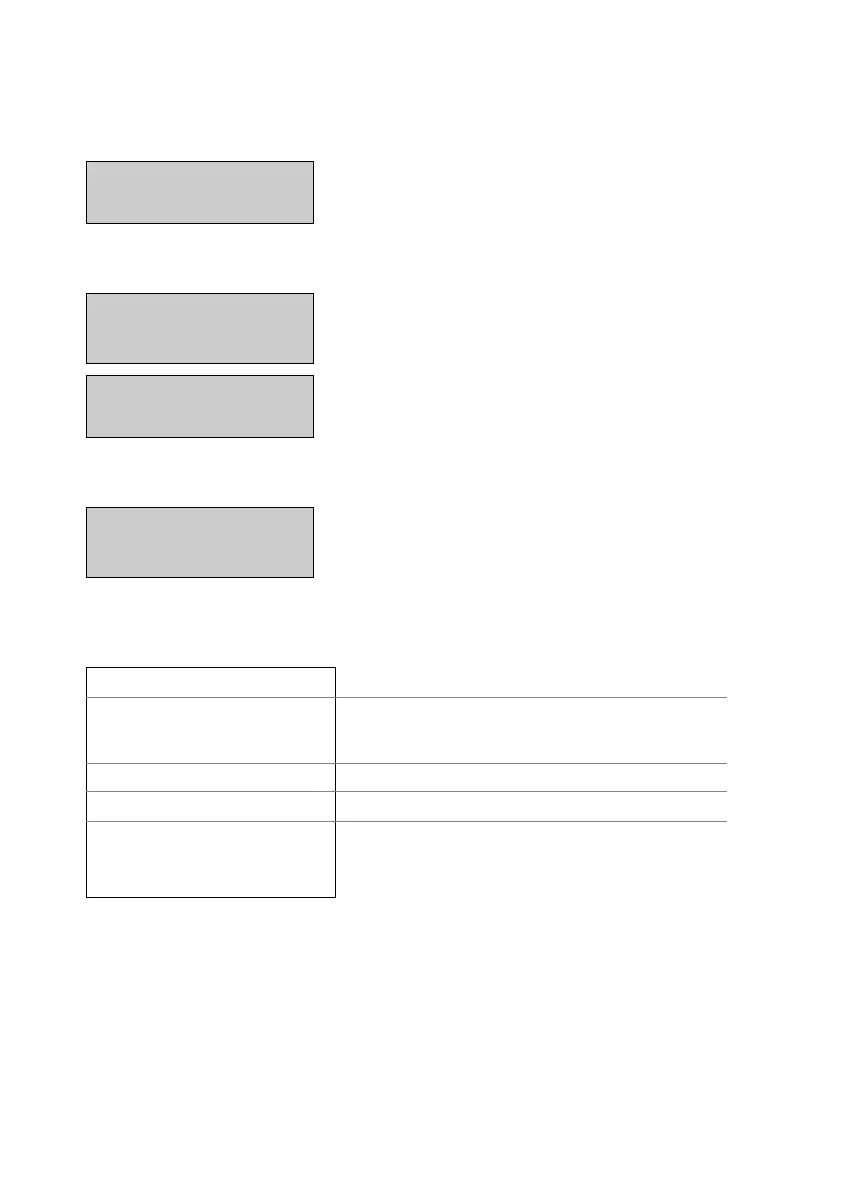
The moisture analyser heats up
to the first temperature.
TEMP. 25C 35.00min
The temperature and the time remaining for the temperature test
are displayed in the info line.
- - - - - - -
After 35min., enter the tempe-
rature that is measured by the
exerternal thermometer.
TEMP. 100°C
- - - - - - -
The moisture analyser heats up
to the second temperature.
TEMP. 102°C 35.00min.
The temperature and the time remaining for the temperature test
are displayed in the info line.
- - - - - - -
After 35min., enter the tempe-
rature that is measured by the
exerternal thermometer.
TEMP. 160°C
Once the temperature test has ended, the report is printed.
Test Temperature
----------------
Temperature test report
Date 16.10.2018 Time 12:51:36
Name : XM 50
Heater : Halogen / 50Hz
Software : C00-0000 P19
Serialno : 4100283
Time of the test and instrument data
Temp. Reference ID : ...
Identifier of the temperature test set
Temperature 100 C : 101 C
Temperature 160 C : 161 C
Values of the temperature test
Operator :
Operator ID, if activated under Set Print
Format (see chapter 5.3.3 "Configuring
the report printout").
Display Key Step



 To Next Page