■ 5 Operation
26
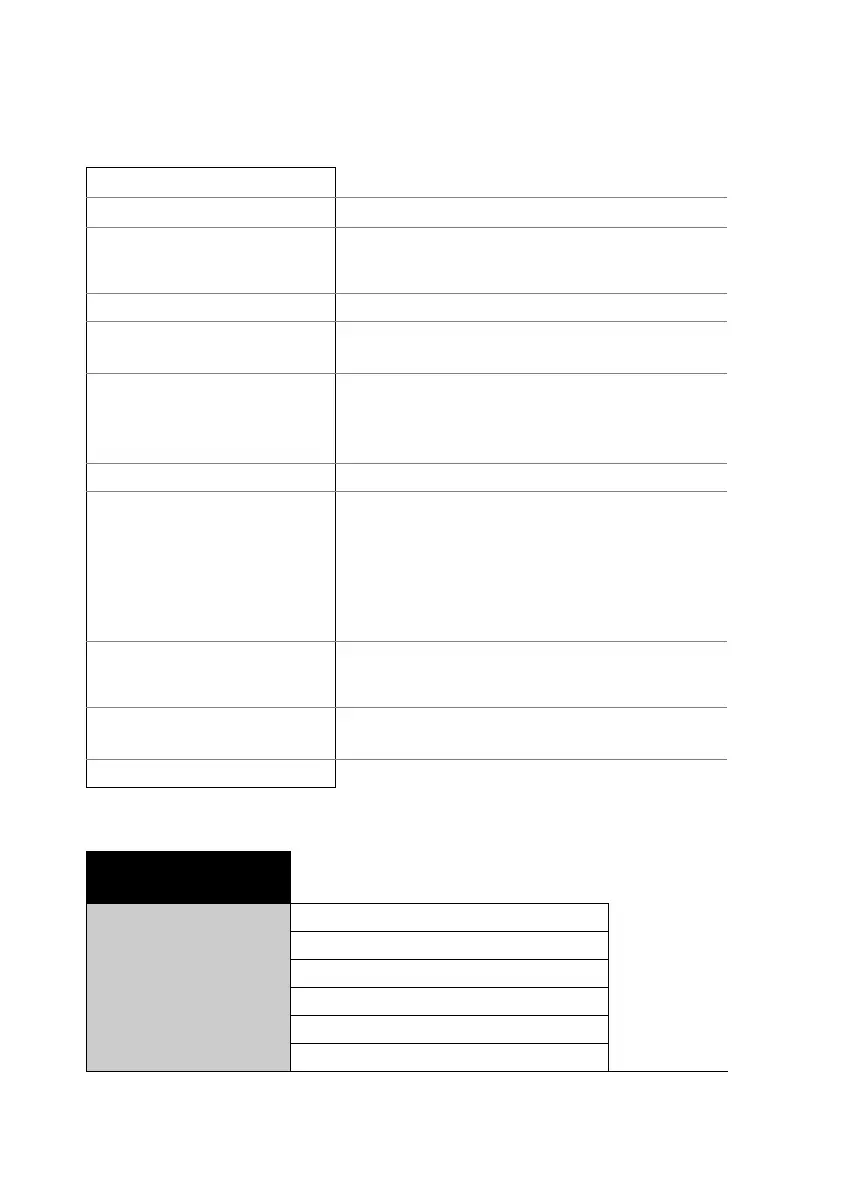
Example of a report printout with all the available selection options.
5.3.4 Configuring the application menu
*********** PRECISA XM 50 ***********
--------------------------------------
Report title, only output in printer mode.
Date 19.10.2018 Time 11:06:09
Date and time, if this is switched on.
Name : XM 50
Heater : Halogen / 50Hz
Software : C00-0000 P19
Serialno : 4100283
Balance ID, if this is switched on
Method : Boost/100C
Method ID, if this is switched on
Number : 1
Measurement series counter, if this is
switched on
Heat mode : Boost
Temperature : 100 C
Stop time : 10.0 Min
Autostop : 2/20 D/s
Standby temp. : 40 C
Moisture Analyser setup, if this is
switched on
Original weight : + 2.186 g
Starting weight is always output
Mode Temp Time 100-0%
--------------------------------------
B 105 C 1.0 Min + 86.81 %
B 140 C 2.0 Min + 68.08 %
B 140 C 3.0 Min + 51.97 %
102 C 4.0 Min + 44.05 %
98 C 5.0 Min + 37.70 %
100 C 6.0 Min + 29.84 %
100 C 7.0 Min + 24.38 %
100 C 8.0 Min + 22.64 %
END 100 C 8.2 Min + 22.60 %
The measurement is printed in the unit set
for drying, provided the print rate function
is switched on.
The individual values are separated by
tabs in the "MODE PC".
100-0% : + 22.60 %
Residual weight : + 0.494 g
Stop : Autostop
Duration : 8.2 Min
Drying results are always output
Last calibr. weight: 01.10.2018
Last calibr. temp. : 01.10.2018
Date of last calibration, if this is switched
on
Operator : SAMPLE
Operator ID, if this is switched on
•SET
APP. MENU
METHOD-ID ON/OFF
TARGET WEIGHT
ON/OFF
UNIT ON/OFF
PRINT RATE ON/OFF
STANDBY TEMP.
ON/OFF
AUTOSTART ON/OFF



 To Next Page