5 Operation ■
21
5 Operation
The moisture analyser has two main menus: the configuration menu
and the application menu.
Instrument-specific parameters and the layout of the report printout
are defined in the configuration menu. You can either work with the
basic configuration programmed in the factory or define and save a
user configuration which is adapted to suit your specific needs.
Moisture Analyser-specific parameters can be set in the application
menu. The weighing help is also activated and defined in this menu.
5.1 Menu control operation principle
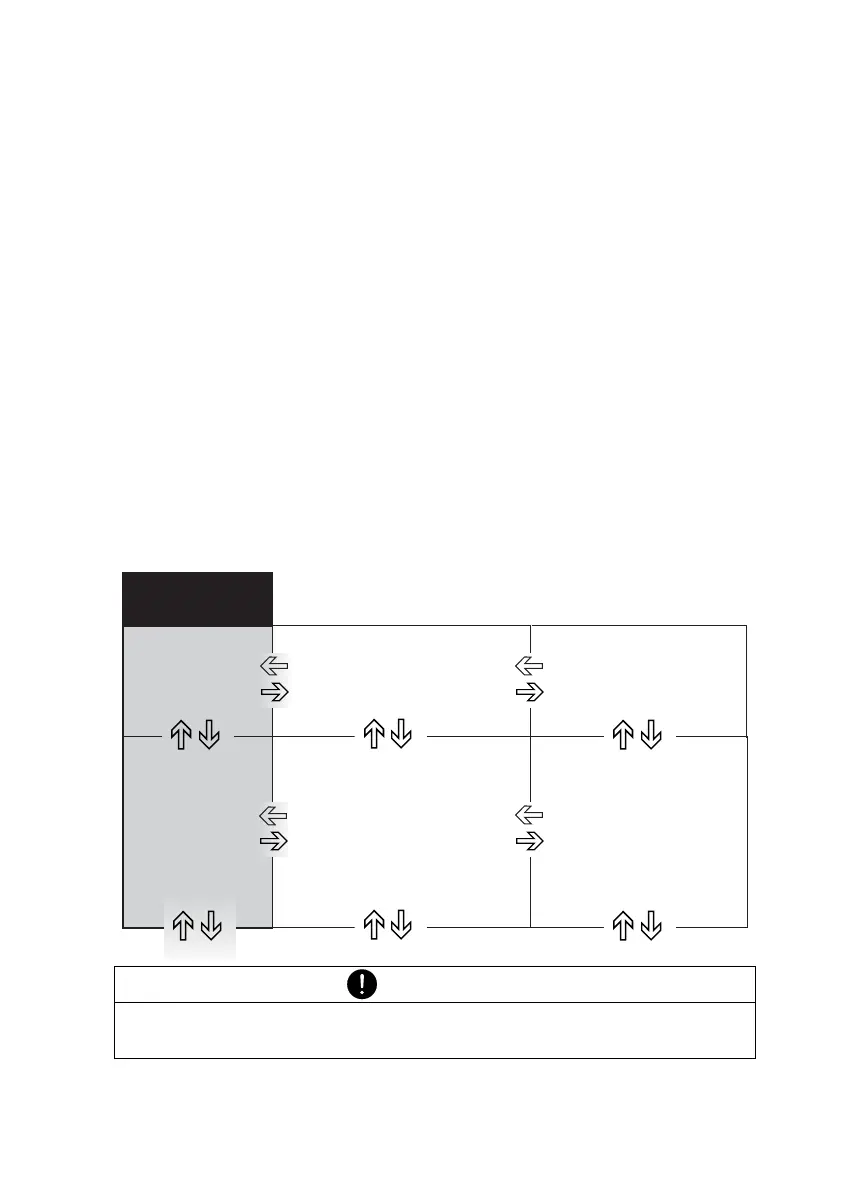
The configuration menu and the application menu each have a main
path and up to two sub-paths in which the parameters for the different
functions of the instrument are defined.
Use the cursor keys «A», «B», «
C» and «D» to move within the
paths.
NOTE
The geometry of the menu tree diagram corresponds to the path
configurations of the two main menus.



 To Next Page