■ 5 Operation
34
"+", "–" and "
II" are active in the display.
If "
II" lights up, this indicates that the measurement lies within the
defined tolerances, and the drying process can commence. If the
sample weight lies outside the starting weight tolerance, the drying
process cannot be activated. In this case the starting weight
tolerances are displayed on the screen as an error message.
5.4.4 Units
The unit of the measurement results printed in the report can be
selected in the "UNIT" menu option. The defined unit is also used to
print out interim values. The unit of measurement for the printout can
only be changed before, and not during, a measurement.
The unit selected is also used as the display unit, although it can also
be adjusted during and after the measurement (see chapter 5.5.3
"The change key").
Description/calculation of the units
Explanation of the variables used
– MW: Moist weight (weight value at the start of the measurement)
– DW: Dry weight (weight value at the end of the measurement)
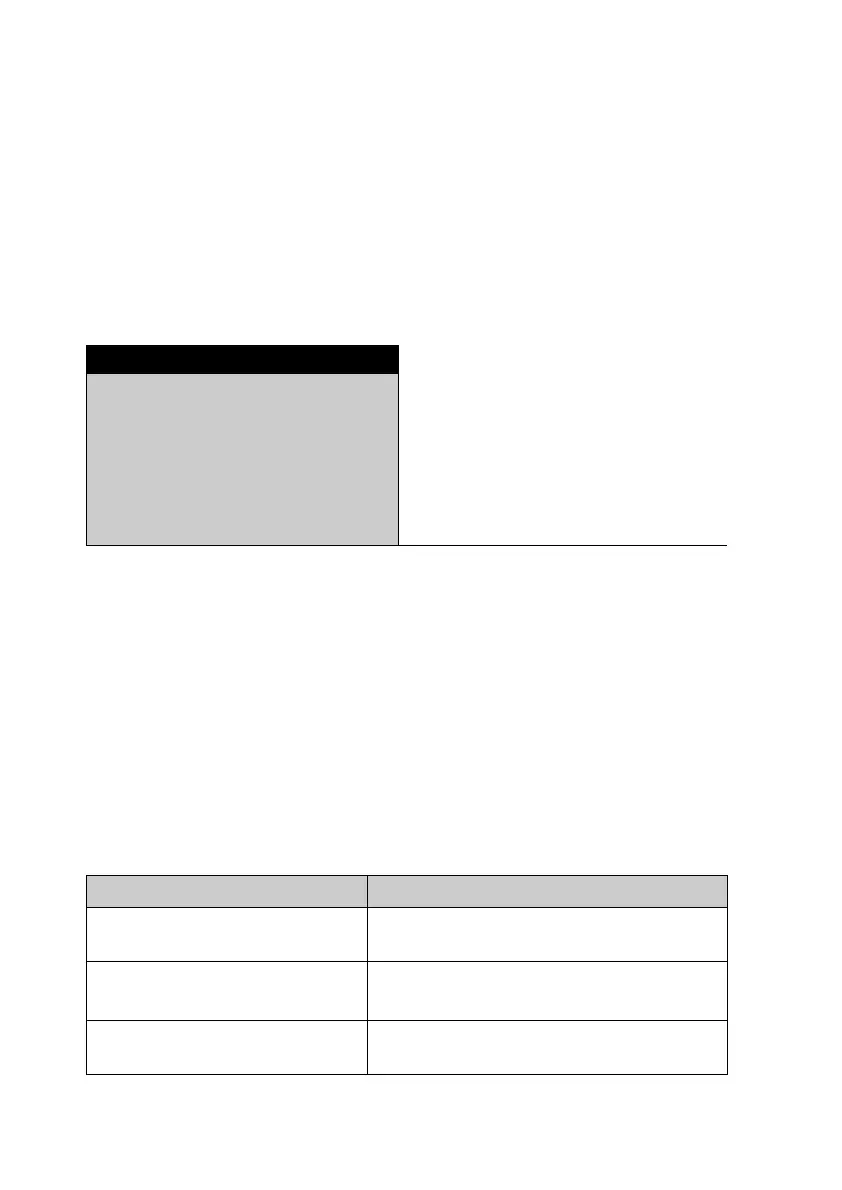
• UNIT
UNIT 100-0%
0-100%
ATRO 100-999%
ATRO 0-999%
G/KG
RESIDUAL WEIGHT
WEIGHT LOSS
Unit Calculation
Dry mass in percent:
Moisture in percent:
ATRO dry mass:
100 - 0%
DW
MW
-----------
100%=
0 - 100%
MW DW–
MW
--------------------------- -
100%–=
ATRO 100 - 999%
MW
DW
-----------
100%=



 To Next Page