■ 5 Operation
22
In program operation mode, the key symbols highlighted in blue apply
on the control panel.
The instrument can also be operated by remote control. For details of
the remote control commands, see chapter 7.2 "Remote control
commands".
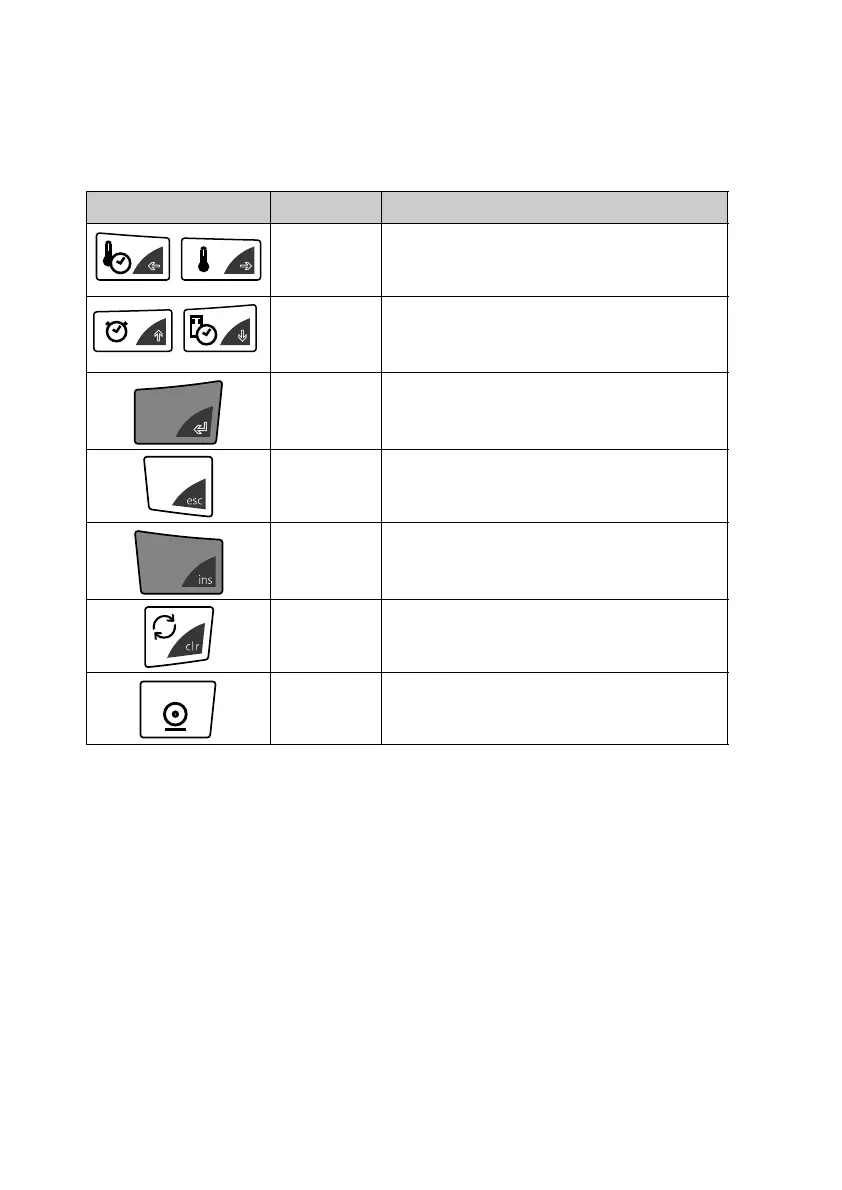
Key(s) Designation Function in weighing mode
«A», «B»
• Changes from the main menu path
to the sub-paths and vice versa.
«
C», «D»
• Moving up/down within the main
path or sub-paths.
• Changing selected parameters
«
E»
• Selecting parameters
• Saving the changed parameters
«esc»
• Cancelling an entry
• Exiting the menu
«ins» • Setting a space (in text entries)
«clr» • Clearing an entry (in text entries)
«PRINT»
• Entering a decimal point (in text
entries)



 To Next Page