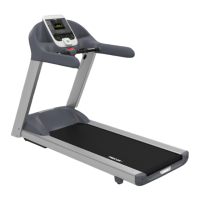
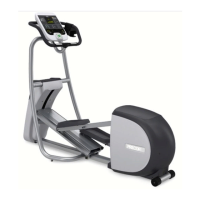
Use the following flowchart to navigate through the menu settings
on climbers.
Treadmill: Selecting Safety Code
Protection
When the equipment is shipped from the factory, the safety code
protection feature is disabled. If you enable the safety code, your
patrons will need to enter four number keys in sequence to begin
their exercise session and, on the treadmill, start the running belt. If
the correct keys are not pressed within two minutes, further access
is denied. For more information, refer to
1. At the
Entering the Safety Code.
SAFETY CODE
Setting
prompt, press OK. Use the navigational
arrow keys to alternate between the two selections.
Description
Causes the safety code prompt to appear prior to a
workout and when returning from pause mode.
ENABLED
Does not require a safety code to operate.
DISABLED
CAUTION: Do not assume the equipment is safe because of
safety code protection. Never leave children unsupervised
around the equipment.
2. When you are ready, press OK to accept the displayed setting
and move to the next feature. For further options, refer to
the table in Accessing Club Programming Mode and Changing
the Settings
.


 To Next Page