12
2 Standard Controller Mode
2.8 Screen Controls
ATOM SQ
Owner’s Manual
2.8.3 Editor Modes
Press the Editor button to access the Control Editor. This Control Editor lets you
customize the messages sent from the different controllers on your ATOM SQ. Move
a knob, press a button, touch the Touch Strip, or press a pad to edit the controller.
To change the assignment of the Touch Strip from the Control Editor, you must first
put it in CC mode. This can be done from the User menu. See Section 2.1 for details.
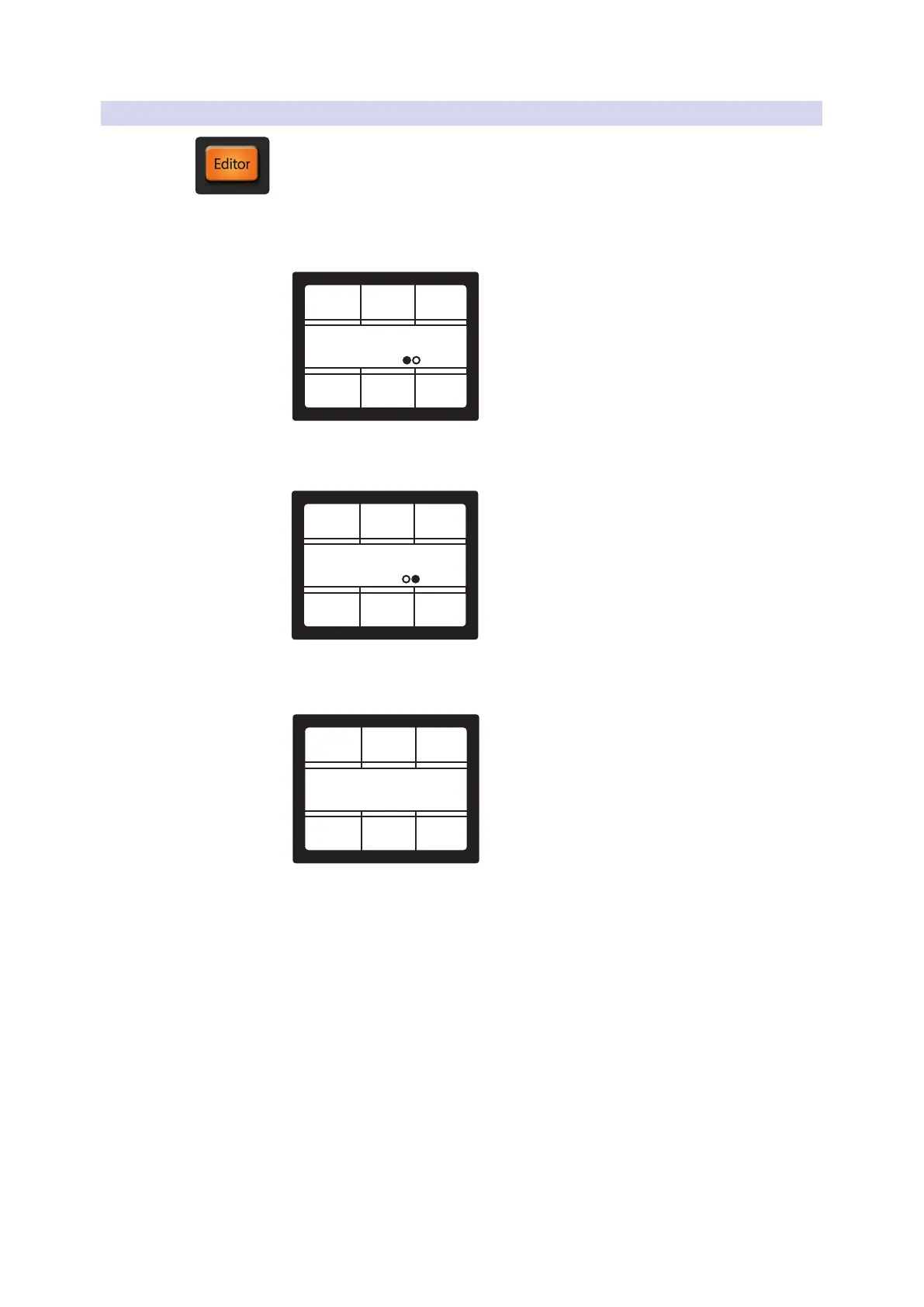
Knob 1-8, A-H buttons, or Touch Strip Editor, page 1
Control Editor
Store to Preset Reset
CC Channel
1
Control
25
Current 1
Note: Channel is not available when the touch strip is selected.
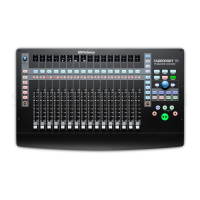
Knob 1-8, or Touch Strip Editor, page 2
Control Editor
Store to Preset Reset
Min Max
1271
ControlCurrent 1
Note: Min and Max are not available when one of the A-H buttons is selected.
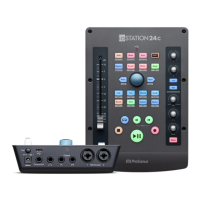
Pad Editor
Control Editor
Store to Preset Reset
Channel
1
ControlCurrent 1



 To Next Page