3.4 Wireless Control Setup
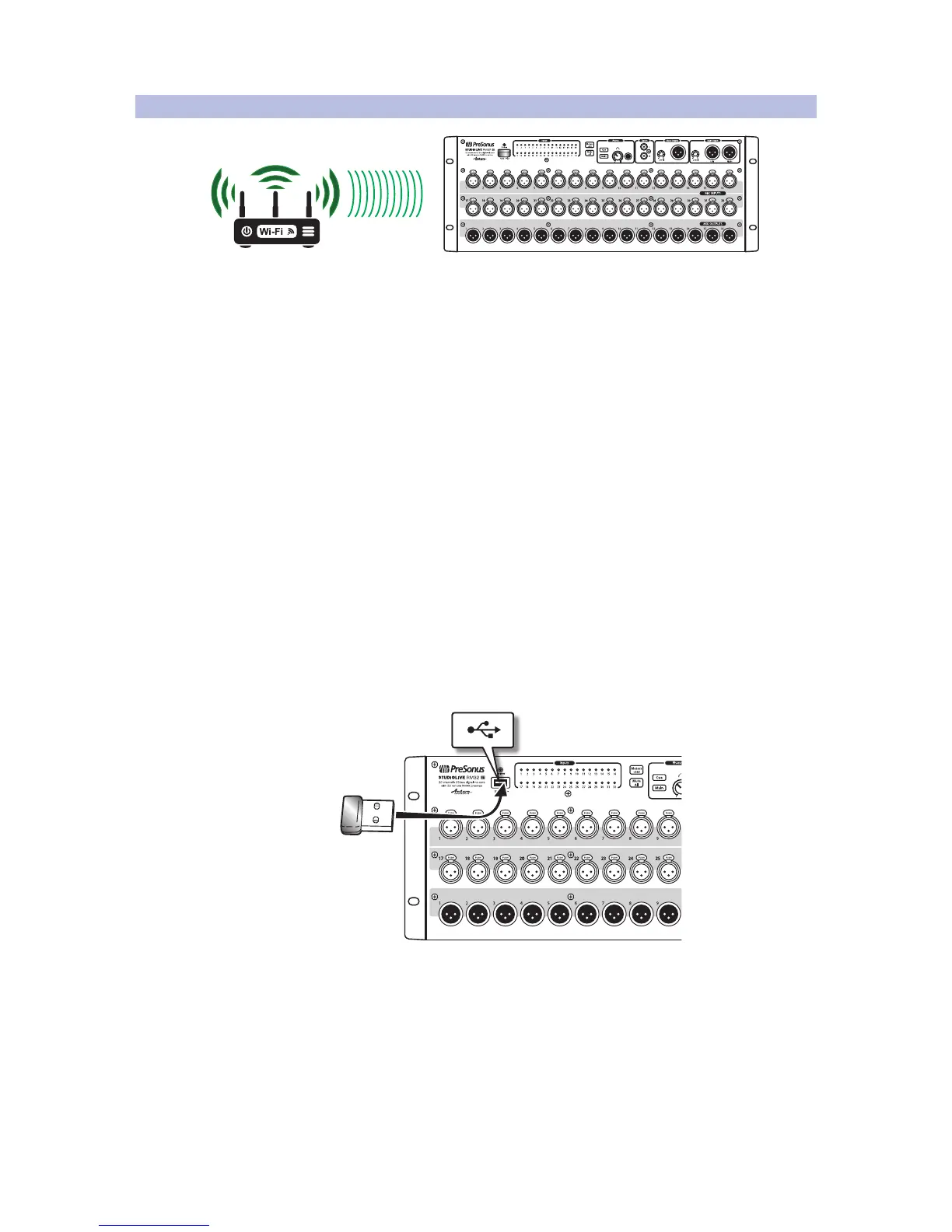
A standard wireless Ethernet router can be used to make a wireless
connection from the router to the RM-series mixer.
Wireless Connection from Router to StudioLive RM Mixer
By default, StudioLive RM-series mixers are configured to automatically connect
to a wireless network using the following network name and password:
• Wireless network name: StudioLive
• Wireless network password: StudioLive
Note: While you may wish to use the default values for testing a new RM-series mixer,
to maintain basic security, we strongly urge configuring different network settings.
To control a StudioLive RM mixer wirelessly over an existing or new network,
first make a wired connection between the RM mixer and the wireless router
and perform the necessary setup. Once setup is complete, the wired connection
is no longer necessary, and the RM mixer can be controlled wirelessly.
If you have no network called “StudioLive” and would like to
connect instead to another existing or new network:
1. Make a wired network connection to the RM mixer, as
described in 3.3 Wired Ethernet Control Setup.
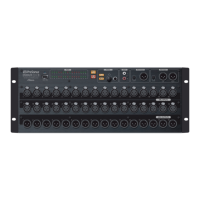
2. With the RM-series mixer powered off, insert the included USB Wi-Fi
adapter in the USB slot on the front panel of the RM-series mixer. StudioLive
RM-series mixers do not support hot-swapping the Wi-Fi LAN adapter.











 To Next Page