What is not in the box:
• This manual.
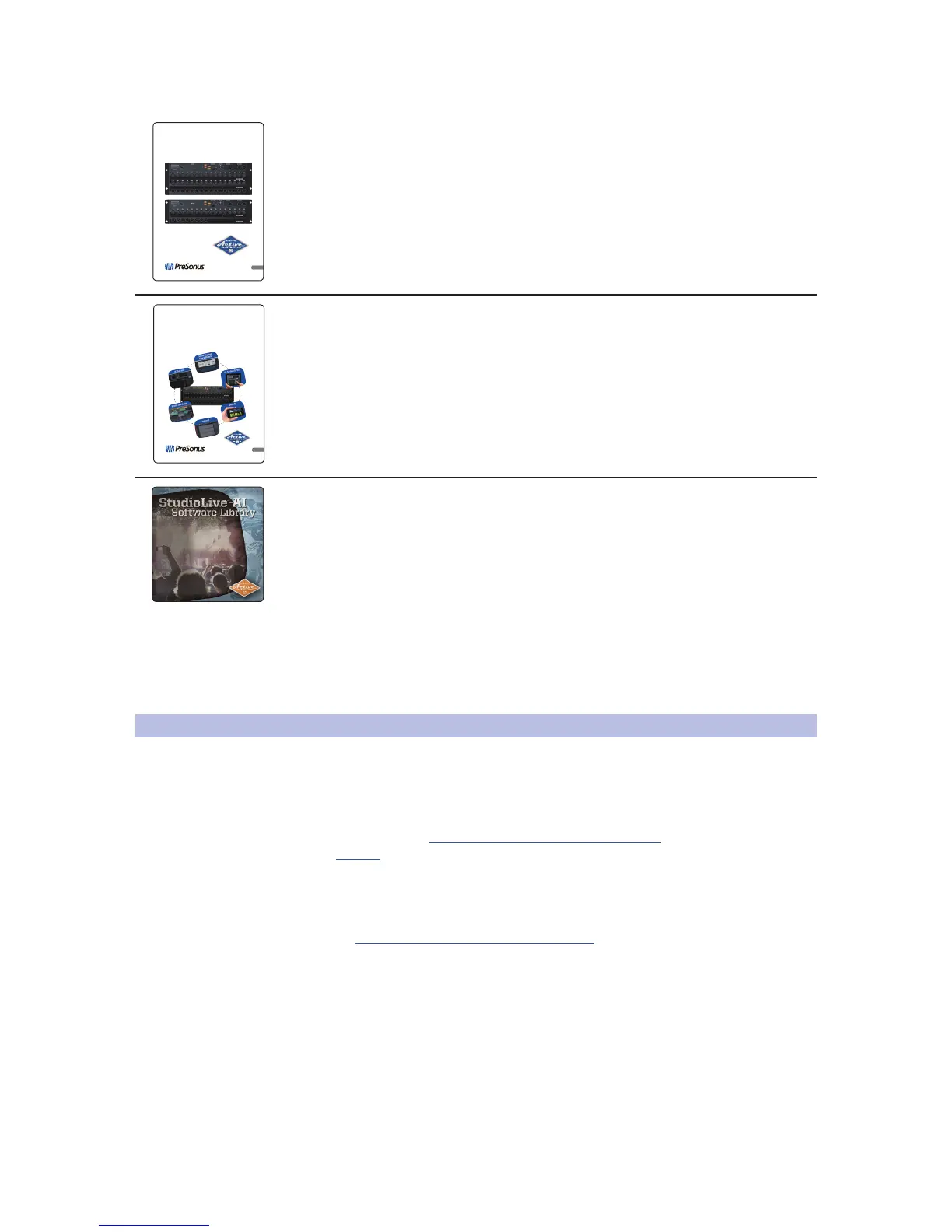
• StudioLive AI Software Library Manual
• StudioLive AI Software Library
Once you’ve registered your mixer, you can download UC Surface,
Capture, and Studio One Artist from your My PreSonus account.
Download UC Surface for iPad and QMix-AI for iPhone/
iPod touch from the Apple App Store.
For more details, see the StudioLive AI Software Library Reference Manual.
1.4 What You Will Need
The following items are not included with your RM-series mixer and
are needed to complete its setup, updating, and operation.
• Mixer connected to a network with Internet access or a USB flash drive with
at least 8 GB capacity (SanDisk brand recommended) for firmware updates.
• Wireless router. Click here for information on wireless
routers we know work well with RM-series mixers.
• Control device running UC Surface. This could be a Mac or Windows
computer or an iPad and must be connected, either wired or
wirelessly, to a network router that is connected to the mixer.
• An Apple Thunderbolt to FireWire adapter is needed for Apple computers
shipped since late 2012 that have Thunderbolt ports but not 1394 FireWire ports.











 To Next Page