4.2 Connecting Microphones
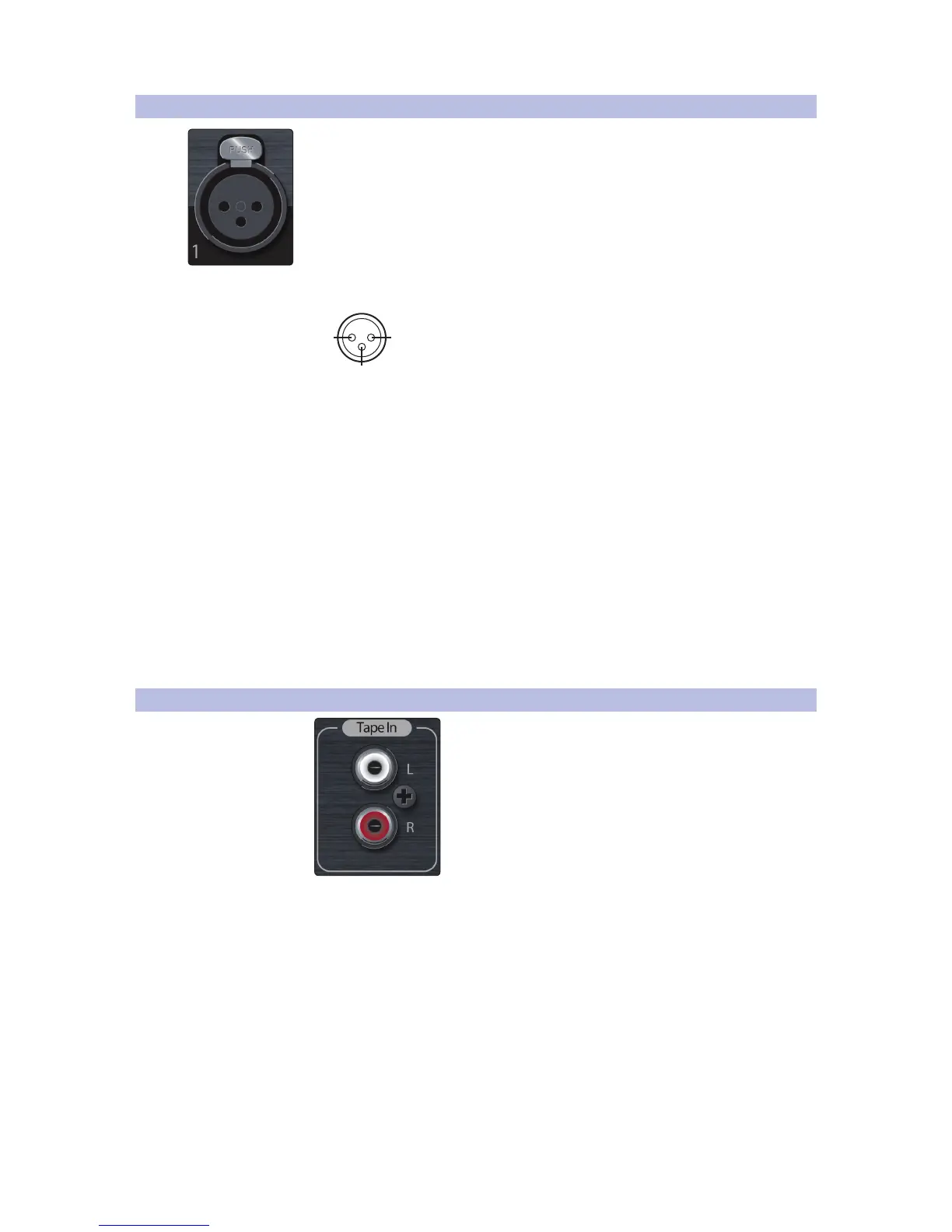
Your StudioLive RM-series mixer is equipped with 32/16 recallable PreSonus XMAX
microphone preamplifiers for use with all types of microphones. The XMAX
preamplifier has a Class A input buffer allowing you to boost signals without
increasing unwanted background noise.
The microphone inputs are wired as follows:
12
3
Ground
[-]
[+]
Pin 1 = GND Pin 2 = Signal+ Pin 3 = Signal–
The +48V phantom power can be individually enabled for each mic input in UC
Surface software, and the Meters/+48V button on the front panel makes the meters
indicate channels with phantom power enabled. Always be sure that phantom
power is disabled for an input before plugging or unplugging a microphone.
For more information on enabling and disabling phantom
power for inputs in UC Surface, see Chapter 4.4, “Channel
Settings,” in the StudioLive AI Software Library Manual.
Power User Tip: Phantom power is a system for powering condenser microphones, DI
boxes, and other devices by supplying a DC voltage over a mic cable. StudioLive RM
mixers supply +48V, which is the most commonly used phantom power voltage.
To switch the meters to indicate channels with phantom power enabled,
press the Meters/+48V button on the front panel. The button illuminates to
show that the meters are displaying channels with phantom power on.
4.3 Connecting a Stereo Playback Device
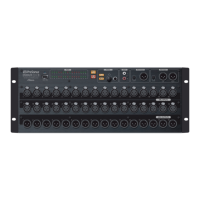
The Tape In connections on the front panel are RCA jacks that accept consumer
line-level signals (-10 dBV nominal). These inputs can be used for playback from
CD players, MP3 players, and other consumer devices. In UC Surface, these
inputs show up as a stereo tape return channel strip. For more information,
see Chapter 4, “UC Surface,” in the StudioLive-AI Software Library Manual.











 To Next Page