2.1 System Setup Overview
It only takes a few steps to get your StudioLive RM-series mixer up and running:
• Register your StudioLive RM-series mixer in your My PreSonus account.
• Download the StudioLive AI Software Library.**
• Install the software.**
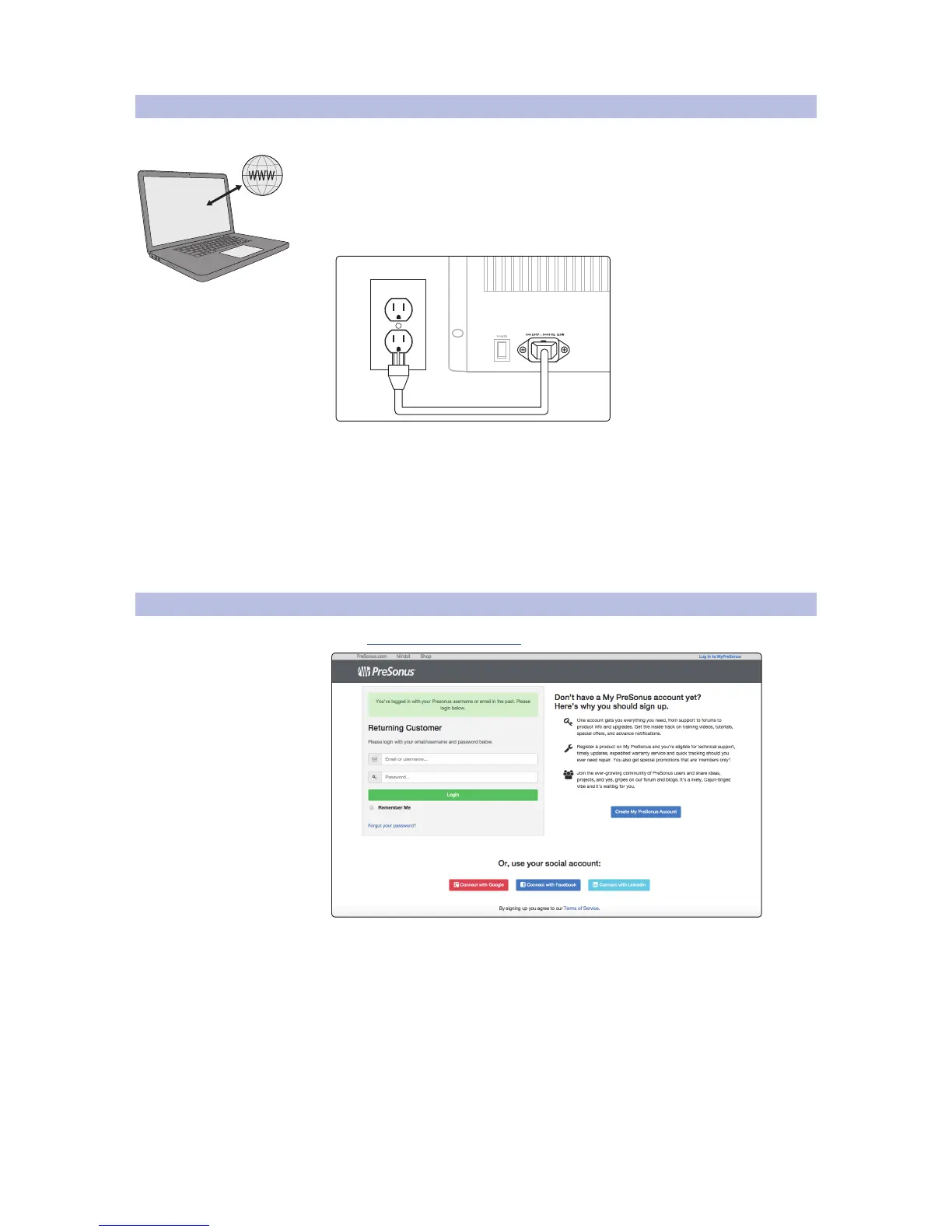
• Connect the RM-series mixer to AC power using the included IEC power cord.
• Connect the RM-series mixer to your computer and configure
the system (see 3.2 Networking Overview).
• Check that your RM-series mixer has the latest firmware.
• Connect your audio equipment to the RM-series mixer.
• Run the software and follow your bliss.**
**For detailed information on this step, see the
StudioLive AI Software Library Manual.
2.2 Registering Your StudioLive RM-series Mixer
1. Go to https://my.presonus.com











 To Next Page