3535
Owner’s Manual
Quick Start:
Level
Setting
OverviewHookupConnecting
to a
Computer
TutorialsTechnical
Information
Trouble-
shooting
and Warranty
Scenes, Presets, System Menu,
and MIDI Control
Software: Universal Control,
SL Remote, Capture,
and Studio One Artist
Controls 4
Controls
35
Metering 4.2
4.2 Metering
Th
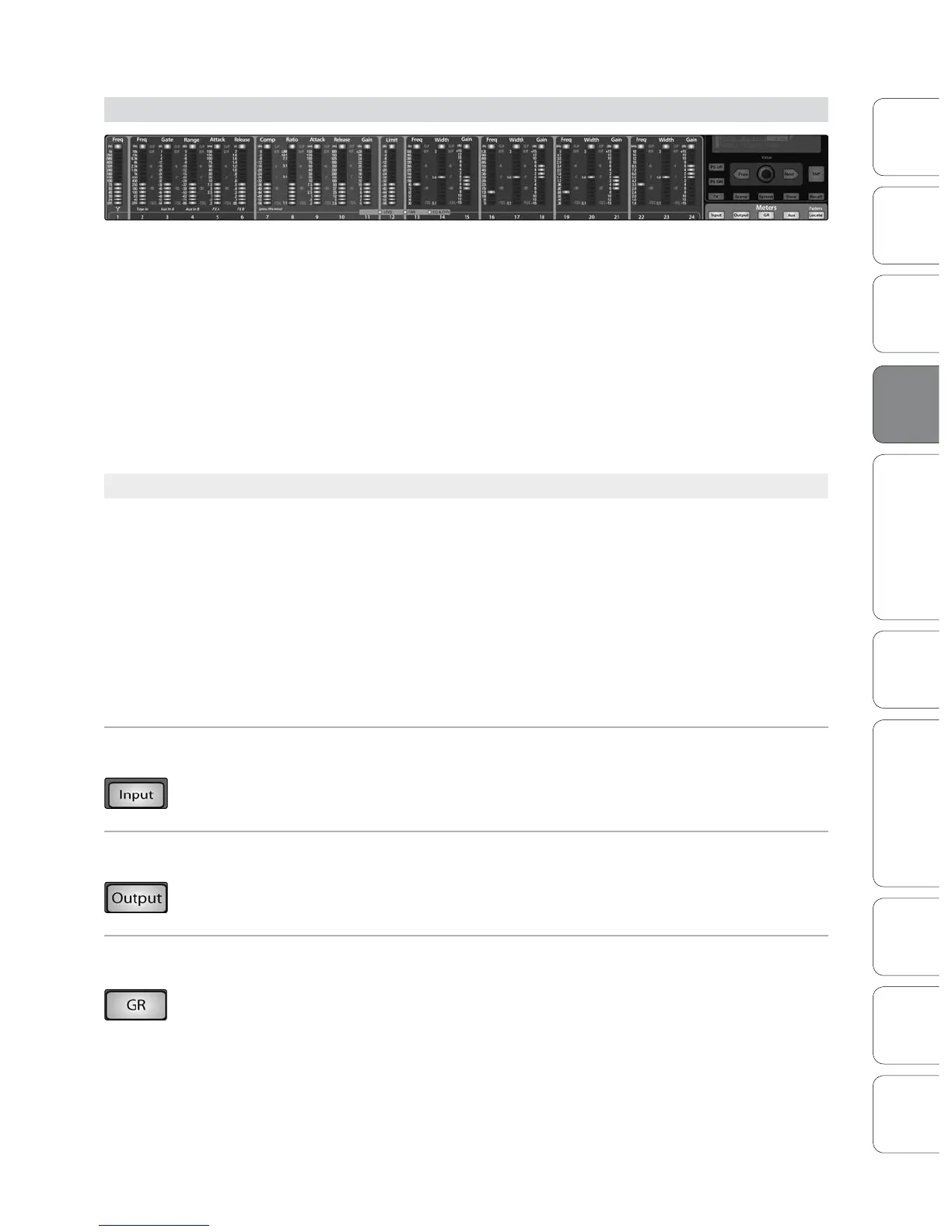
The StudioLive oers exible metering at the touch of a button. The 24 meters in the
Fat Channel section can monitor:
• All 24 inputs, post-gain and pre-dynamics, pre-EQ, and pre-fader
• All 24 inputs, post-dynamics, post-EQ, and post-fader
• The gain reduction for all 24 inputs
• The output volume of each of the 10 aux sends
• The output volume of both of the internal eects buses
Finally, the meters can be used to recall the fader settings for a saved Scene.
4.2.1 StudioLive Metering Controls
The Meters section of the StudioLive is located below the System section. Each of
these buttons are toggle switches; you turn them on and o by pressing them. The
meter state can also be changed by pressing another button in the Meter section, or
any Select button on the StudioLive, or a Mix or Mix/Pan button in the Aux section.
Power User Tip: It is important to mention that the meters simply overlay the selected Fat Channel
state. For instance, if you have Channel 16 selected and then press the Output button in the Meter
section, the knobs and buttons in the Fat Channel section will still be active, and any changes
made will be applied, but the changes will not be displayed in the Meter section. The advantage
of this is that you can make adjustments in the Fat Channel, press a Meter button, and monitor
your entire mix, then press the same button to return to setting up your Fat Channel selection.
Input Metering Button Turns PFL Input Metering On and Off
Switches the meters to display the pre-dynamics, pre-fader level of the input bus.
Meters are one to one (Meter 1 shows the level of Channel 1, etc.).
Output Metering Button Turns Post-Fader Output Metering On and Off.
Switches the meters to display the post-dynamics, post-fader level of the Input bus.
Meters are one to one (Meter 1 shows the level of Channel 1, etc.).
Gain Reduction Metering
Button
Turns Gain Reduction Metering On and Off.
Displays the gain reduction of the input bus. Meters have a one-to-one relationship
with channels (that is, Meter 1 shows the gain reduction of Channel 1 and so on).













 To Next Page