7979
Owner’s Manual
Quick Start:
Level
Setting
OverviewHookupControlsConnecting
to a
Computer
TutorialsTechnical
Information
Trouble-
shooting
and Warranty
Scenes, Presets, System Menu,
and MIDI Control
Software: Universal Control, SL Remote, Capture, and Studio One Artist 7
Software: Universal Control,
SL Remote, Capture,
and Studio One Artist
Virtual StudioLive 7.2
7.2.2 VSL: Overview Tab
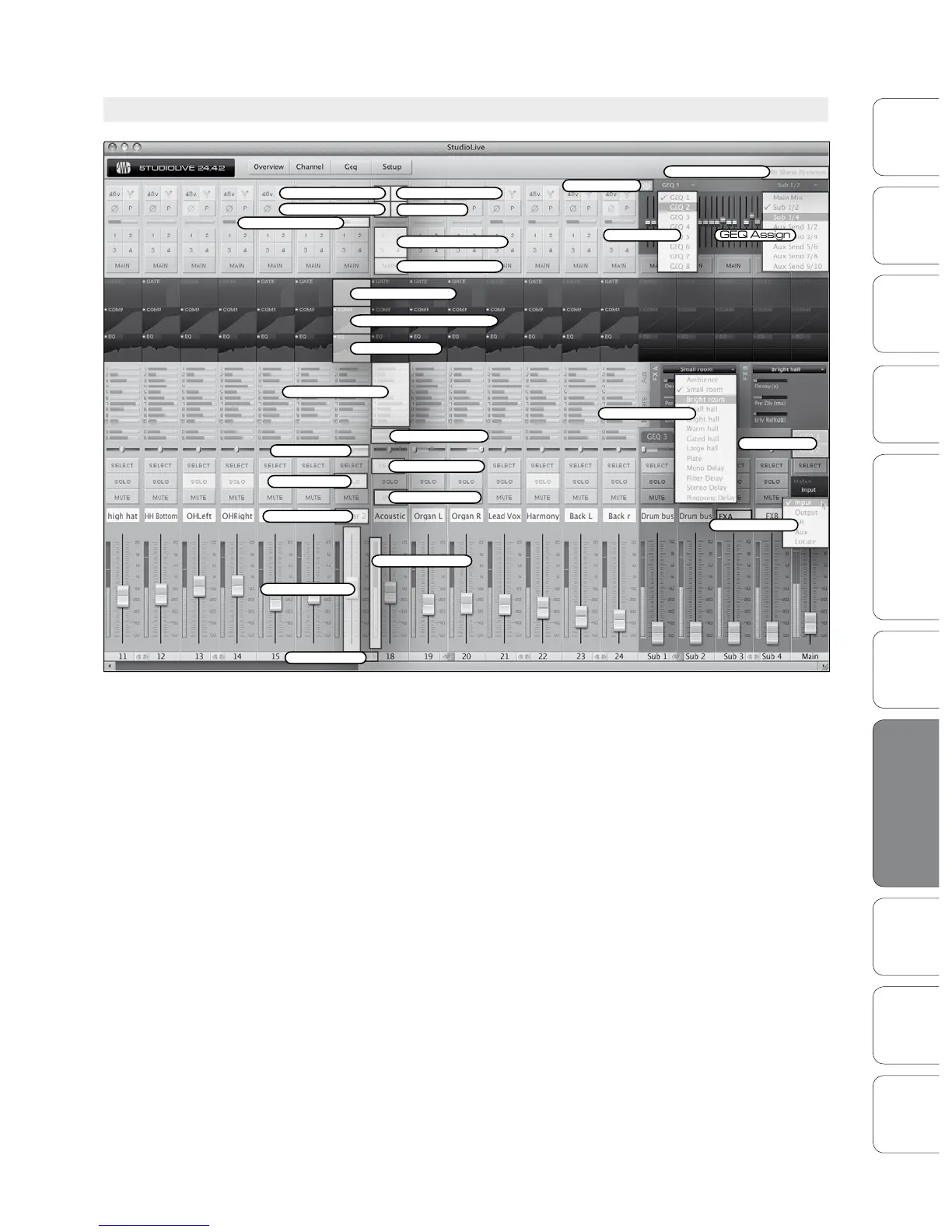
At the top of the VSL window, you will see four tabs: Overview,
Channel, GEQ, and Setup. The Overview tab provides you with a
complete graphical representation of your StudioLive. As you adjust
parameters on the StudioLive, you will notice that the VSL overview
is also updated. If you use your mouse to adjust a parameter in VSL,
the StudioLive will be updated remotely. It is important to remember
that every button, knob, slider, and fader on the VSL corresponds
directly to a button, knob, slider, or fader on your StudioLive.
The graphic above identies each controller labeled with its
corresponding control on the StudioLive and can be used as a
map to quickly learn how to navigate the Overview tab.













 To Next Page