4646
PreSonus StudioLive
™
24.4.2
Quick Start:
Level
Setting
Overview Hookup Connecting
to a
Computer
Tutorials Technical
Information
Trouble-
shooting
and Warranty
Scenes, Presets, System Menu,
and MIDI Control
Software: Universal Control,
SL Remote, Capture,
and Studio One Artist
4 Controls
Controls
46
4.7.4 Solo Bus
The StudioLive features a Solo bus for exible monitoring. In this way, you can
ne-tune a vocal compressor in your control-room monitors or headphones
while the rest of the band is warming up or audition an aux mix for more accurate
adjustments. For more information on using the Solo bus, please review Section 8.8.
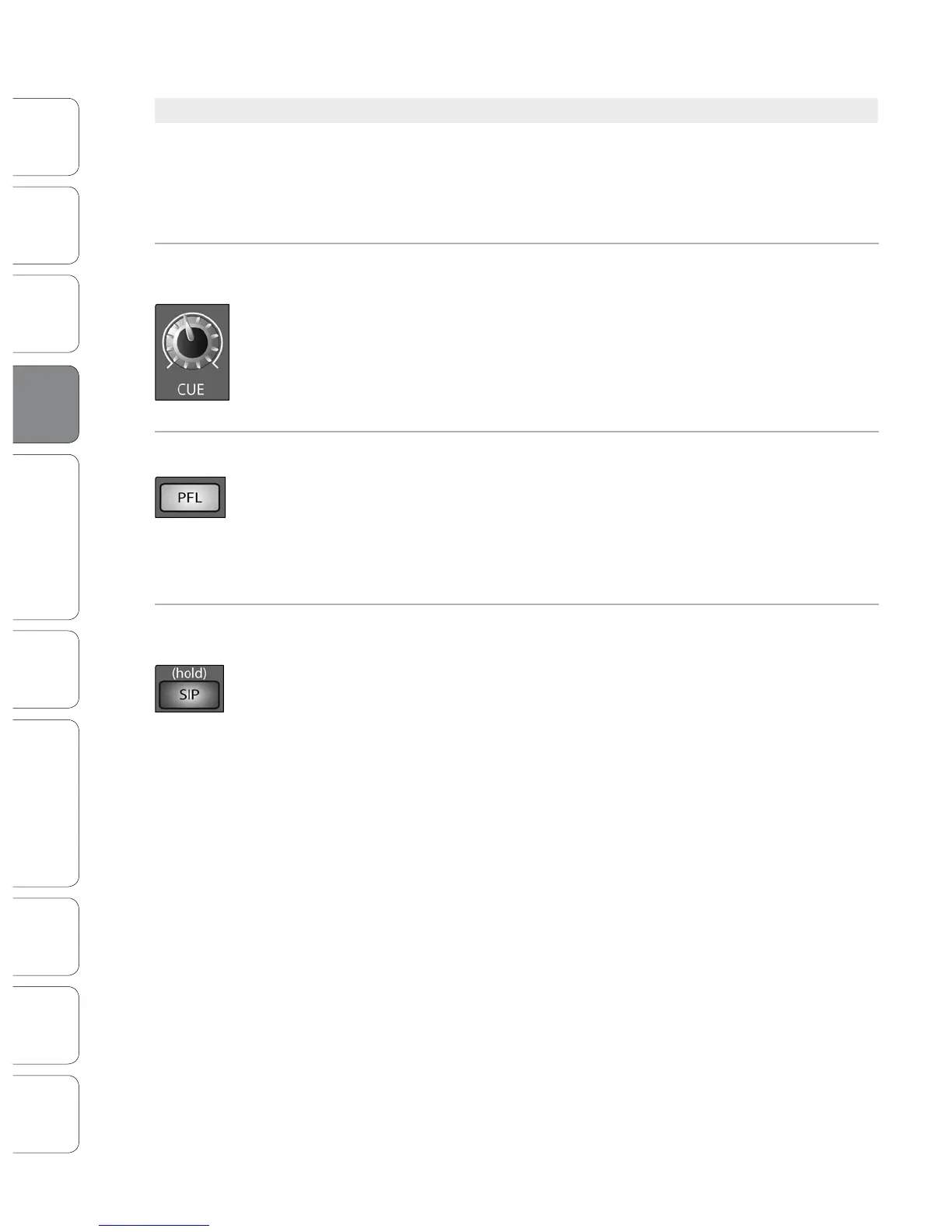
Cue Mix Volume
Control
Adjusts the Overall Volume of the Solo Bus.
This knob adjusts the overall level for the Solo bus.
PFL/AFL Toggle Button Enables PFL Solo Mode.
The default setting for the Solo bus is After-Fader Listen (AFL); by pressing PFL,
Pre-Fader Listening is enabled. In either mode, pressing Solo on any channel or bus
routes that channel to the Solo bus and has no eect on the main or subgroup mixes.
PFL soloing is not available for the Subgroups. The Aux bus soloing is always PFL,
regardless of whether this mode is engaged.
SIP (Solo In Place)
On/O Button
Enables Solo In Place Mode.
SIP (Solo In Place), or “destructive soloing,” mutes every unsoloed channel on the
StudioLive. If one of the muted channels is routed to the mains or a subgroup, it will
be muted in those outputs. This also applies to soloed channels: The output routing
is still active. Note that while you can manually unmute a channel, this mode should
be used with extreme caution during a live performance. Only the input channels
can be placed into destructive soloing. The Subgroups and Aux buses are omitted
from SIP mode.
To enable SIP, press and hold the button until it illuminates red. This ensures
that you cannot enter into destructive Solo mode by accident.
Power User Tip: When SIP is engaged, channel mutes will only apply to the Subgroup and Main
assignments. SIP does not mute input channels in Aux Send mixes. Because of this, you can use SIP
to dial in a mix in the Mains, without disturbing the musicians’ last-minute rehearsal on stage.
4.7 Master Section













 To Next Page