6565
Owner’s Manual
Quick Start:
Level
Setting
OverviewHookupControlsTutorialsTechnical
Information
Trouble-
shooting
and Warranty
Scenes, Presets, System Menu,
and MIDI Control
Software: Universal Control,
SL Remote, Capture,
and Studio One Artist
Connecting to a Computer 6
Connecting
to a
Computer
Using the StudioLive as an Audio Interface 6.4
Cakewalk Sonar 6+
1. Launch Sonar.
2. Go to Options | Audio... and click on the Advanced tab.
3. Change the Driver Mode to “ASIO.”
4. Click the “OK” button.
5. Restart Sonar.
6. Go to Options | Audio... and click on the Drivers tab.
7. Highlight all input and output drivers beginning with “PreSonus FireStudio.”
8. Go to Options | Audio... and click on the General tab.
9. Set the Playback Timing Master to “PreSonus FireStudio ... DAW Out 1.”
10. Set the Recording Timing Master to “PreSonus FireStudio ... Mic/Inst 1.”
Ableton Live 5+
1. Launch Ableton Live
2. Go to Options | Preferences | Audio
3. Choose Driver Type: Asio | Audio Device: ASIO PreSonus FireStudio
4. Go to Input Cong : Enable and select the desired Input channels.
5. Go to Output Cong : Enable and select the desired Output channels.
6. You may now select the StudioLive’s inputs and
outputs for each track created in Live.
6.4.2 FireWire Sends and Returns
When using the StudioLive as an audio interface, it is important to understand
the terms “FireWire send” and “FireWire return.” Because the audio interface in
the StudioLive is completely integrated with the other functions of the mixer, the
FireWire I/O is designed to work as an independent bus. You can route (send) signals
from other buses to the FireWire bus, and its output (return) signal is hard-coded to
designated mixer channels. Your StudioLive has 32 available sends and 26 returns.
FireWire sends 1 through 24 are hard-coded to be sent pre-fader from the 24 input
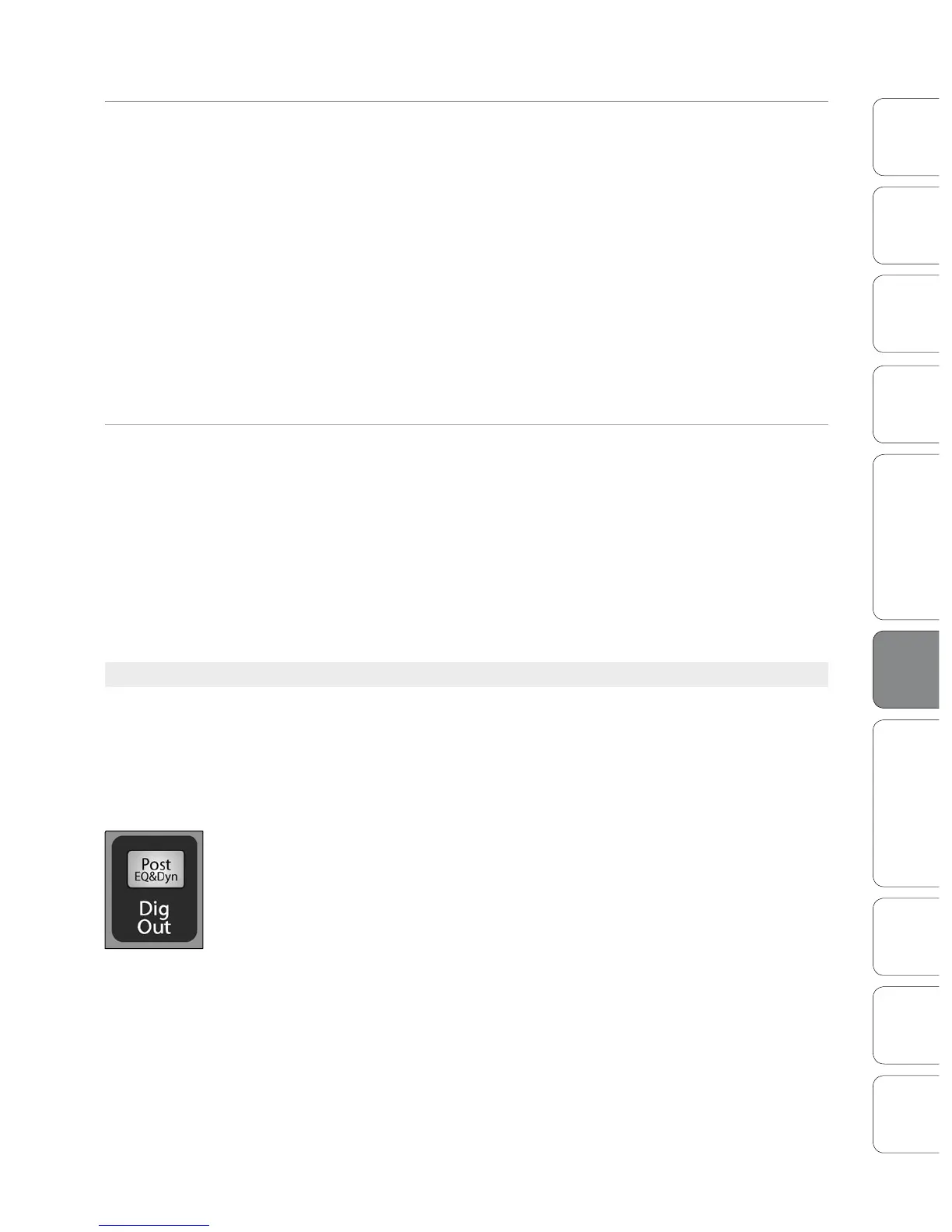
channels of the StudioLive. These sends can be pre- or post-Fat Channel EQ and
dynamics. To record the EQ and dynamics processing on any channel, simply enable
the Dig Out button. It will illuminate, indicating that the Fat Channel signal path is
being routed to the FireWire send. If this mode is not enabled, the signal sent via
FireWire will be post-trim and post-analog insert (if applicable). As discussed in
Section 4.5.1, the Dig Out button is not operable for the subgroups, main outputs,
aux bus, internal FX returns, and aux inputs. The subgroups, main outputs, and aux
inputs are also sent post-fader to their FireWire sends.













 To Next Page