9
• Skip steps 1 through 11 below and follow the
instructions in steps 12 through 17.
If Your CS18AI is Not Connected to the Internet
If your CS18AI is not connected directly to the Internet, follow
all of the instructions below to download the firmware files to a
USB flash (“thumb”) drive and install them from there.
We strongly recommend SanDisk-brand flash drives for firmware
updates. If you have compatibility problems with a SanDisk Cruzer-
series flash drive, please read this Knowledge Base article.
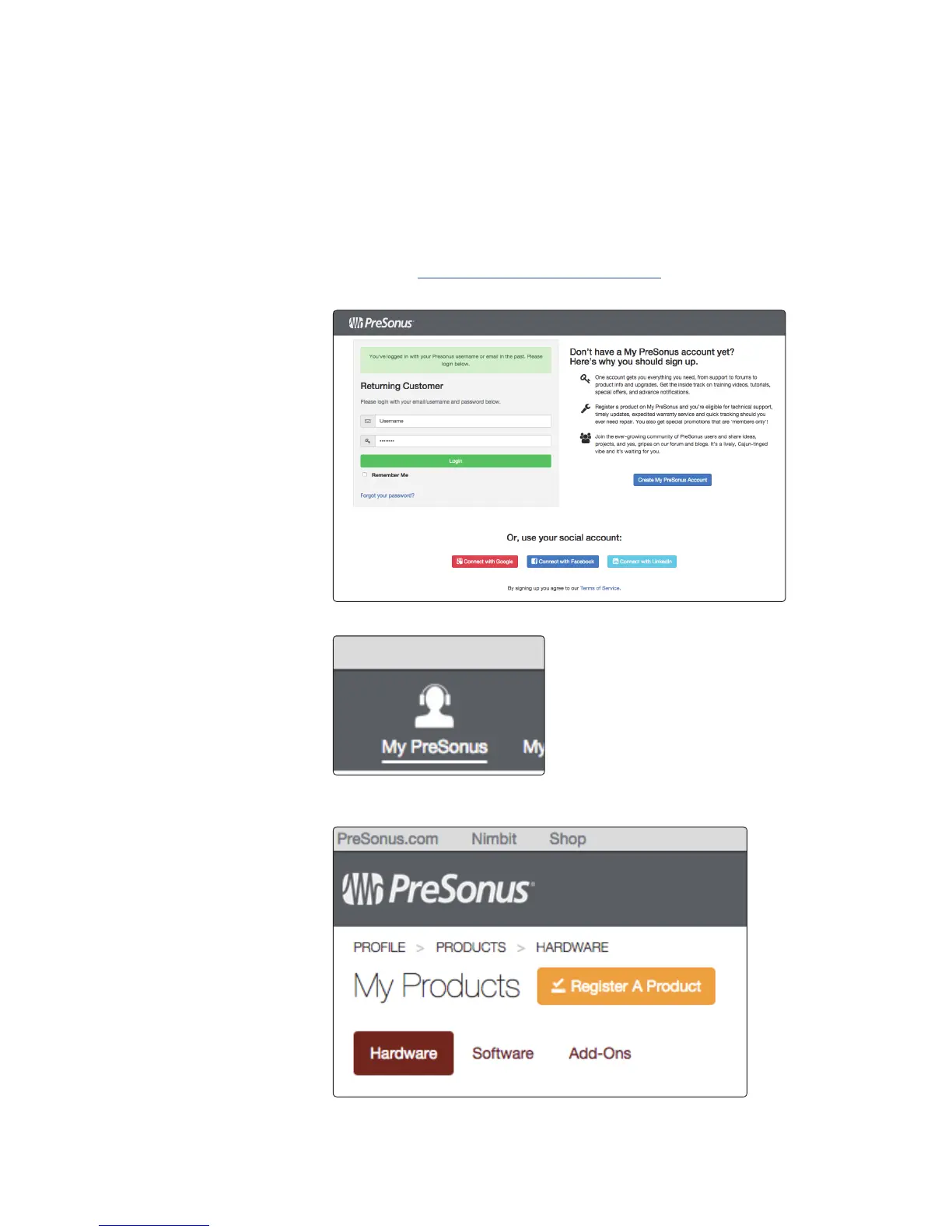
1. Log in to your my.presonus.com account.
2. Once you have logged in, click the My Products button at the top of the page.
3. If the Hardware button on the My Products page is not highlighted,
click the button to select the Hardware section.











 To Next Page