11
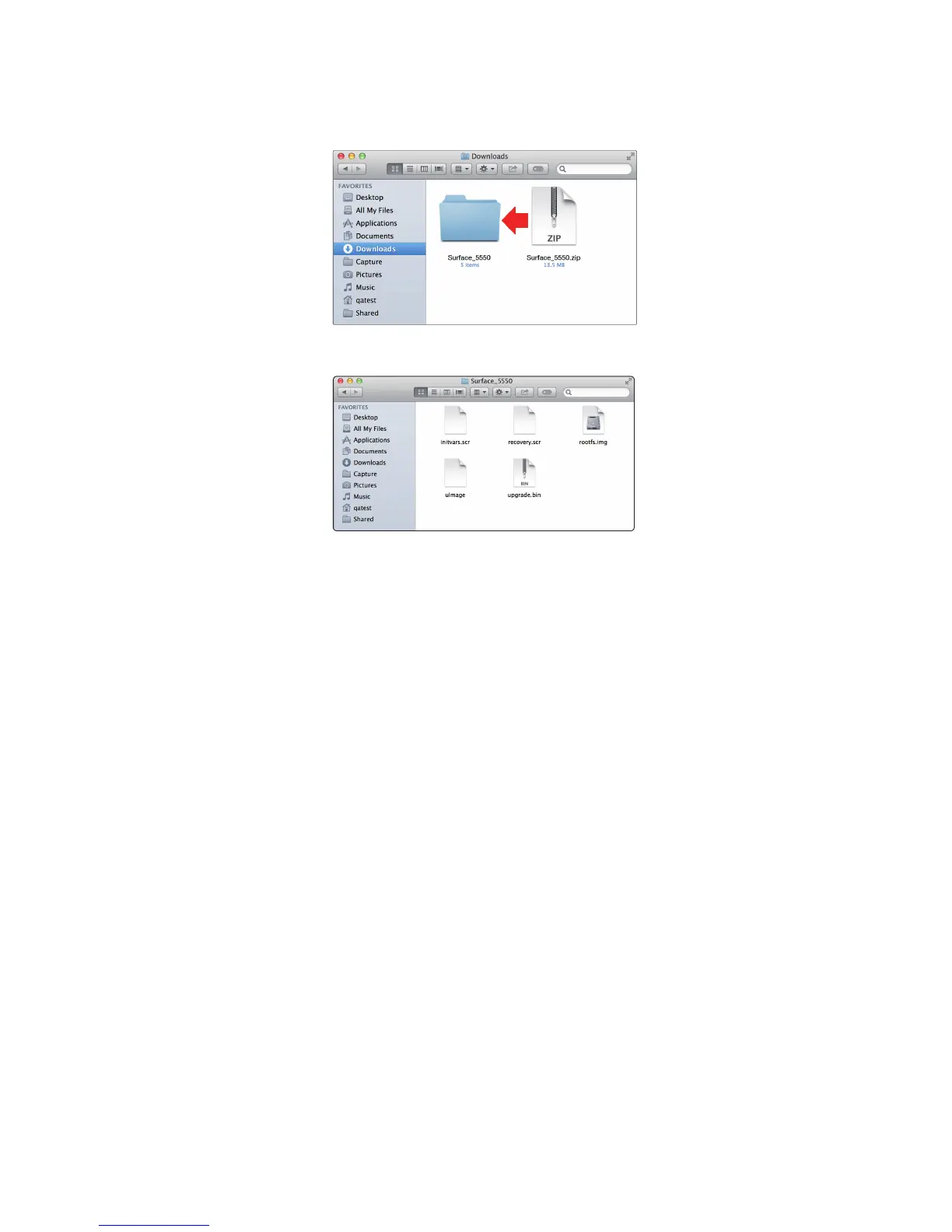
8. Depending on your computer’s system preferences, the
firmware .zip archive file might not automatically decompress.
If it doesn’t, double-click the file, and it will decompress.
9. Open the firmware folder; you will find five files inside. You
will need all five files to upgrade your controller.
- Initvars.scr
- Recovery.scr
- Rootfs.img
- uImage
- upgrade.bin
10. Connect a FAT32-formatted USB thumb drive to your computer.
Power User Tip: Most small USB drives (16 GB or less) should be formatted correctly,
but if your controller does not detect your thumb drive at first, we suggest reformatting
it, even if it’s already formatted as FAT32. On Windows, be sure to do a “Full” format
as opposed to a “Quick” format. On Macs, the choice will be listed as MS-DOS (FAT).
Please refer to the list of suggested drives that can be found on our Knowledge Base.











 To Next Page