5 Controlling StudioLive RM-series Mixers with the CS18AI
5.3 Processing Signals with the Fat Channel
32
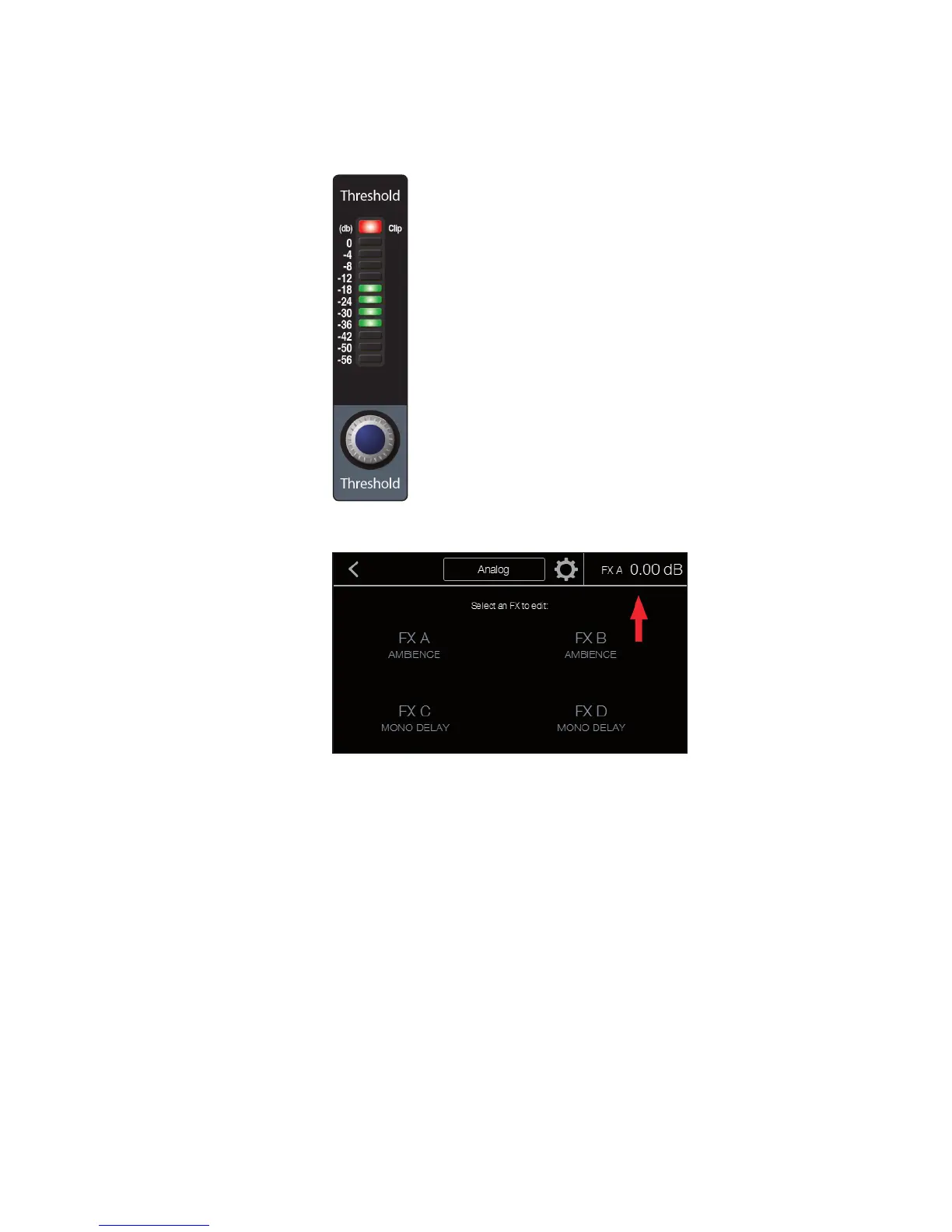
When editing Fat Channel settings with these controls,
the settings values are displayed in two ways:
• In the default meter mode (all meter mode buttons off), the meter
above each control indicates the value of the control.
• When a control is adjusted, the exact value is displayed
in the upper right corner of the touchscreen.
In addition to the Fat Channel controls, the Gate, Compressor,
and Equalizer areas each have pages in the touchscreen that offer
some additional, more detailed settings. Pressing the Edit button
in each of these sections will open the associated screen.











 To Next Page