5 Controlling StudioLive RM-series Mixers with the CS18AI
5.3 Processing Signals with the Fat Channel
33
Input
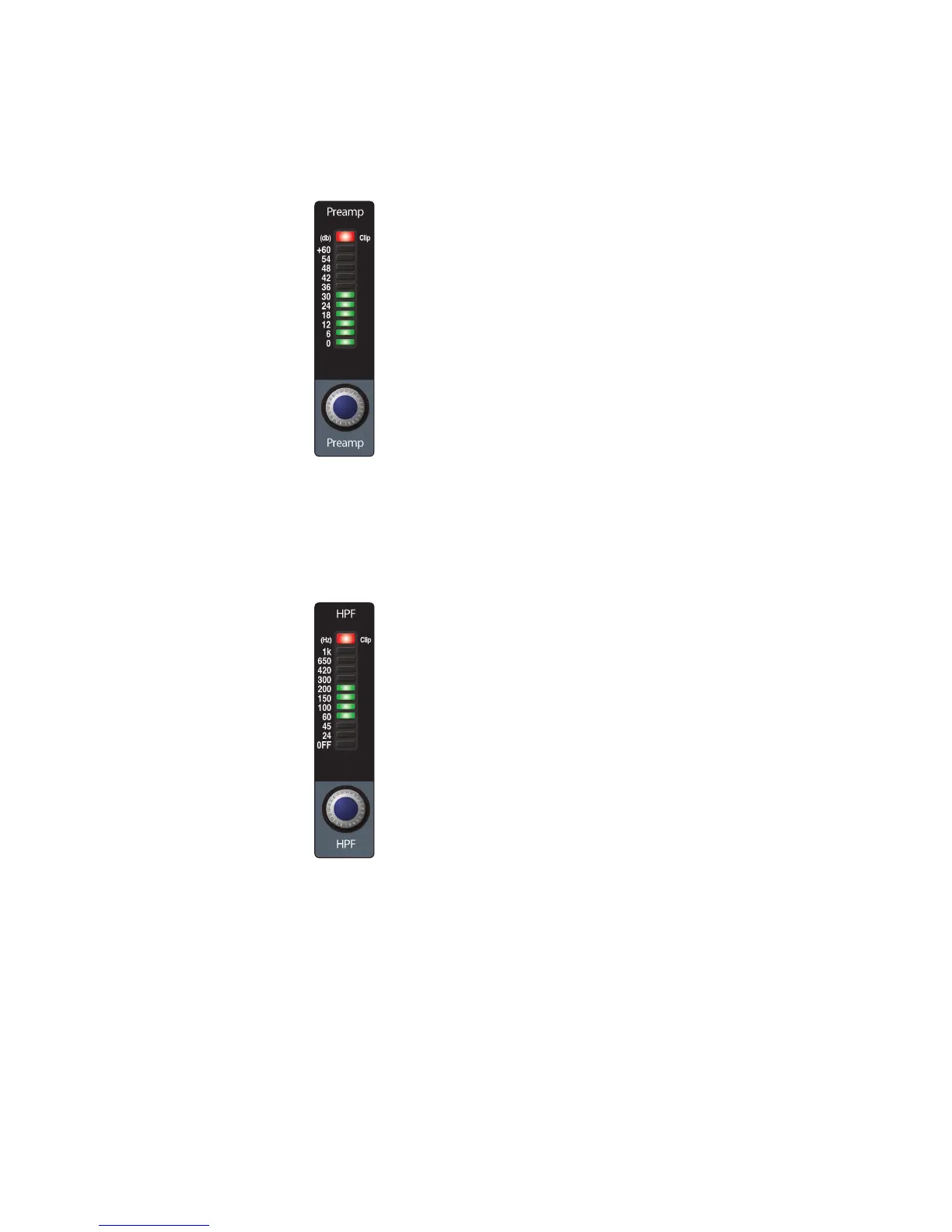
The Input section contains the settings for preamp gain, highpass
filter (HPF), +48V phantom power, and polarity.
Preamp adjusts the gain of the channel’s analog input. It is very important to
properly adjust this control in order to minimize noise and avoid overload distortion.
High Pass Filter sets the High Pass Filter frequency threshold for
the selected channel or output bus. Frequency range is indicated to
the left of the meter. The filter’s threshold can be set from 24 Hz to 1
kHz. When the meter is set to its lowest point, the filter is off.
Power User Tip: A highpass filter attenuates all frequencies below the set
threshold. Use the Fat Channel high pass filter to remove unwanted low
frequencies from your source signal, rather than trying to EQ them out.











 To Next Page