5 Controlling StudioLive RM-series Mixers with the CS18AI
5.3 Processing Signals with the Fat Channel
35
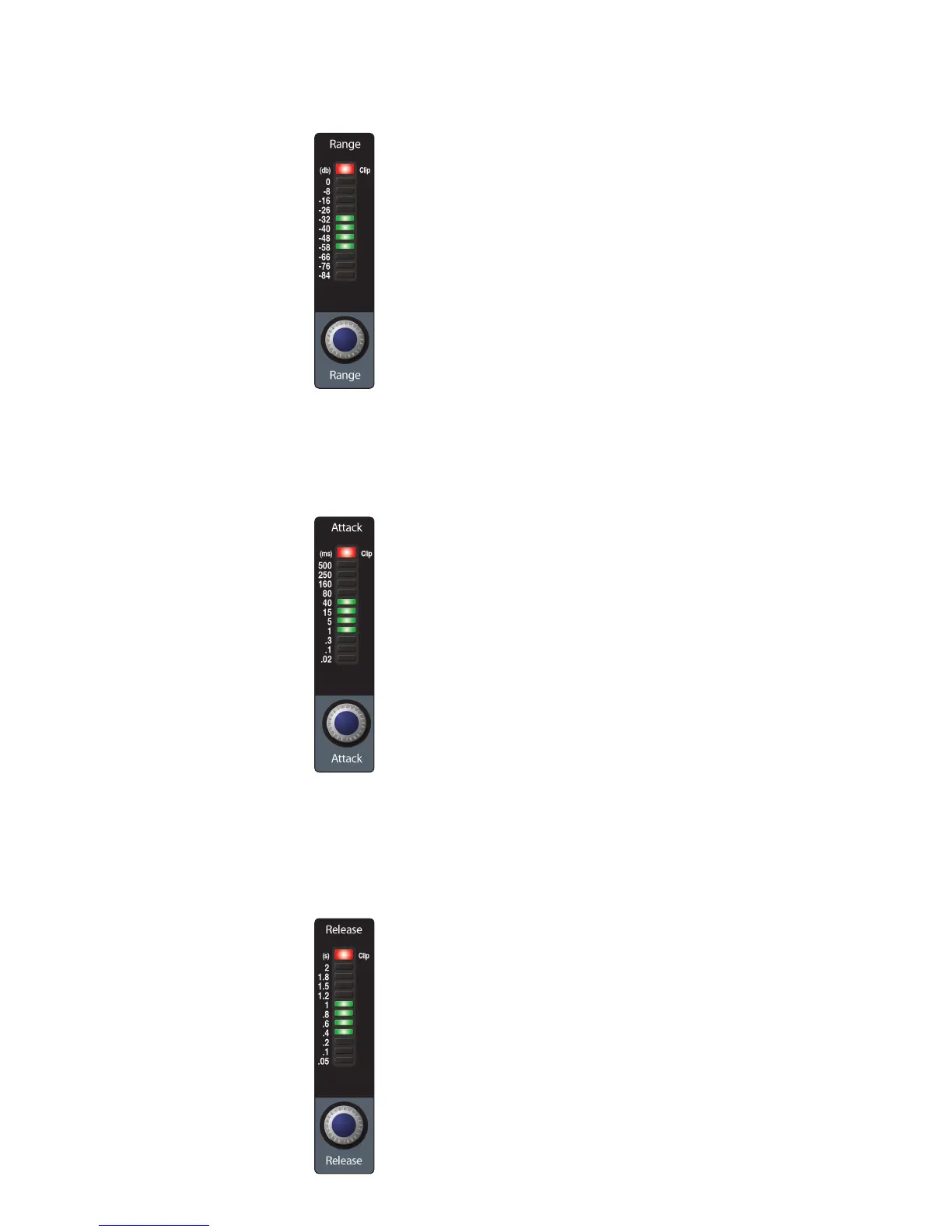
Gate Range sets the amount of gain reduction that the gate produces. The range
can be set from 0 to -84 dB. Range control is not available when using the expander.
Gate Attack sets the rate at which the gate opens on the selected
channel or output. You can set the attack time from 0.02 to 500 ms.
Power User Tip: A fast attack rate is crucial for percussive instruments.
Slow-rising signals such as vocals and bass guitar require a slower attack;
with these signals, a faster attack can cause an audible click. All gates have
the ability to click when opening but a properly set gate will never click.
Gate Release sets the rate at which the gate for the selected channel
closes. The release time can be set from 0.05 to 2 seconds.
Power User Tip: Gate-release times should typically be set so that the natural
decay of the instrument or vocal being gated is not affected. Shorter release
times help to clean up the noise in a signal but may cause “chattering“ with
percussive instruments. Longer release times usually eliminate chattering and
should be set by listening carefully for the most natural release of the signal.











 To Next Page