38
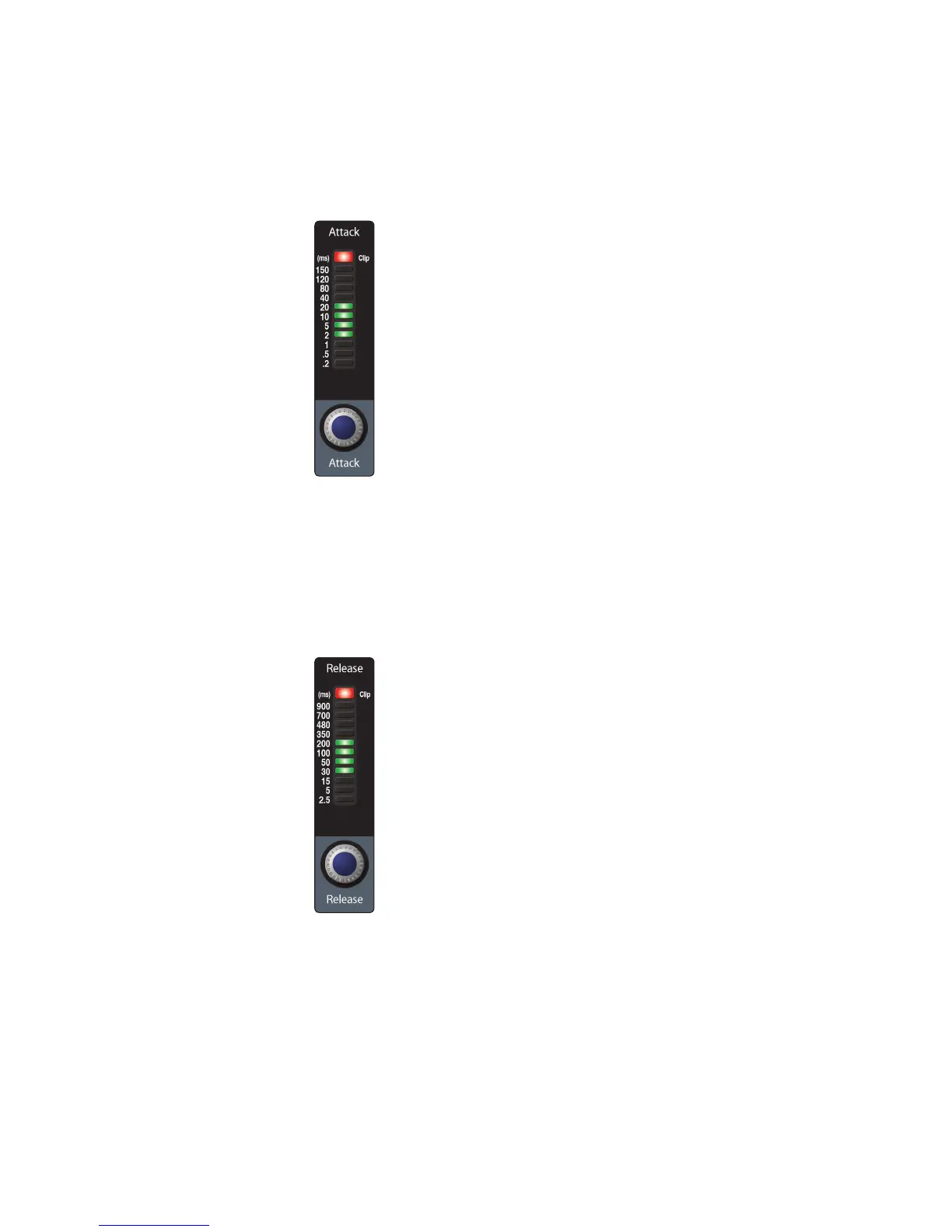
Compressor Attack sets the compressor’s attack setting for the selected
channel or output bus. Attack sets the speed at which the compressor
acts on the input signal. A slow attack time (fully clockwise) allows the
beginning component of a signal (commonly referred to as the initial
transient) to pass through, uncompressed, whereas a fast attack time (fully
counterclockwise) triggers compression immediately when a signal exceeds
the threshold. You can set the attack from 0.2 to 150 milliseconds.
Compressor Release sets the release setting of the compressor for the selected
channel or output bus. Release sets the length of time the compressor takes to
return the gain reduction back to zero (no gain reduction) after crossing below
the compression threshold. Release can be set from 2.5 to 900 milliseconds.
Power User Tip: Very short release times can produce a choppy or “jittery” sound,
especially when compressing instruments that have a lot of low-frequency
components, such as bass guitar. Very long release times can result in an
overcompressed, or “squashed,” sound. All ranges of release can be useful, however,
and you should experiment to become familiar with different possibilities.





 To Next Page