39
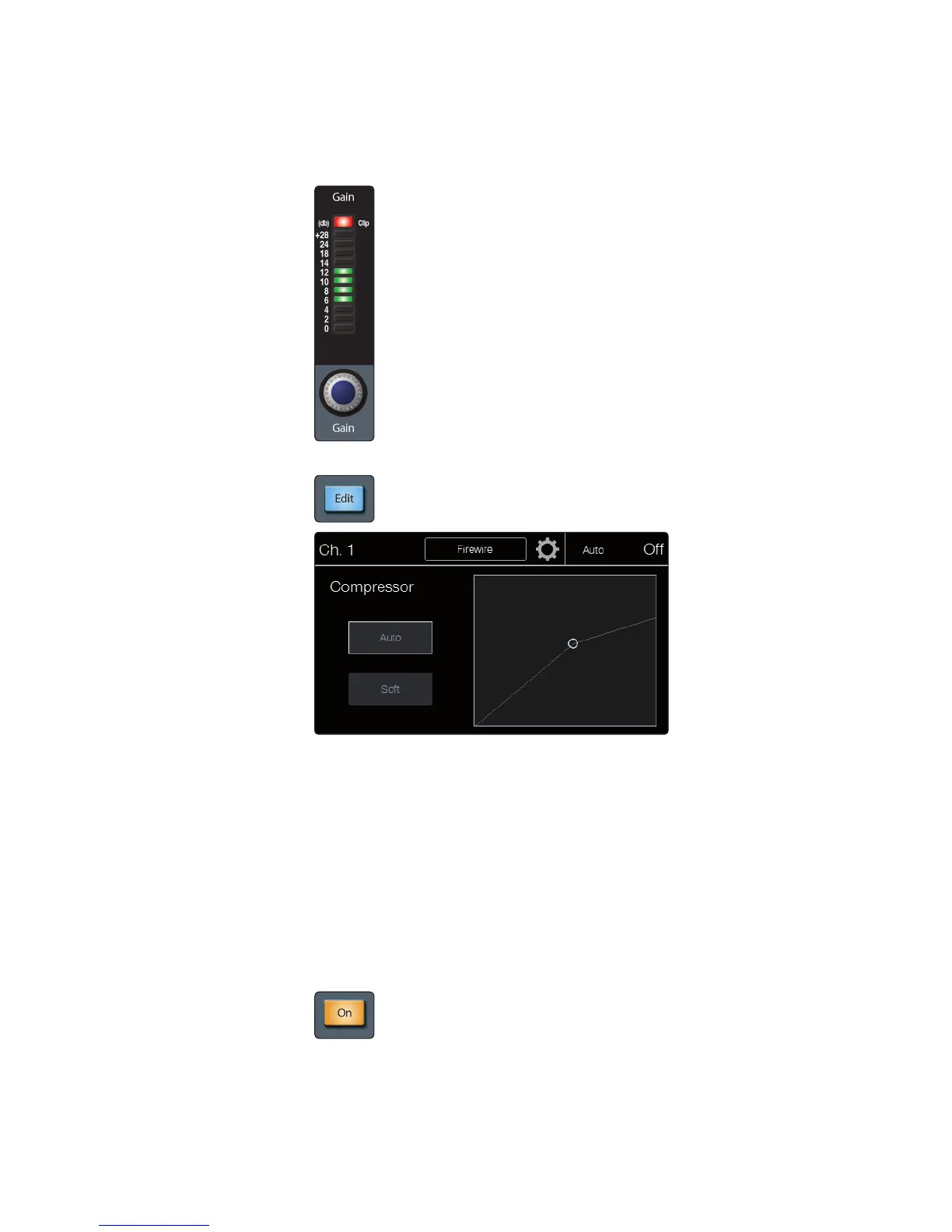
Compressor Gain sets the makeup gain setting of the compressor for the selected
channel or output bus. When compressing a signal, gain reduction usually
results in an overall attenuation of level. The Gain control allows you to restore
this loss in level, readjusting the volume to the precompression level (if desired).
You can adjust Compressor Gain from 0 dB (no gain adjustment) to +28 dB.
Compressor Edit button opens the Compressor view on the touchscreen.
Soft Knee engages soft-knee compression. In normal operating mode,
the compressor is set for hard-knee compression, meaning that the gain
reduction applied to the signal occurs as soon as the signal exceeds
the level set by the threshold. When the Soft Knee button is engaged,
the ratio increases gradually as the signal reaches the threshold.
Auto enables the automatic attack and release mode. When Auto mode is active,
the Attack and Release controls become inoperative, and preprogrammed attack
and release curves are used. The attack is set to 10 ms, and the release is set
to 150 ms. All other compressor parameters can still be adjusted manually.
Limiter
Limiter On toggles the limiter for the selected input channel or output bus.
When the limiter is engaged the button will illuminate. The ratio is ∞:1.











 To Next Page