5 Controlling StudioLive RM-series Mixers with the CS18AI
5.3 Processing Signals with the Fat Channel
44
Loading Fat Channel Presets
The StudioLive RM comes with a suite of channel-strip presets created
by professional users of PreSonus products. These presets provide a
great jumping-off point to create a mix quickly and easily. The StudioLive
RM also allows you to create your own library of presets.
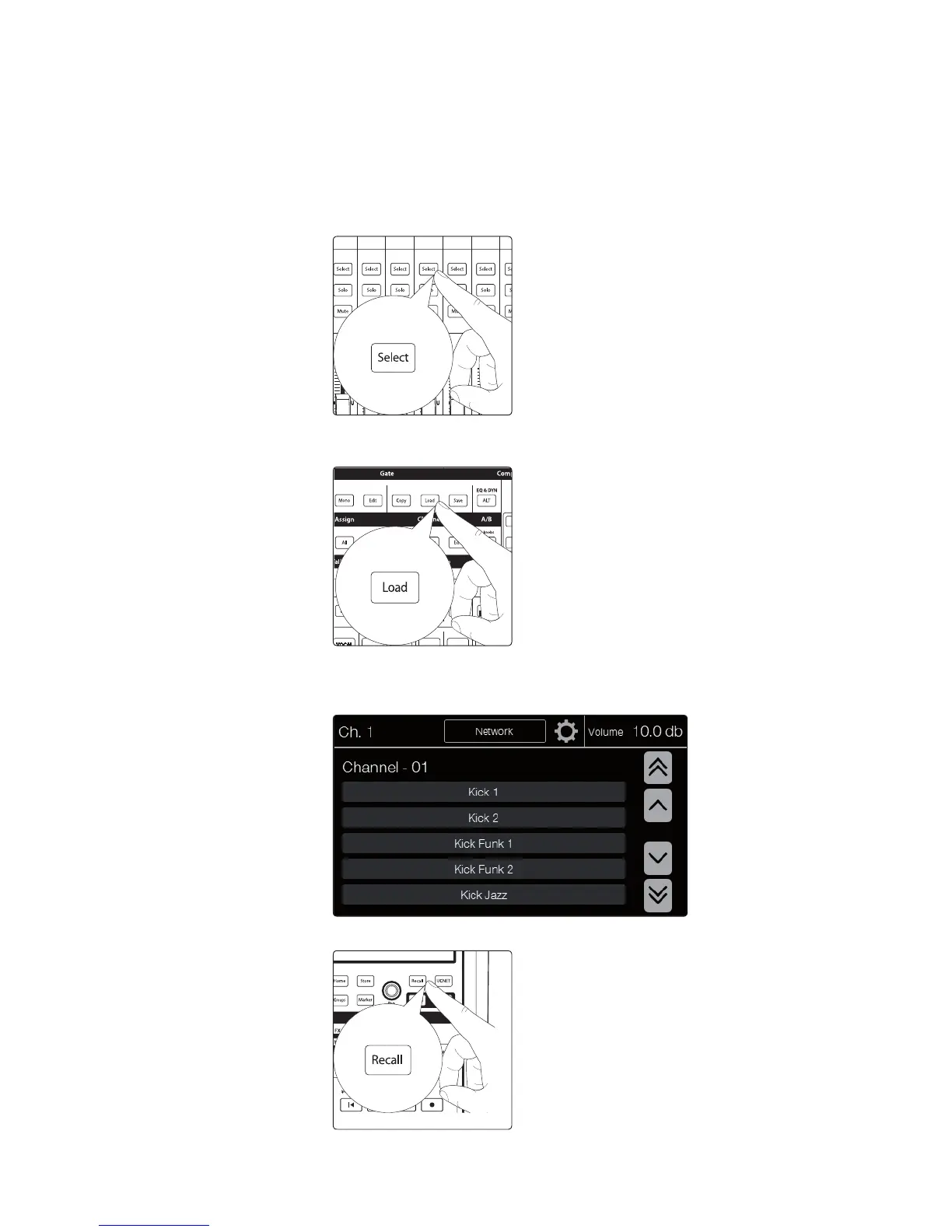
1. To load a preset to any channel on the CS18AI, first press
the Select button for the desired channel.
2. From the Fat Channel, press the Load button. You will notice that
the touchscreen now displays the Channel Preset Load screen.
3. The Channel Preset Load menu always displays the selected
channel onto which the preset will be loaded. Use the encoder
under the touchscreen to scroll through the preset library.
4. Once you have made your selection, press the Recall button.











 To Next Page