5 Controlling StudioLive RM-series Mixers with the CS18AI
5.3 Processing Signals with the Fat Channel
45
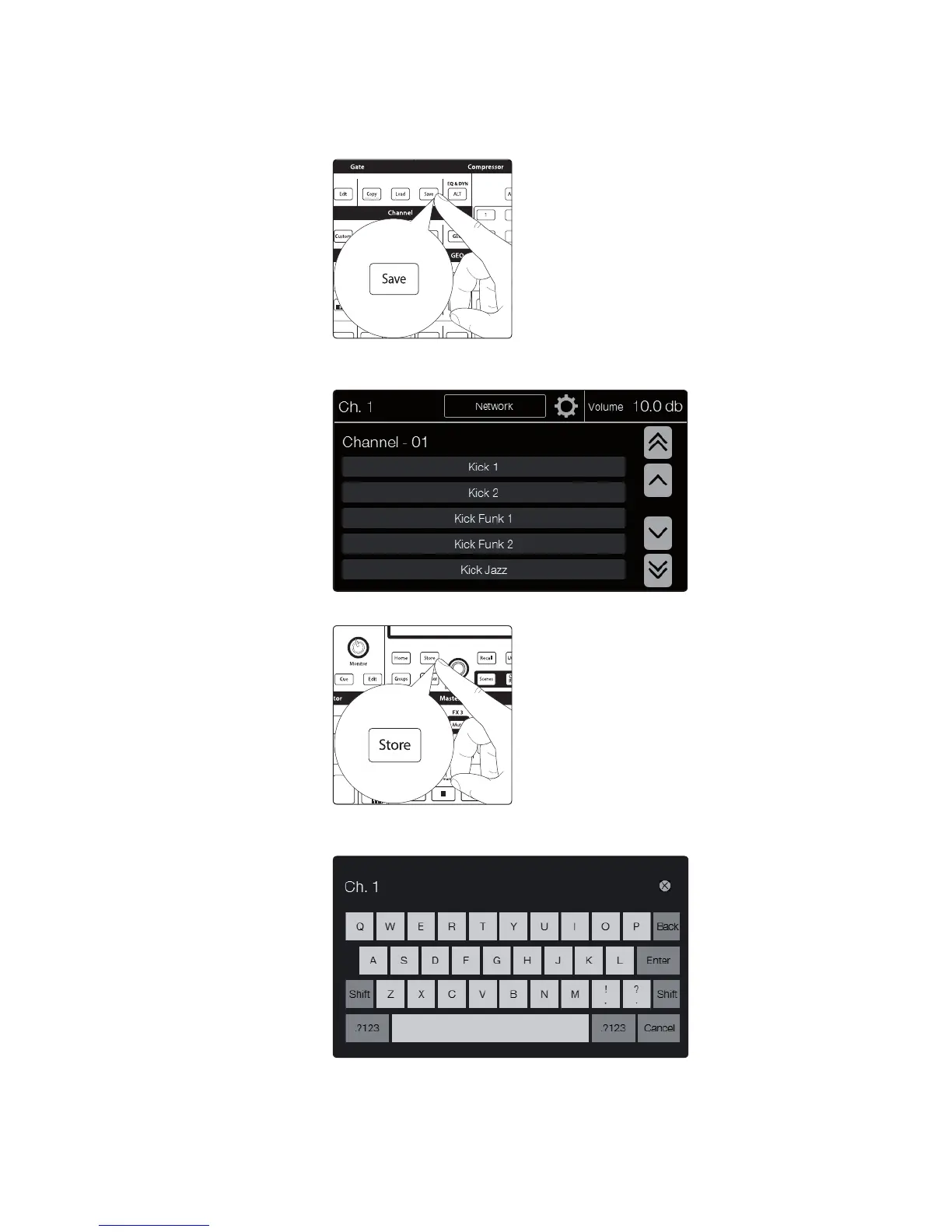
Saving Fat Channel Presets
If you have created a channel-strip setting in the Fat Channel that you would
like to save to the Channel Preset library, press the Fat Channel’s Save button.
1. Notice that the touchscreen displays the Channel Preset menu. Use the
Value encoder to scroll to an empty position in the Channel Preset library.
2. Select the Preset position you’d like to save to and press the Store button.
3. The Text Entry screen will be shown; enter the name for your preset.
When you’re done, press Enter. Press Cancel to exit this operation.











 To Next Page