60
Markers
When used with Studio One or Capture, the Markers view can
be used to navigate to markers and create new markers.
Scenes and Quick Scenes
Creating a scene requires simply dialing in a mix and saving it. This has obvious
benefits for both studio and live sound. For example, in the studio, saving and
recalling a scene allows you to move to another song or project and come back to
the current mix later. For live shows with multiple bands, you can set up custom
mixes for each band at soundcheck and recall the mix when that band goes onstage.
You also can save custom mixes for each venue that a band plays repeatedly.
To store a mix scene:
1. Configure your mixer to the state you want to store as a
mix scene. Remember that all settings are stored.
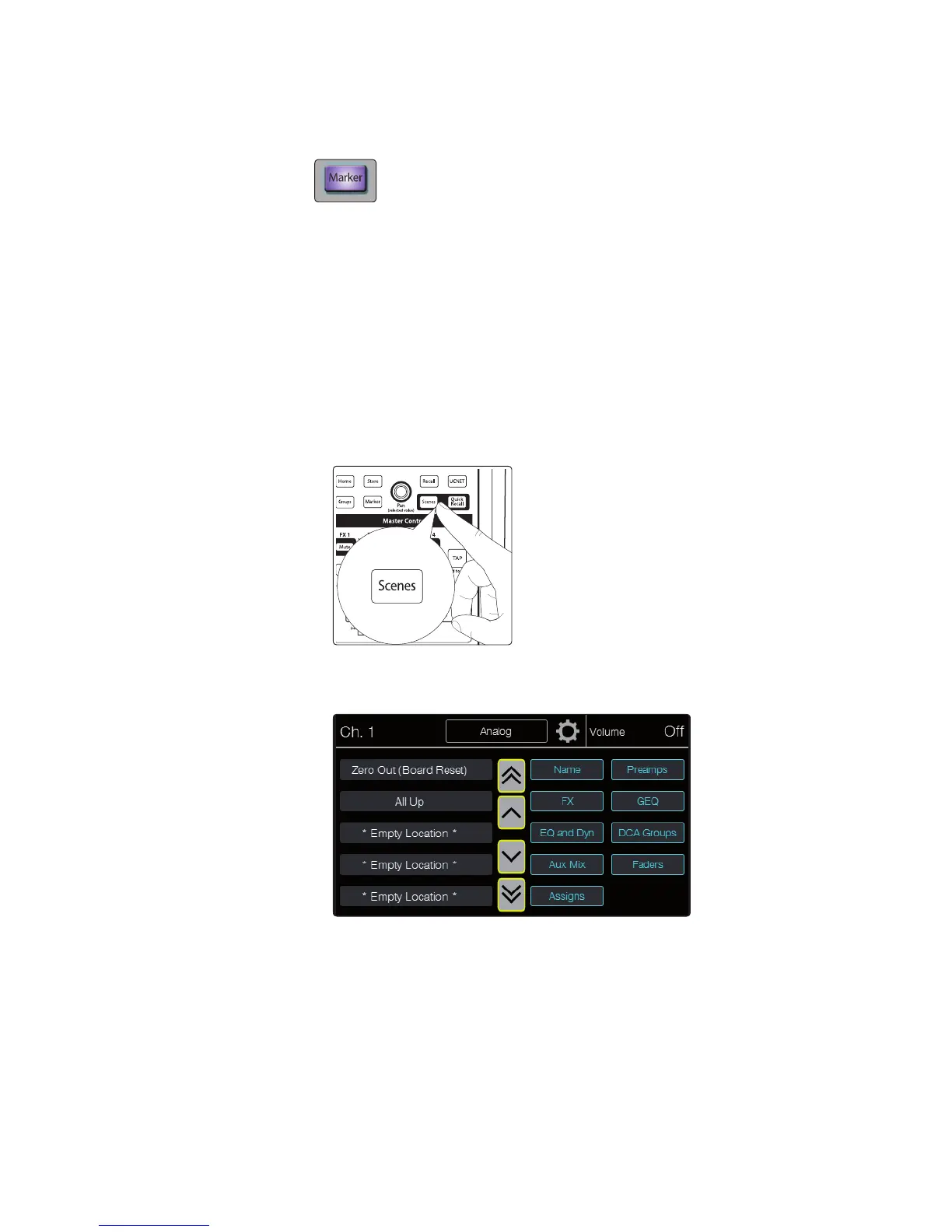
2. Press the Scenes button in the Master Control area. The
button lights and the Scenes page appears.
3. Use the onscreen arrow buttons to scroll to the location where you
want to store the mix scene. The single arrows scroll one location
at a time, while the double arrows scroll a page at a time.











 To Next Page