61
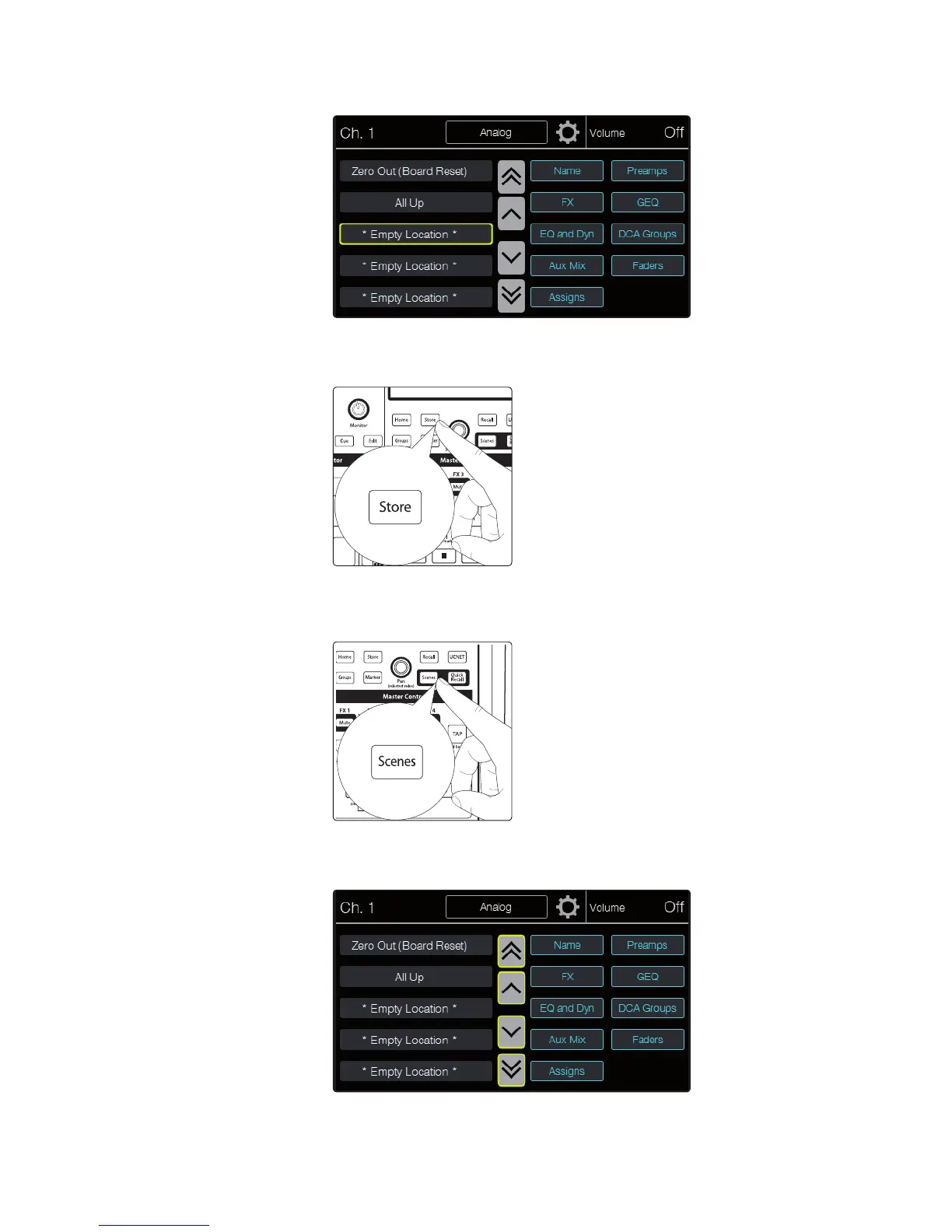
4. Touch the location to which you want to store a mix scene to select it.
5. Press the Store button in the Master Control area. The text
entry screen will appear, allowing you to name the scene.
When you’re done, press Enter to save the scene.
To recall a mix scene:
1. Press the Scenes button in the Master Control area. The
button lights and the Scenes page appears.
2. Use the onscreen arrow buttons to scroll to the location of the
mix scene you want to load. The single arrows scroll one location
at a time, while the double arrows scroll a page at a time.











 To Next Page