63
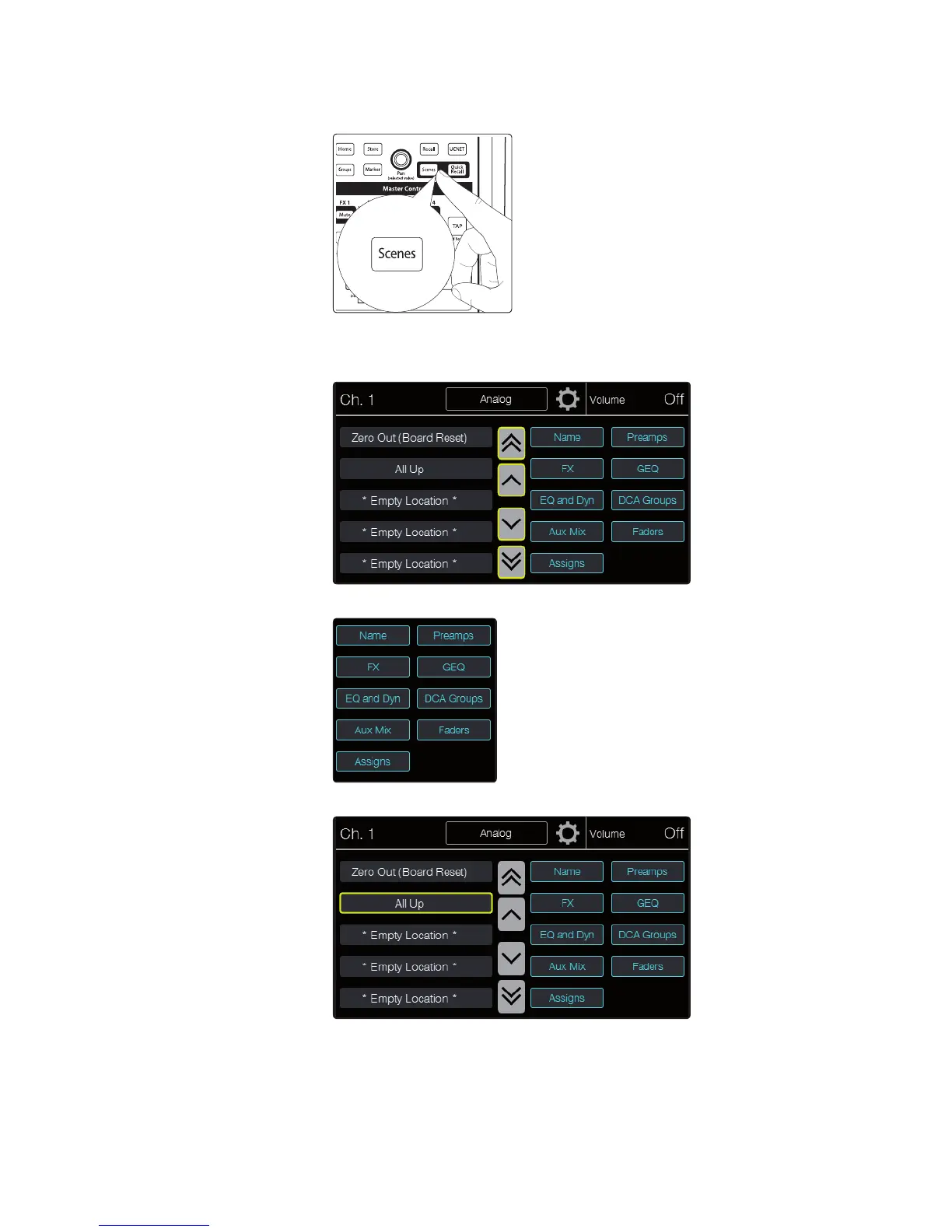
2. Press the Scenes button in the Master Control area. The
button lights and the Screens page appears.
3. Use the onscreen arrow buttons to scroll to the location of the
mix scene you want to load. The single arrows scroll one location
at a time, while the double arrows scroll a page at a time.
4. Set up any scene filters you want to use to limit which data is loaded.
5. Touch the location from which you want to recall a mix scene. The scene is loaded.
Quick Recall eliminates the step of pressing the Recall button, which is faster than
explicitly pressing the button but more vulnerable to accidental scene loading.
It is useful any time you think you may need to switch mix scenes quickly.











 To Next Page