72
Mixing with Filter DCA Groups
Once your Filter DCA Groups are set up, you’ll find mixing on the CS18AI
a refreshing experience compared with traditional digital mixers. Here’s
a prime example of mixing with the power of Filter DCA Groups.
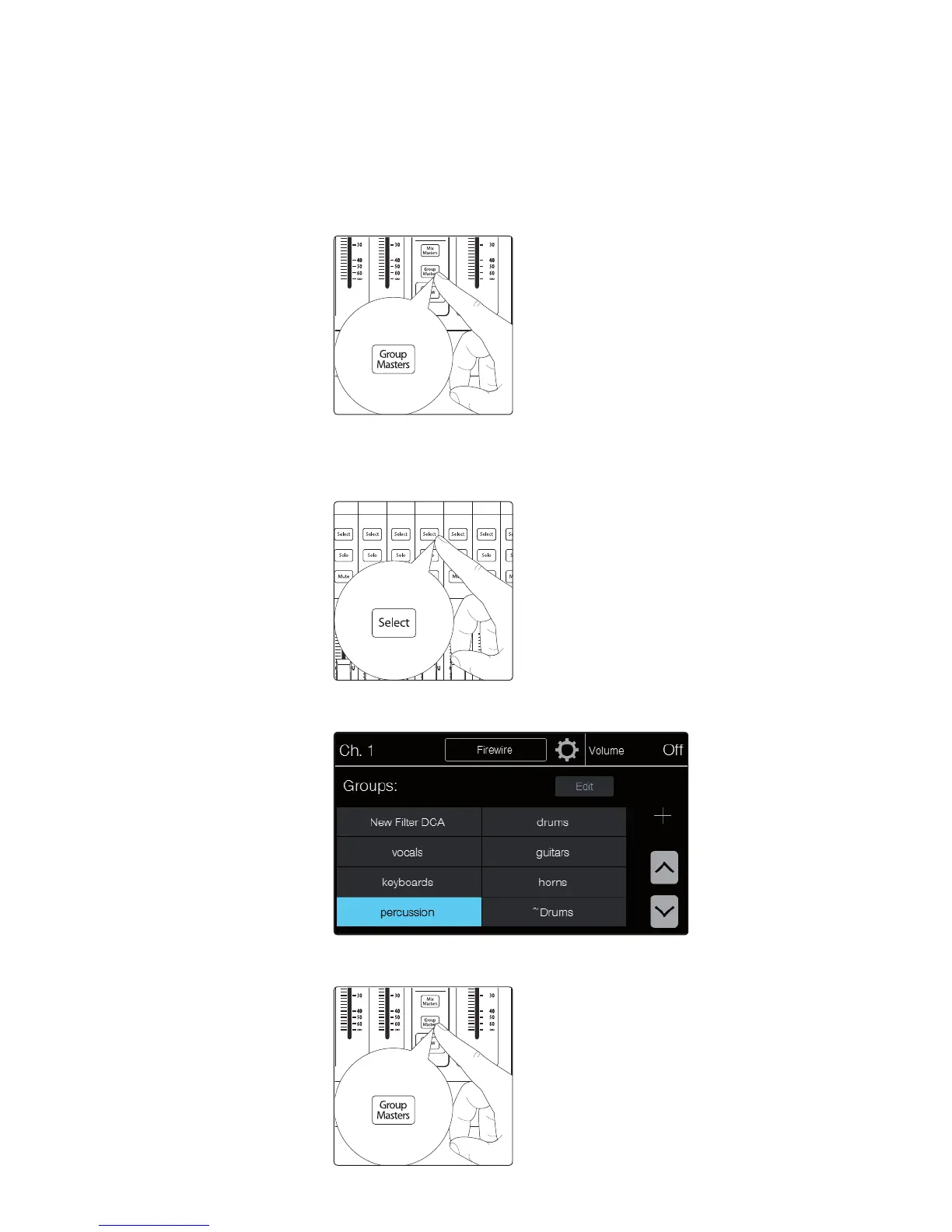
1. Select the Group Masters layer. Here you’ll see the master
controls for each of the groups you’ve created. All primary
level control and muting can be managed from here.
2. From the Group Masters layer, pressing the Select button on any group will
open that group, switching you from viewing the group master to viewing just
the channels contained in that group. The Flex Master fader will now be the
selected group master, and the touchscreen will show the Groups screen.
3. From here, if you need to jump to another group for more individual channel
adjustments, simply touch the group you want to bring up on the touchscreen.
4. When you’re done making adjustment to the individual channels, press the Group
Masters button again to exit the group and return to the Group Master layer.











 To Next Page