71
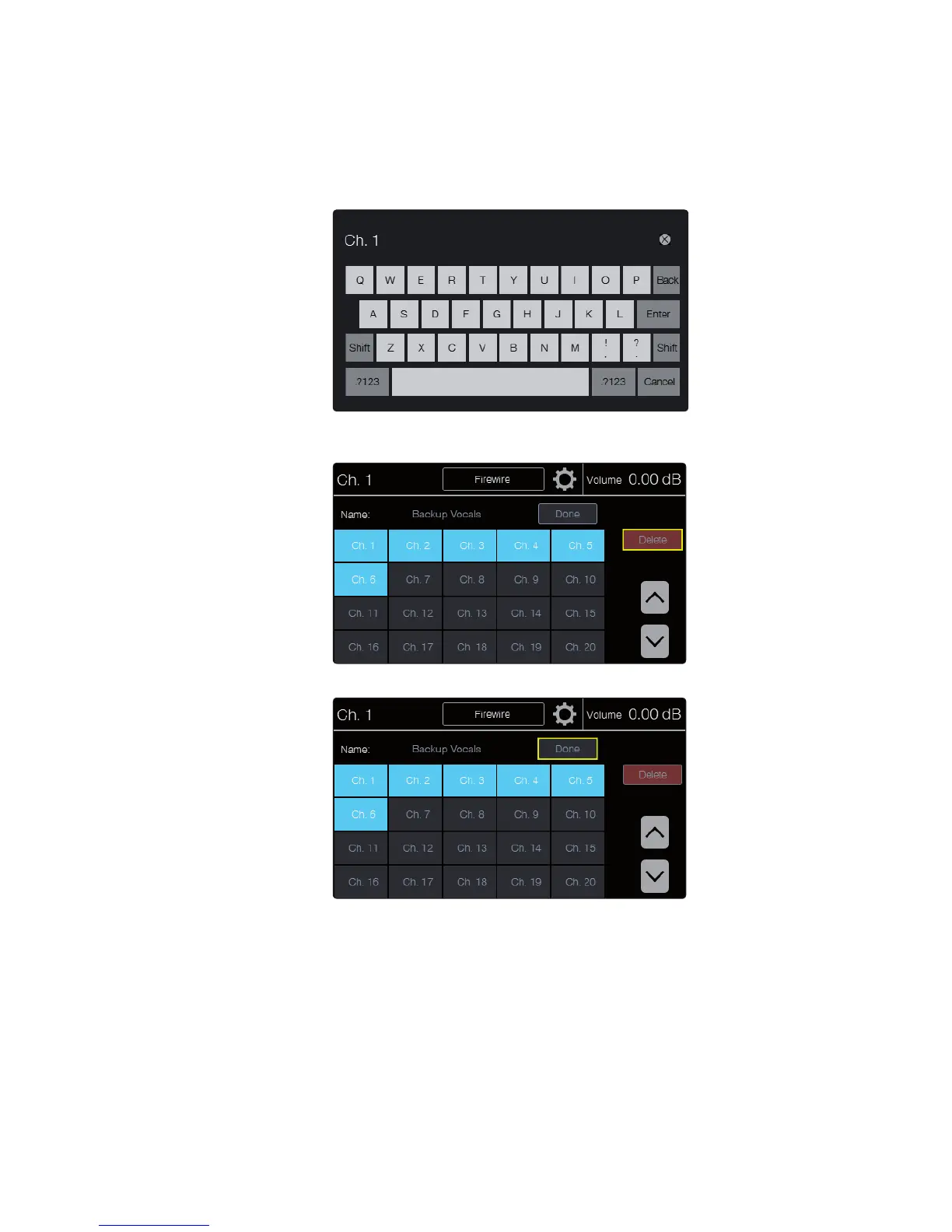
4. Touch the channel number on the page to add or remove the
channel from the group. When the channel number is highlighted
blue, it is in the group; when it is gray, it is not included in the
group. Touching the channel number toggles its status.
5. Touch the Name field to change the name of the group. This will
open the Text Entry screen, where you can enter a new name.
6. Pressing the Delete button will delete the group and
return you to the main Groups screen.
7. Touch Done when you are finished configuring the channels in the group.











 To Next Page