74
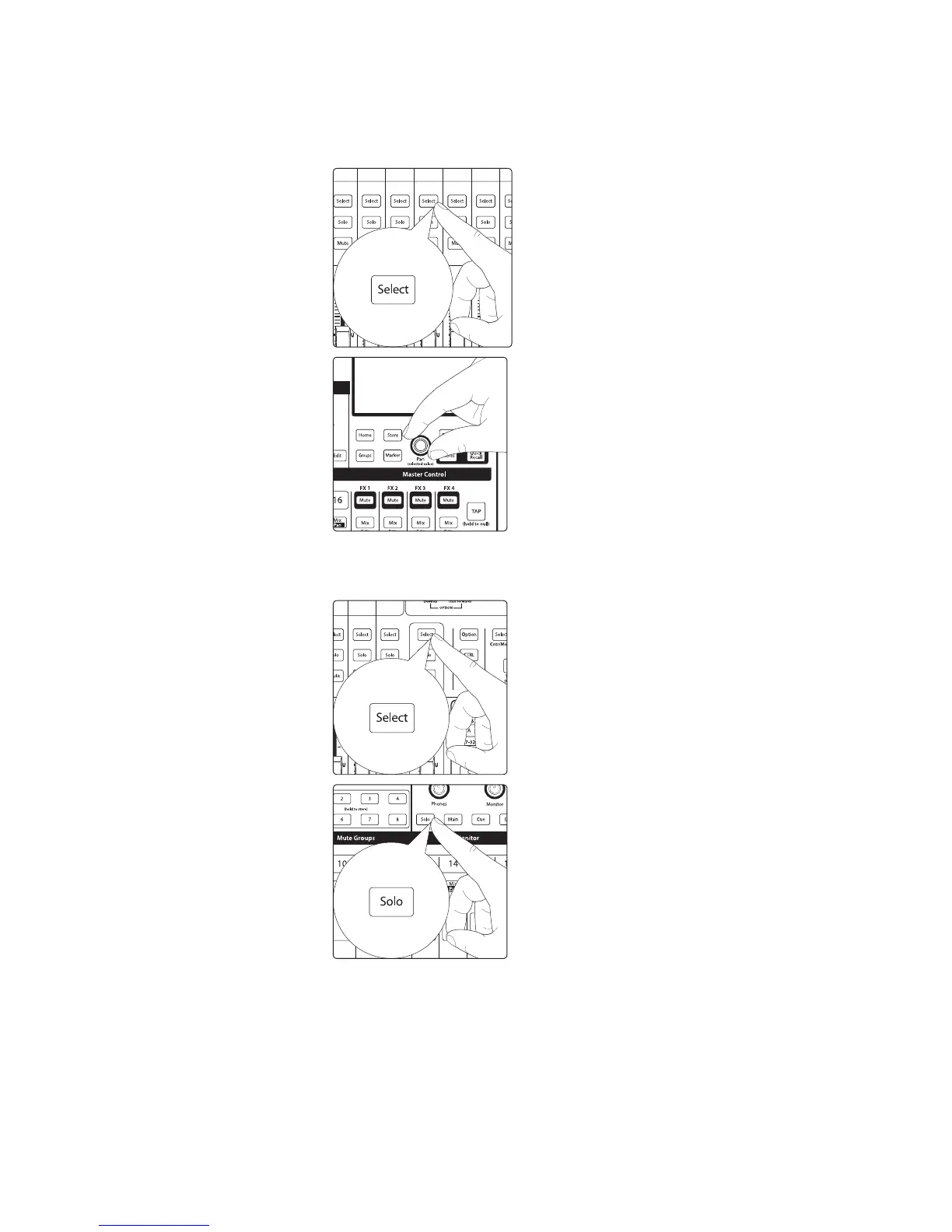
6. To pan a channel in the stereo aux mix, select the channel and use the Pan/
Value encoder under the touchscreen to adjust the pan for the selected
channel. You’ll see the pan position in the scribble strip indicator and
the parameter value display in the top right of the touchscreen.
7. You can listen to the aux mixes you’re creating, using headphones or
monitors, by simply soloing the Aux Master send on the Flex Master
fader and selecting Solo as the source in the Monitor section.
Creating Subgroups
A subgroup allows you to combine multiple channels into a single bus, providing
a master level fader and Fat Channel processing for the entire group. Subgroups
can be soloed, muted, and routed to the Main Left/Right and Mono/Center
mixes. On the CS18AI, selecting a subgroup Mix button will still show the Main
Mix channel strips but will filter them to only show the channels assigned to
the subgroup. The Flex Master fader will be the subgroup master control.











 To Next Page