78
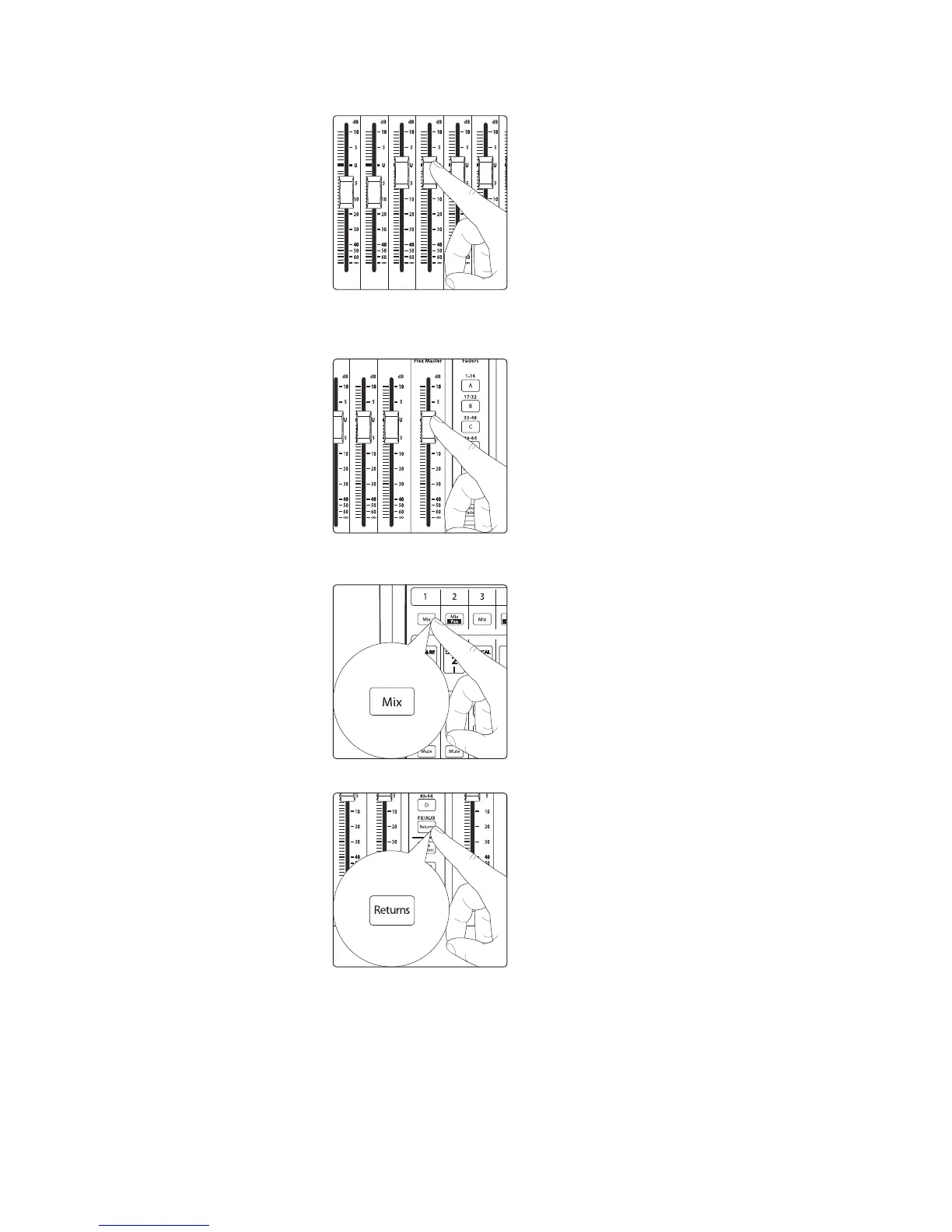
2. Turn up the faders for the channels you’d like to send to the effects.
3. Turn up the master effects-send level using the Flex Master fader. Since the
effects returns for the Main Mix are turned up to unity by default, if you’re
monitoring your Main Mix you should now hear the effects in your mix.
4. To add effects to an Aux Mix, press the associated Mix Select
button to bring that mix to the channel strip faders.
5. Select the Returns layer.
6. The first four channels on the Returns layer are the effects returns from
FX A, B, C, and D. Turn these up to add effects to the selected mix.











 To Next Page