English
CAUTION: To avoid danger of electric shock and malfunction, do not expose EAGLE to rain or moisture. The electronics are
not waterproof so in adverse weather like rain or snow, the EAGLE is not to be used outdoors.
PLEASE NOTE: EAGLE is designed to control telescopes and accessories for astronomy and is not a standard computer.
Please do not modify EAGLE system settings since this could stop some of the EAGLE features. Additionally, operating
system updates are not required if your EAGLE does not connect to the internet.
FIRST CONNECTION: For wireless connectivity, EAGLE creates a WiFi network at the same frequency as those of usually
modems / routers used to connect to the internet. So if you use EAGLE at home (for example the first time, to install your
software) you might notice a low signal or, in some cases, have connection problems. You can move it to an area with
fewer WiFi connections or connect it to a monitor (HDMI), keyboard (USB) and mouse (USB) to install your software.
WINDOWS: EAGLE includes a computer with Windows OS. For any reference on how to use Windows, please refer to the
operating system user manual.
QUALITY CONTROL: After assembly in our laboratories, every EAGLE unit, is tested by PrimaLuceLab technical experts to
verify the correct operation of all components = the integrated computer, stability and speed of the wireless connection
and the power bridge.
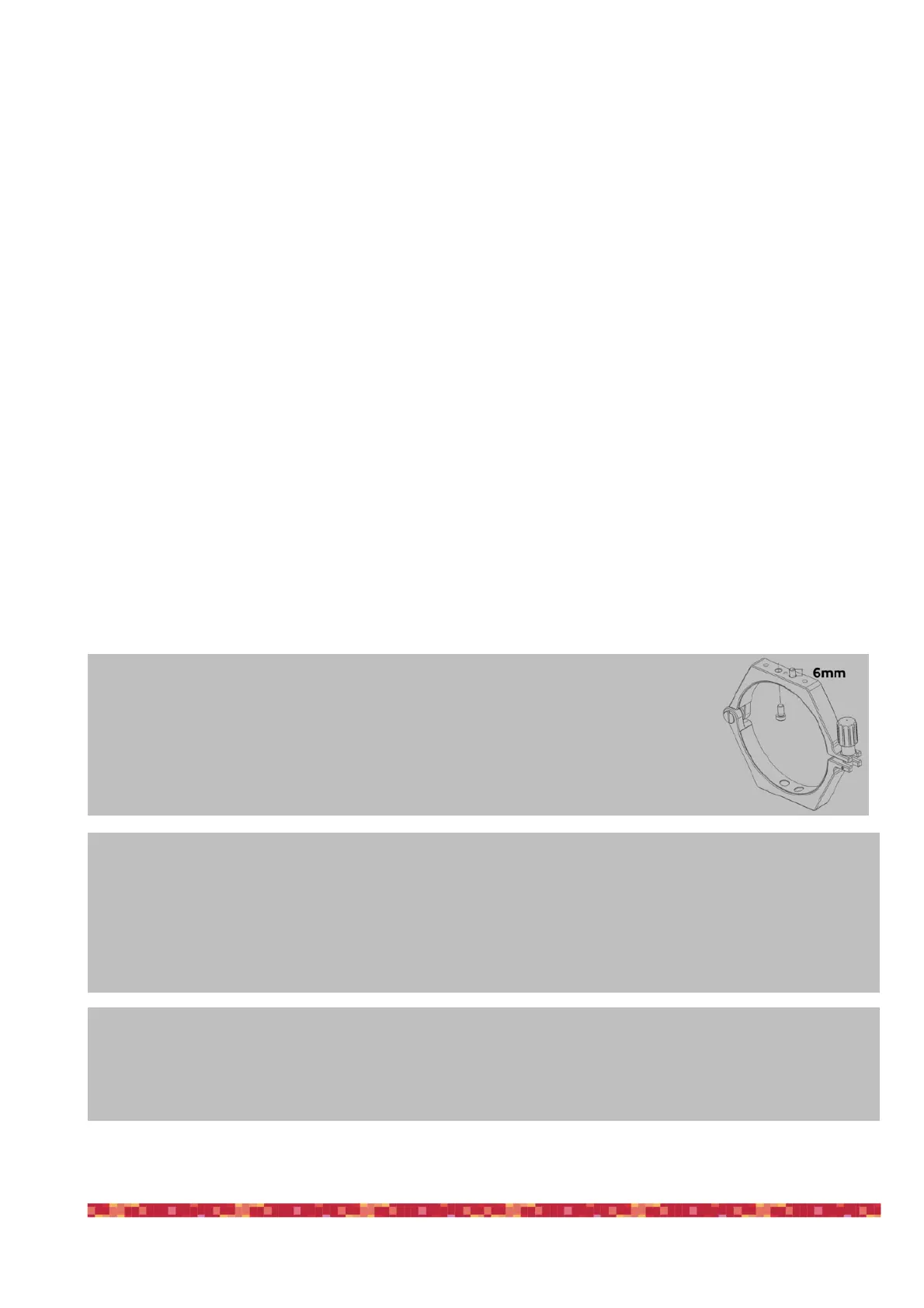
CAUTION: in order to connect EAGLE to other mechanical PLUS elements please avoid to use too
long screws that may touch the internal electronics of the EAGLE. THE THREADED PART OF THE
SCREW THAT EXIT FROM THE ELEMENT (ring, bar or clamp) TO BE CONNECTED TO THE EAGLE HAS
TO BE NO LONGER THAN 6mm. If any of the screws touches the internal elements of EAGLE, this
could lead to breakage or malfunction.
CAUTION: EAGLE must be powered with 12V regulated voltage. You can use a power supply with 12V output voltage or a field
battery. If you use a battery, this MUST be provided with a proper voltage stabilization. In case of any malfunction, immediately
unplug the power supply. DO NOT CONNECT TO THE EAGLE A BATTERY WITHOUT 12V VOLTAGE REGULATOR since it may da-
mage the other instruments powered by EAGLE (like the cooled camera). Immediately disconnect power supplies or battery if
there’s any malfunction of the unit.
CAUTION: Before installing your devices driver and your astronomy software in the Windows operating
system of the EAGLE, PLEASE CREATE A BACKUP COPY OF YOUR SSD DISK by following the instruc-
tions you find at paragraph “First use: backup your SSD drive before installing your software” of this
user manual.


 To Next Page