10 PROGRAMOVACÍ MANUÁL 540876_A_PUB_DATE_1_FEB_2012.DOC
3.3. HOW TO GET INTO THE SETUP MODE
Press the SERVICE INFO button on the keypad.
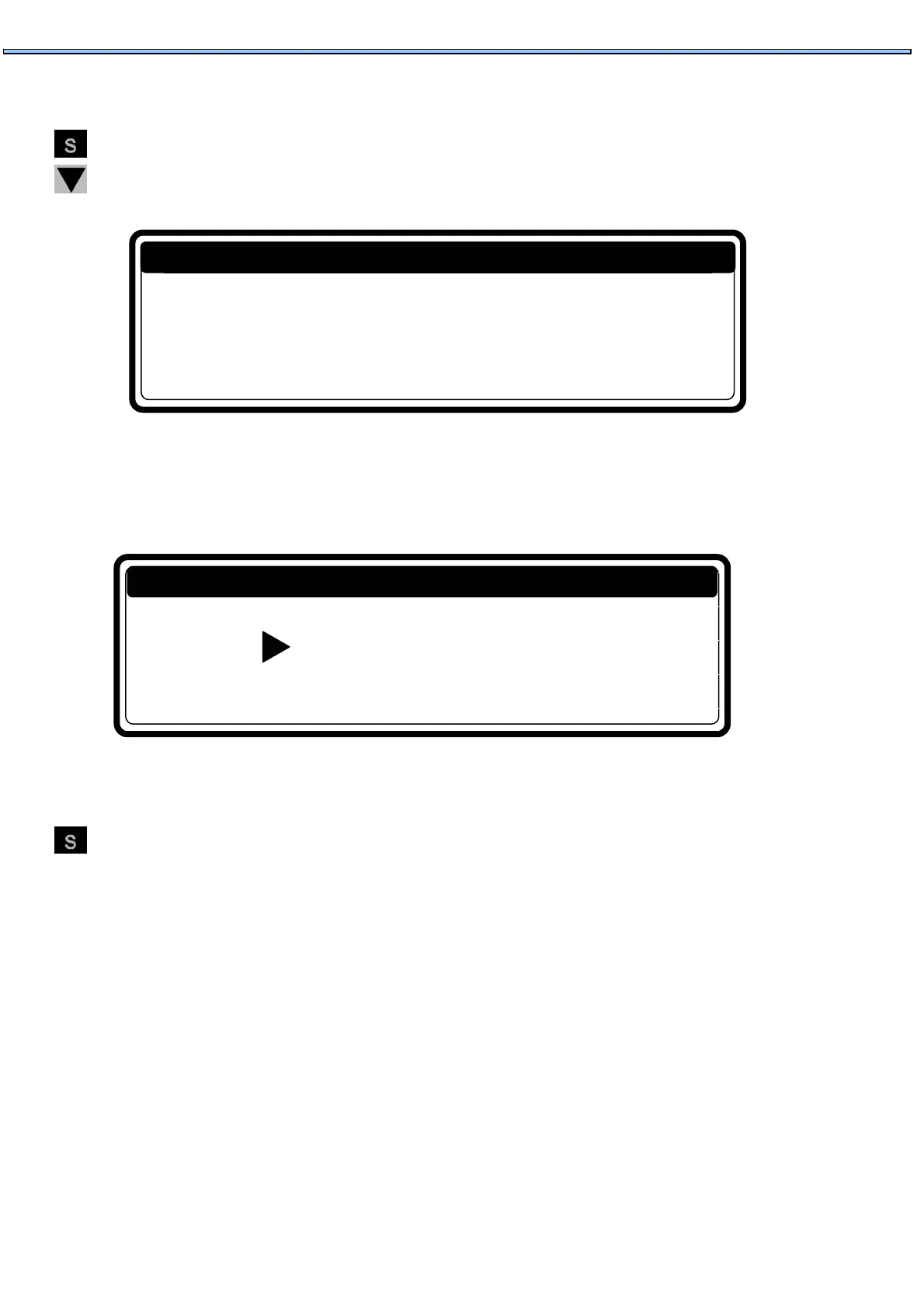
Press the Arrow Down Button several times until you see the screen with the Menu Selection:
"To program mode press 0"
Press 0 (the Zero button). You will see the Main Menu Screen.
If a Password was enabled first you have to Enter the right Password.
How to leave a setup mode
When the „Main Menu“ screen is shown.
Press the SERVICE INFO button on the keypad. Then you will return to “Run Mode“ and „SELECT
CYCLE“ is shown.
Password
....
To Program Mode
To pogram mode Press 0
SERVICE INFO


 To Next Page