540876_A_PUB_DATE_1_FEB_2012.DOC PROGRAMOVACÍ MANUÁL 35
PROGRAMMING
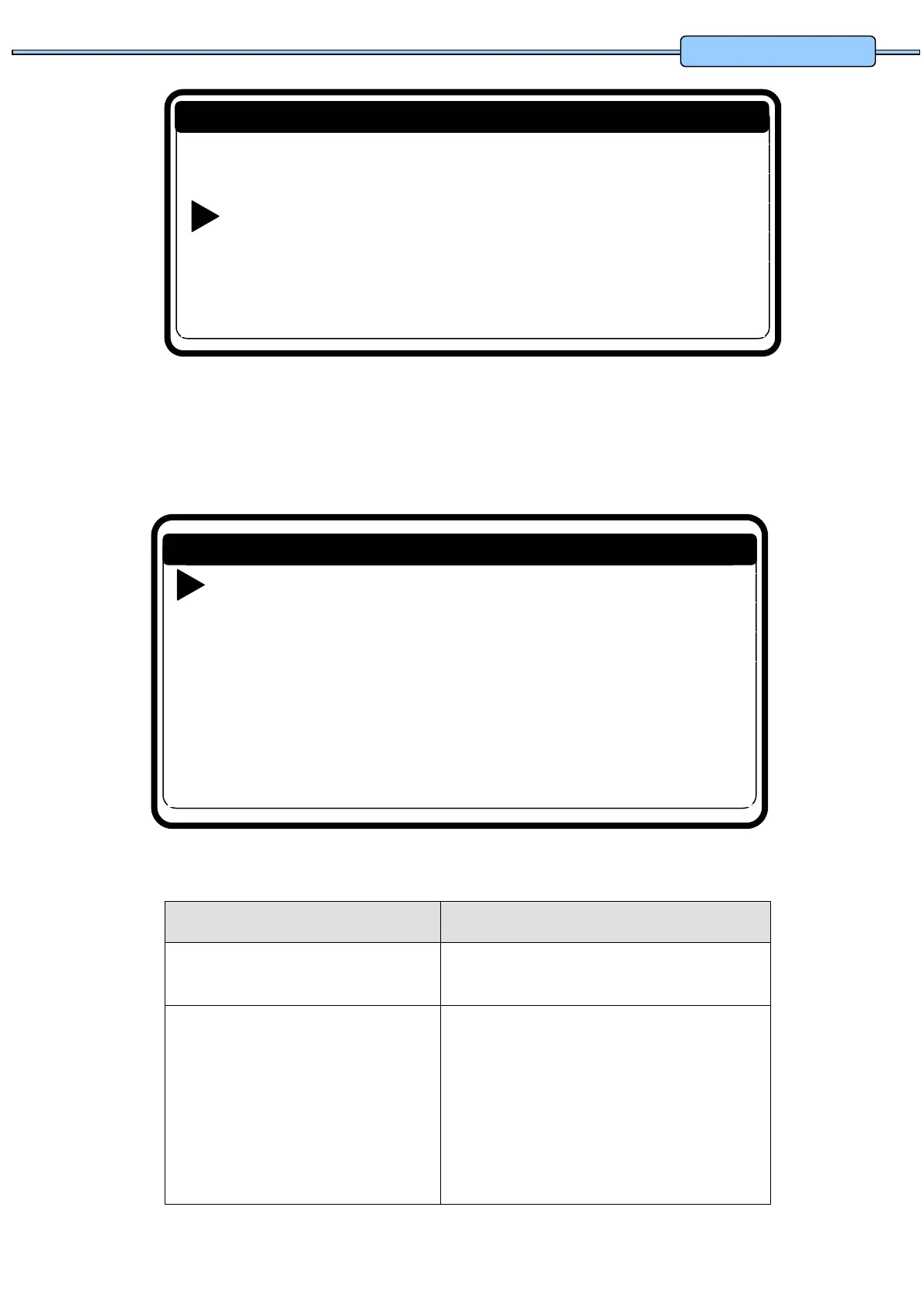
Select Program N: 1
Name: HOT INTENS
View …
Edit …
New …
Copy …
Delete …
Exit
Program menu
Press the ENTER button to confirm your selection.
Go to
5.3. STEP : PROGRAM FUNCTIONS
Menu Item Info
Select Program N°: 1 Insert the desired program number.
Program 1 to 99 can be selected.
Name: _ _ _ _ _ _ _ _ _ _ _ _ _ _ _
The Program Name gives info about the type of wash
Program.
With the ARROW LEFT and RIGHT button you can
select the character position.
With the ARROW UP and DOWN button you can
select the desired character.
By pressing the ENTER button, the dashes will
disappear.
Initialization …
Program …
Servis …
Configuration …
Advanced …
Main menu


 To Next Page