74 PROGRAMOVACÍ MANUÁL 540876_A_PUB_DATE_1_FEB_2012.DOC
8.5. SERVICE MENU
In the Service menu you have some extra utilities:
The Software Version Number.
An overview of the 20 last failure messages.
Statistics for 10 general error messages.
Pulley ratio.
An overview of the input states.
Switching On the Inverter for a technical intervention.
Reset Cycle Counter and Statistics Error Messages.
HOW TO GET INTO THE SERVICE MENU
The SERVICE menu can only be accessed when the machine is in standby (the power is switched
on, but no program is started).
SELECT CYCLE is displayed.
Turn the washing machine to the setup mode, (see 3.3).
The Main menu is now available.
Press the ARROW DOWN button to select the SERVICE menu.
Press the ENTER button to make your selection.
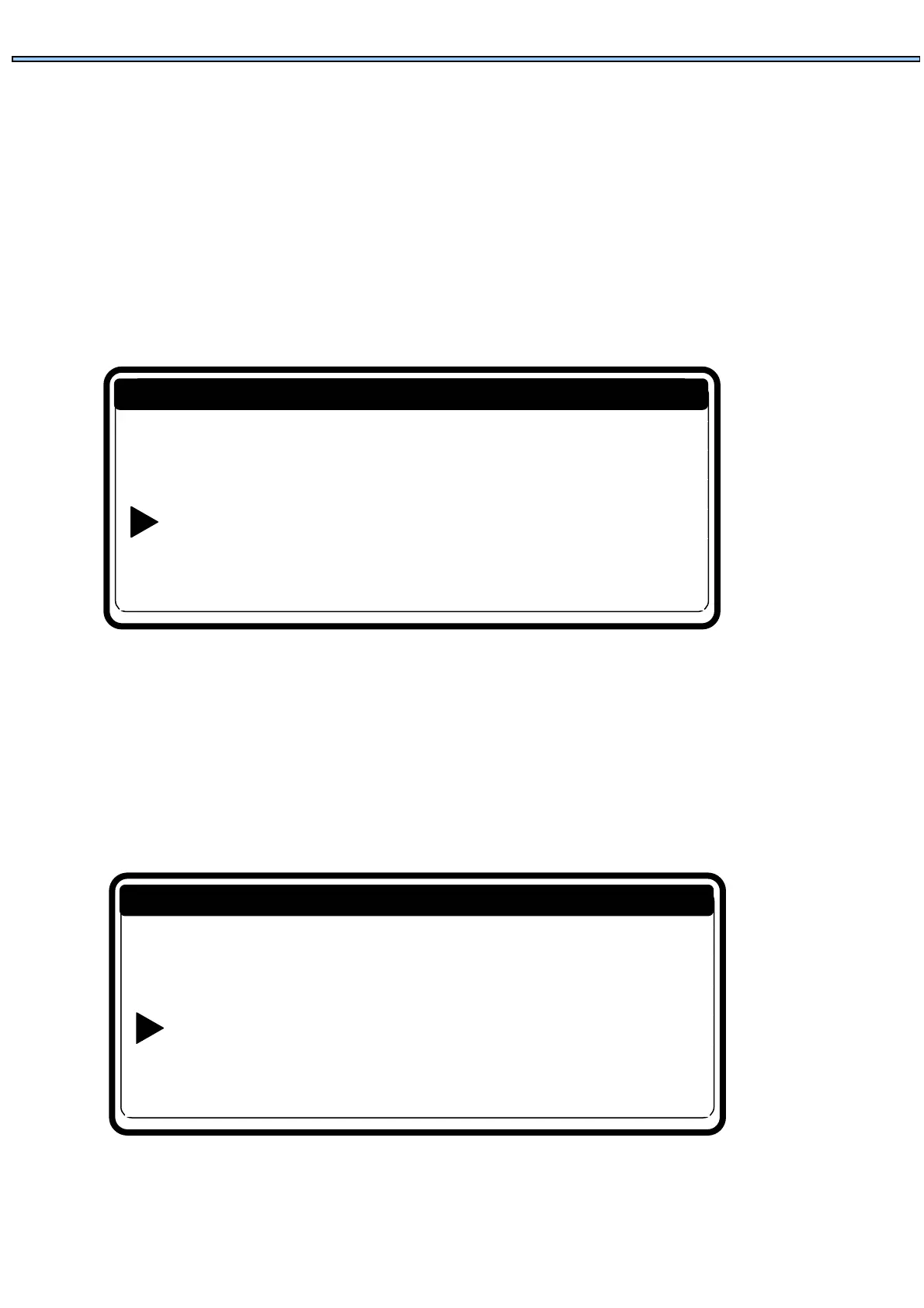
Now you will see the Service Menu Screen.
Initialization …
Program …
Service …
Configuration …
Advanced …
Main Menu
Software version: 771.100.0
Diagnostic prog ...
Faults …
Toolbox …
Exit …
Service menu


 To Next Page