540876_A_PUB_DATE_1_FEB_2012.DOC PROGRAMOVACÍ MANUÁL 47
PROGRAMMING
5.6. STEP : PROGRAMMING THE DRAIN STEP
This paragraph gives a detailed explanation about programming the
Drain/Extraction Sequences.
After programming the wash step, the drain/extraction step still has to be programmed.
ATTENTION!
YOU DON’T HAVE TO PROGRAM A DRAIN SEQUENCE BEFORE AN EXTRACTION SEQUENCE AS
THE WATER WILL AUTOMATICALLY BE DRAINED AT THE EXTRACTION SEQUENCE
SELECTING THE DRAIN/EXTRACTION STEP
Depending on the machine type, you have more or less functions.
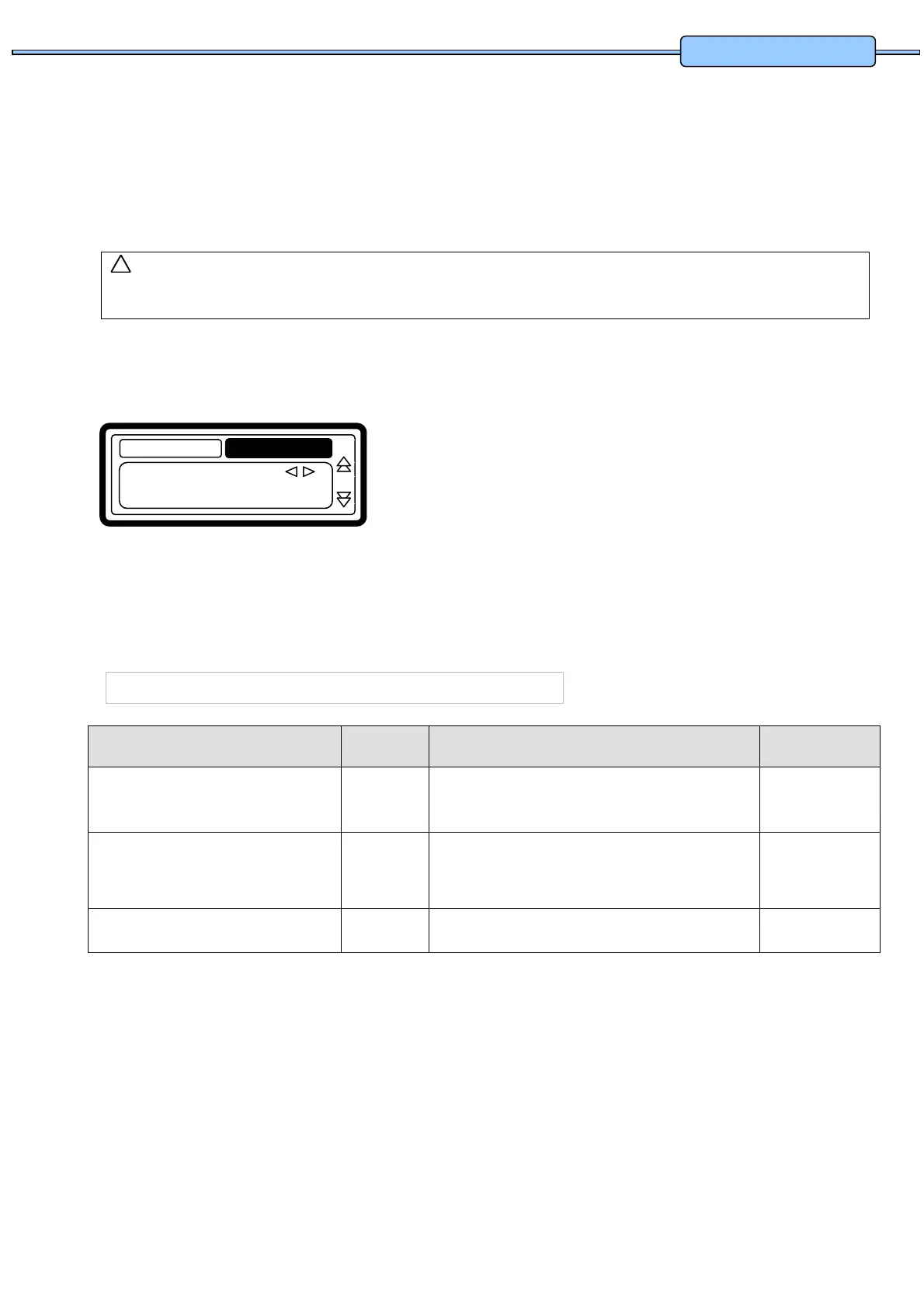
For a new step, the first sequence that is displayed is
the Drain sequence (default).
Select the desired Drain step sequence from the list by
pressing the ARROW LEFT or RIGHT button.
Press the ENTER button to confirm your selection.
You can also use the ARROW DOWN button if you
accept the pre-programmed default value.
THE DRAIN SEQUENCE
Menu Item Default Info Limits
Drain Valve 1 Only available on washing machines with both:
a normal Open and normal Closed Drain valve.
1 - 2
Time 0.5 Min The Drain Sequence Time.
(for 0 Minutes the Drain sequence will be skipped)
(programmable in steps of 0,5 Minutes)
0 - 15.0 Min
Exit Return to Edit Program Menu.
!
Drain
Extract
No Drain
Static Drain
Reversin
Drain
z
Type: Drain
Drain
Wash


 To Next Page