Chapter 4 Windows Host Configuration
100
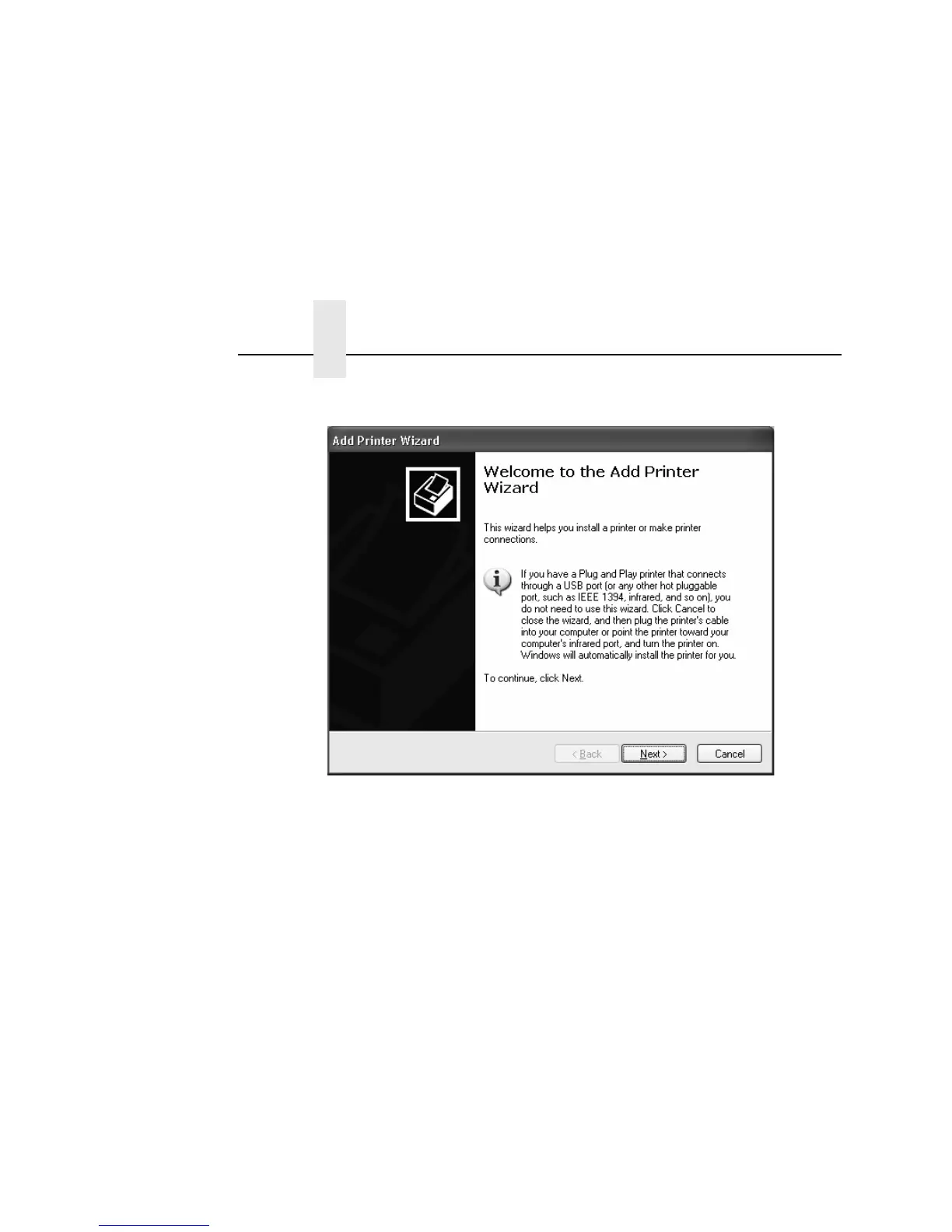
6. Click Next.
7. If necessary, uncheck the “Automatically detect and install my
Plug and Play printer” box and click Next.
8. To install the printer driver using the LPT1 port, make sure
LPT1:(Recommended Printer Port) is selected after “Use the
following port:” and click Next. To finish installation, go to
step 16 on page 103.
To create a new port using standard TCP/IP, click Create a
new port, select Standard TCP/IP Port from the drop down
menu, and click Next. The Add Standard TCP/IP Printer Port
Wizard window displays.
9. Click Next to add a port for a network printer.



 To Next Page