Current Model Settings
59
Print Model Configuration
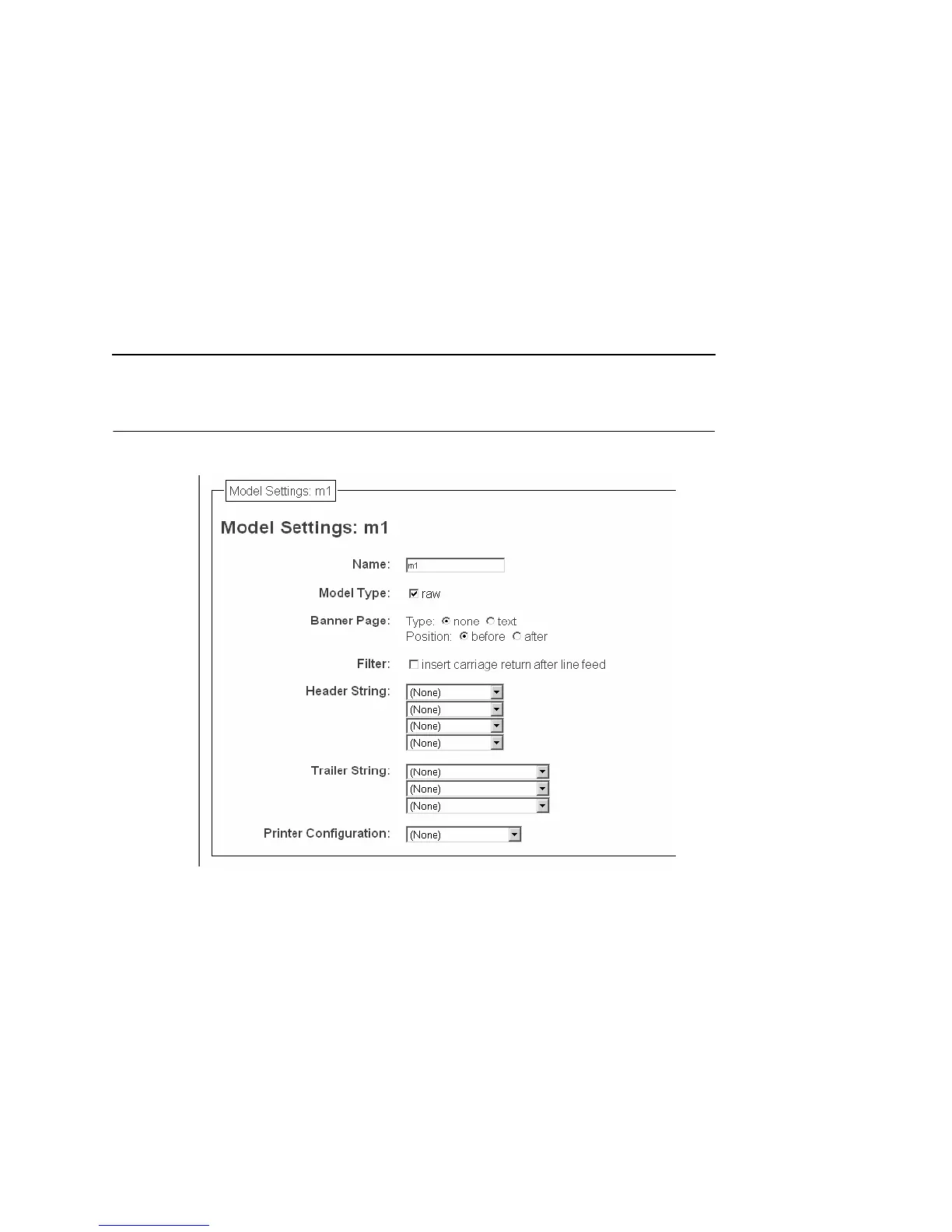
Figure 15. Print Model Configuration, Model Settings
Name
Name of the model. The default model names are m1, m2, m3, m4,
m5, m6, m7, and m8.
Model Type
Define what processing (if any) will be performed on print jobs
passing through the associated destination. If set to "raw", the job
will not be touched by the network adapter.
Print Model Configuration



 To Next Page