Current Model Settings
71
If the Short E-mail format is disabled, the message will contain
additional information including the device name and location, alert
description, alert group, alert severity level, and printer status.
To test the validity of the e-mail address and the SMTP server
address, enable the Send Test Message option. If the Send Test
Message box is checked, a test message will be sent to the
specified e-mail address when the submit button is pressed.
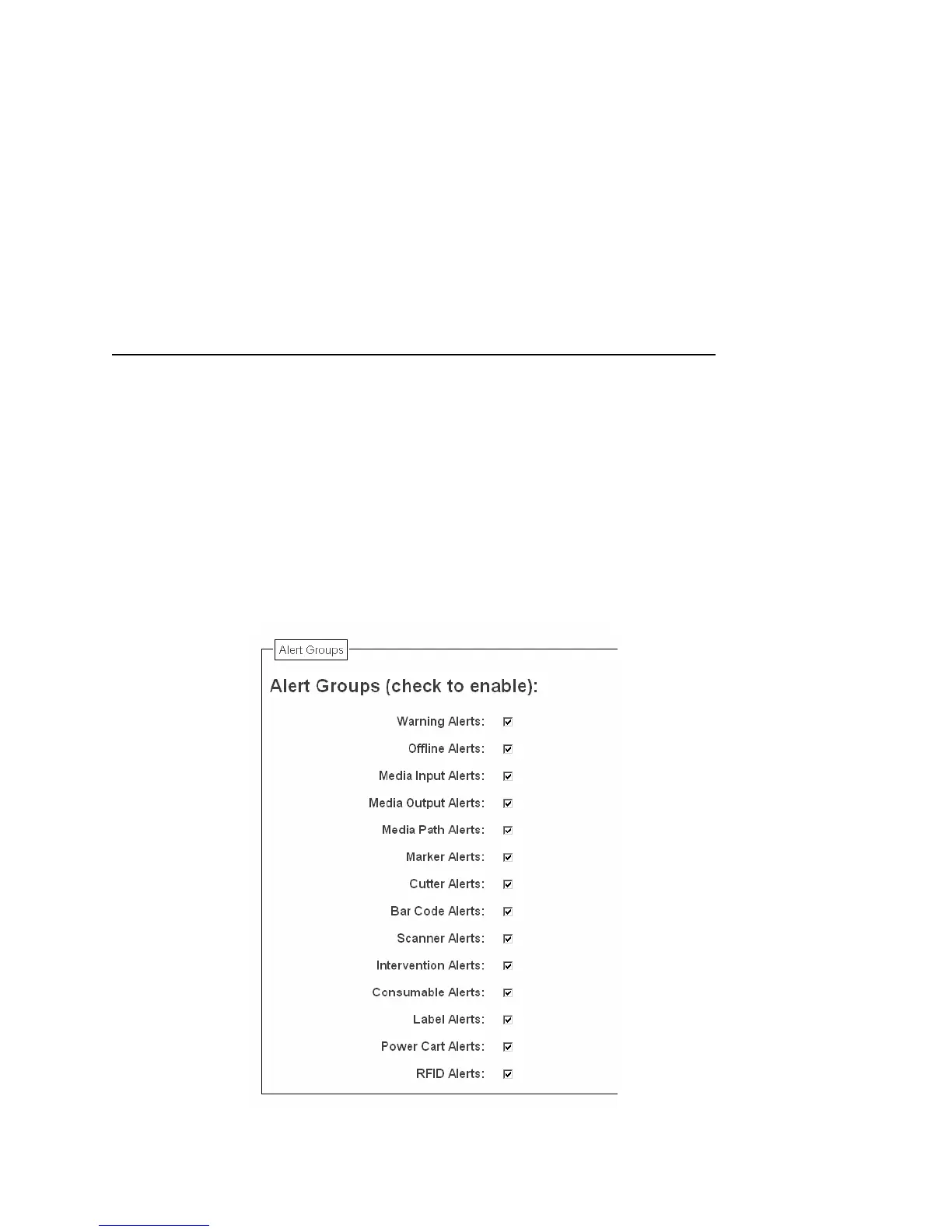
Alert Groups
Figure 22. SNMP Alert Groups Configuration
SNMP Configuration



 To Next Page