Chapter 3 System Configuration
80
System Configuration
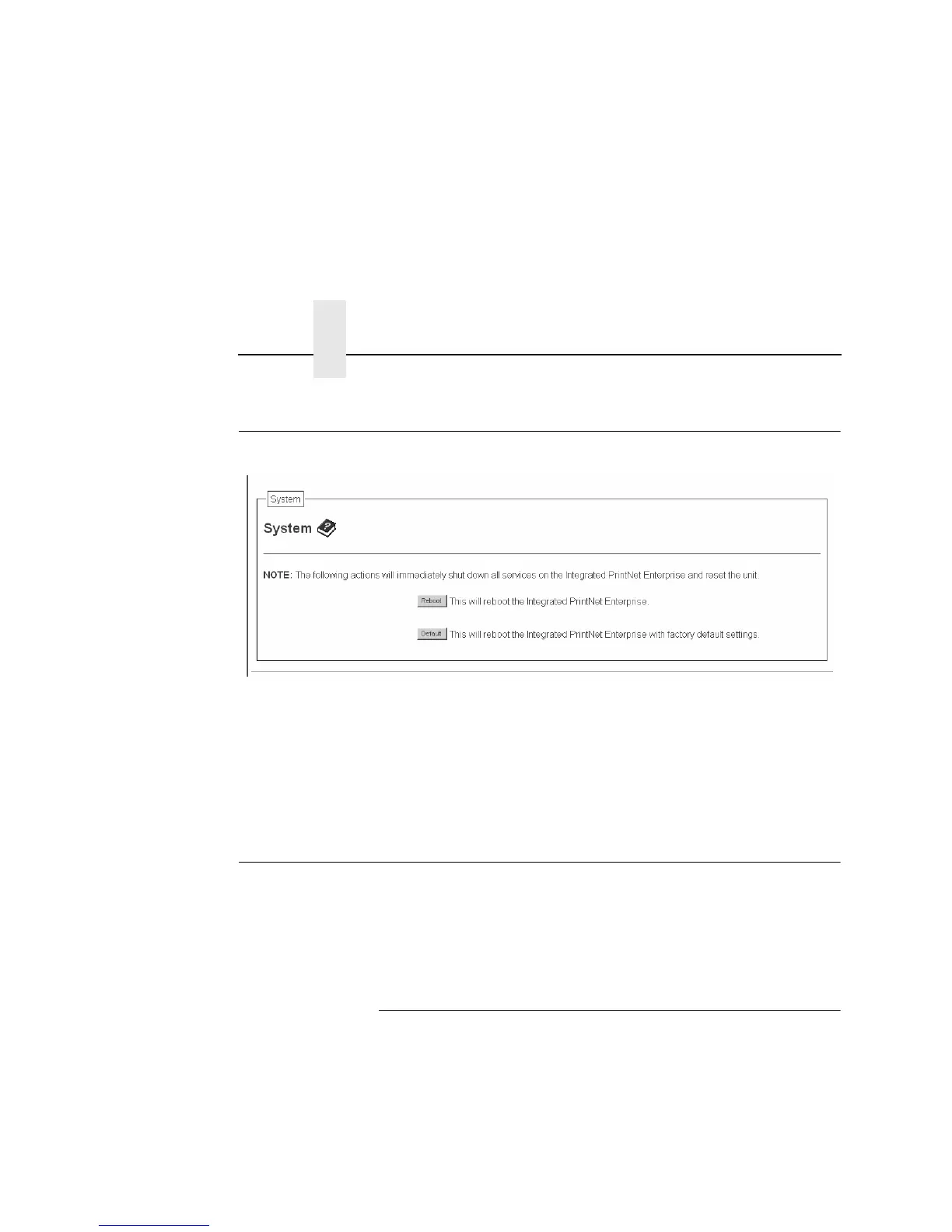
Figure 25. System Configuration
The System Configuration form allows you to change the NIC 's
operation mode. Select "Reboot" to re-power the print server.
Select "Default" to reset the print server and have it come up with
factory default settings.
Security Configuration
The Security Configuration form allows you to configure the NIC’s
Kerberos authentication settings and to obtain the authenticated
information. Kerberos is available only when a Symbol LA41X1
radio card is installed.
Kerberos Configuration
This section covers the configuration of Kerberos related settings.
The two configuration settings include:
• Print Server Settings – Used to configure Kerberos settings
related to the Print Server.
• Key Distribution Center (KDC) Settings – Used to configure
the Kerberos settings related to the Kerberos server.



 To Next Page