Chapter 3 Print Path Configuration
54
Print Path Configuration
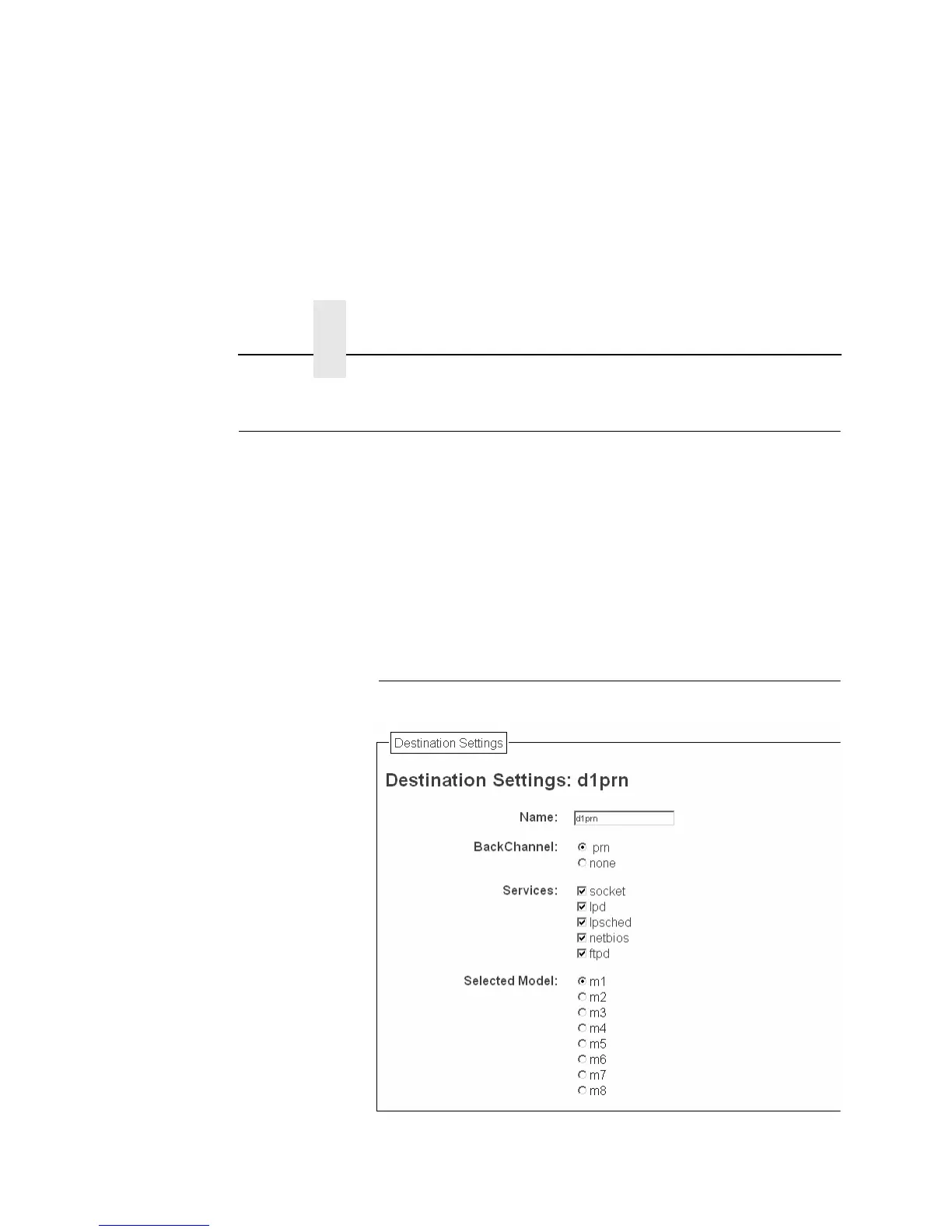
The NIC print path is the path a print job takes when it reaches the
network adapter. First the job goes to a destination/queue (e.g.
d1prn) where it then passes through an associated model (e.g. m1)
for extra processing and logpath (e.g. l1) for job and printer logging.
Finally the job reaches the NIC's I/O port (e.g. PRN) where it
passes through to the attached printer. The "Print Path" form
displays one destination's settings at a time. From here, you can
then select another destination or you can go directly to an I/O port
to configure port settings.
Destination Settings
Figure 12. Print Path Configuration, Destination Settings



 To Next Page