Chapter 2 Configuration Tools
38
Printer Status Screen
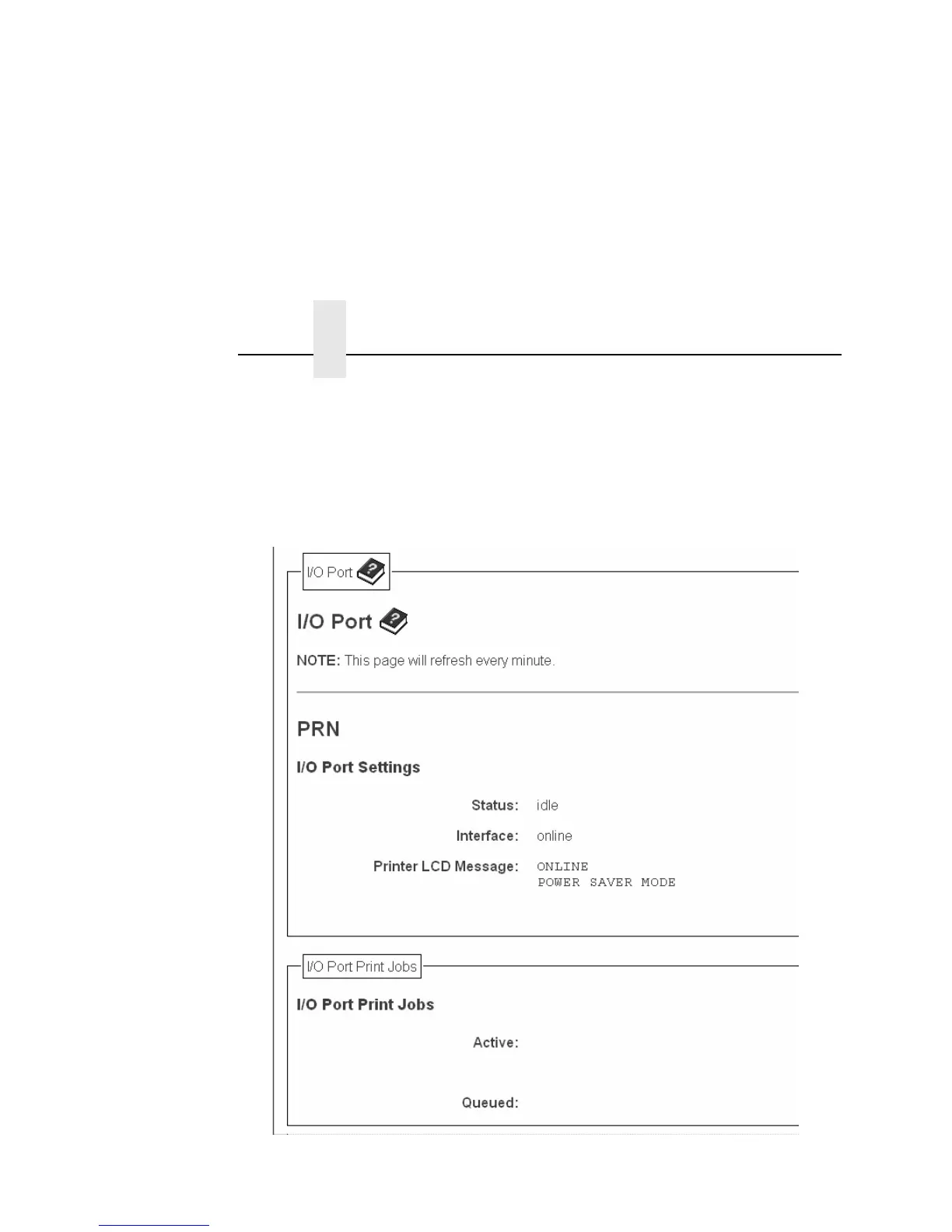
Using the printer IP Address and any standard Web browser, you
can check the status of the printer. Figure 3 shows the exact state
of the printer by showing the printer LCD message. (This screen
automatically refreshes every minute.)
Figure 3. Printer Status Screen



 To Next Page