Current Model Settings
57
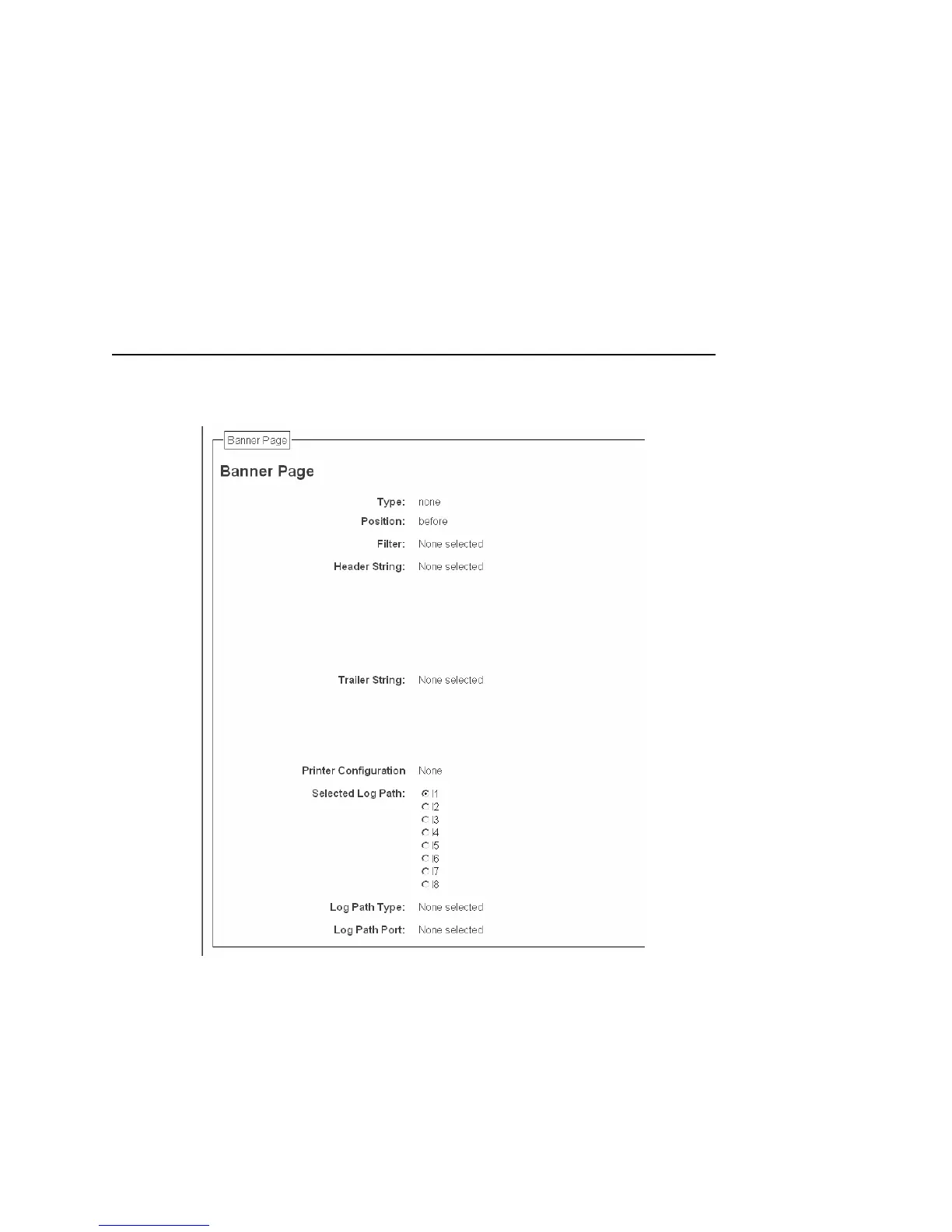
Figure 14. Print Path Configuration, Current Model Settings, Banner Page
Banner Page
The option is available on the Print Model web page. For a
description, see page 60.
Filter
The option is available on the Print Model web page. For a
description, see page 60.



 To Next Page