Chapter 4 Windows NIC Configuration
90
Changing Destination Names
When defining some printers within Windows environments, the
NIC requires that you specify a predefined destination rather than
any name you would like. For example, when creating a new printer
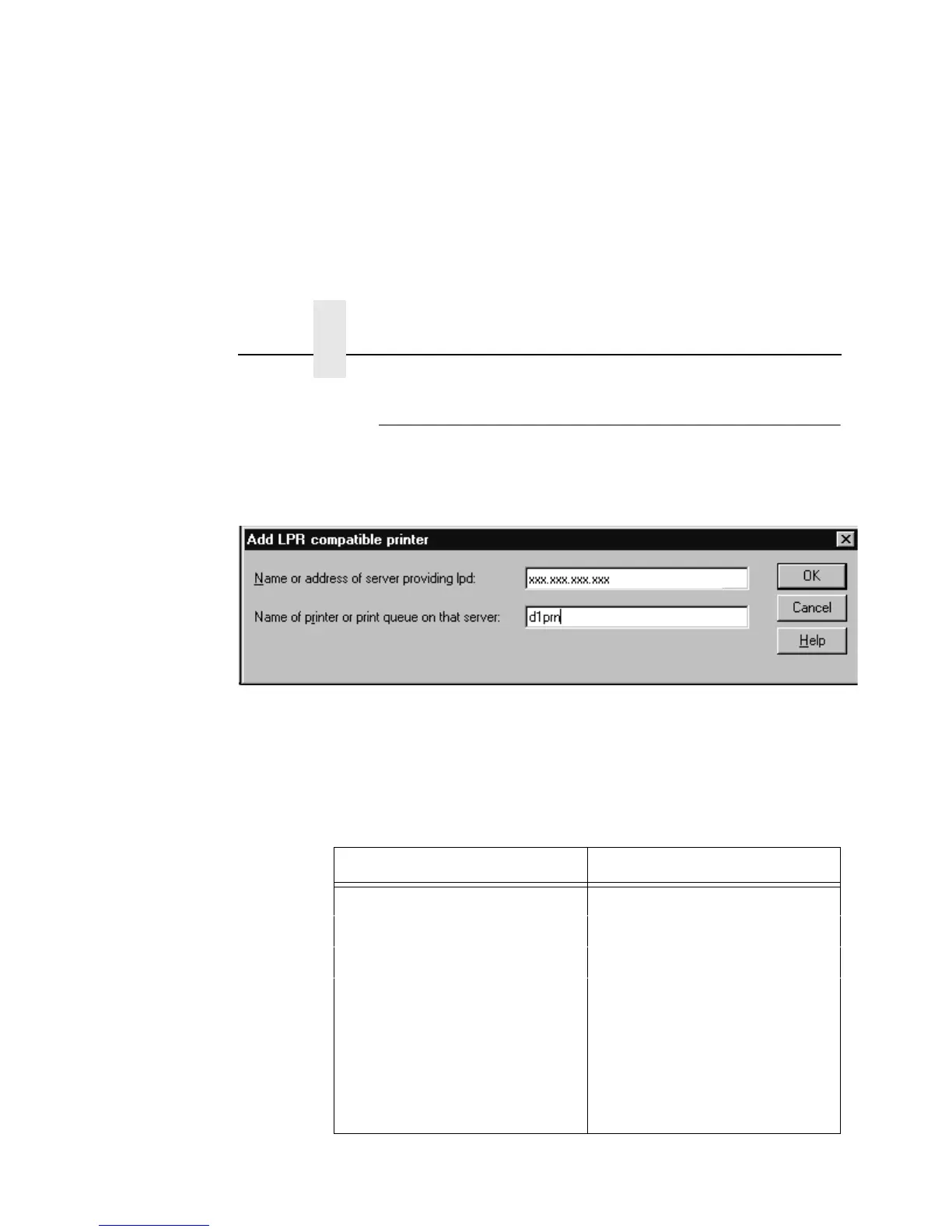
under Windows NT, a screen similar to Figure 26 displays.
Figure 26. Windows NT Print Setup Dialogue Box
The first field requires the IP address for the NIC, and the second
field must be filled in with a valid destination from the print server
(e.g., d1prn). Otherwise, LPR will not be able to access the printer.
Table 3 outlines the default destinations to choose from.
Table 3. NIC Default Destinations
Destination Mapped I/O Port
d1prn PRN
d2prn PRN
d3prn PRN
d4prn PRN
d5prn PRN
d6prn PRN
d7prn PRN
d8prn PRN



 To Next Page