HTML Forms
37
NOTE: If you cannot access the web page, refer to “Web Browser/
HTTP Problem” on page 282.
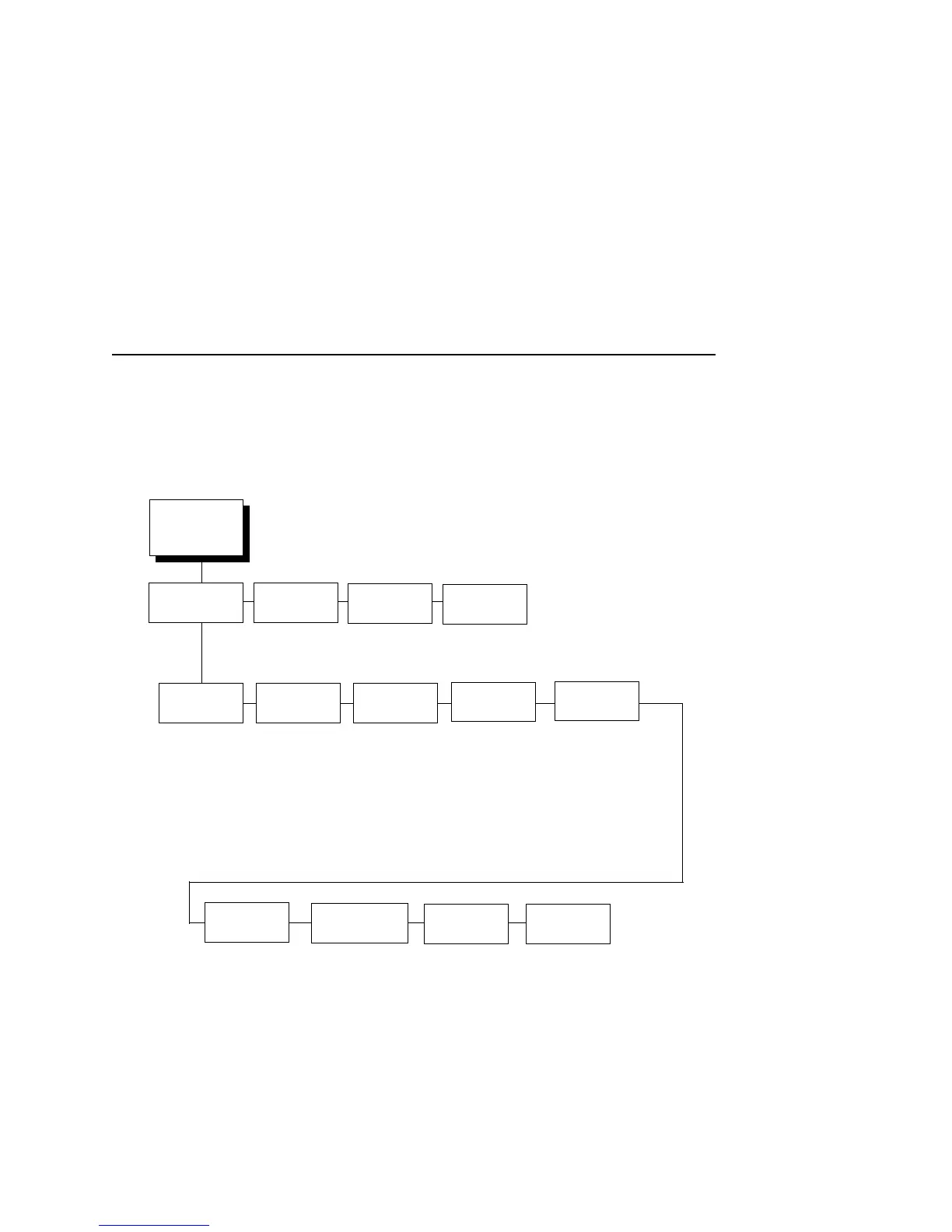
The NIC HTML structure is divided into several menus as shown in
Figure 2.
Figure 2. NIC HTML Structure
NOTE: Online help is available for all HTML pages.
Index/Home
Configuration
I/O Port
Network
TCP/IP
Wireless
Windows
d1prn
d2prn
d3prn
d4prn
d5prn
d6prn
d7prn
d8prn
m1
m2
m3
m4
m5
m6
m7
m8
Alert Config 1
Alert Config 2
Alert Config 3
Alert Config 4
Alert Config 5
Alert Config 6
Alert Config 7
Alert Config 8
Alert Config 9
Alert Config 10
Status
Help
About
Administration
SNMP
Print ModelPrint PathNetwork
Log Path
l1
l2
l3
l4
l5
l6
l7
l8
System
TN5250/
3270
d1prn
d2prn
d3prn
d4prn
d5prn
d6prn
d7prn
d8prn
Security
1
1
= Applies only to the Wireless NIC with
Symbol LA 4111 or LA 4121 RF card.
It is intended to be used in infrastructure
mode with Kerberos enabled Symbol
Access Point.



 To Next Page