Chapter 4 Windows Host Configuration
104
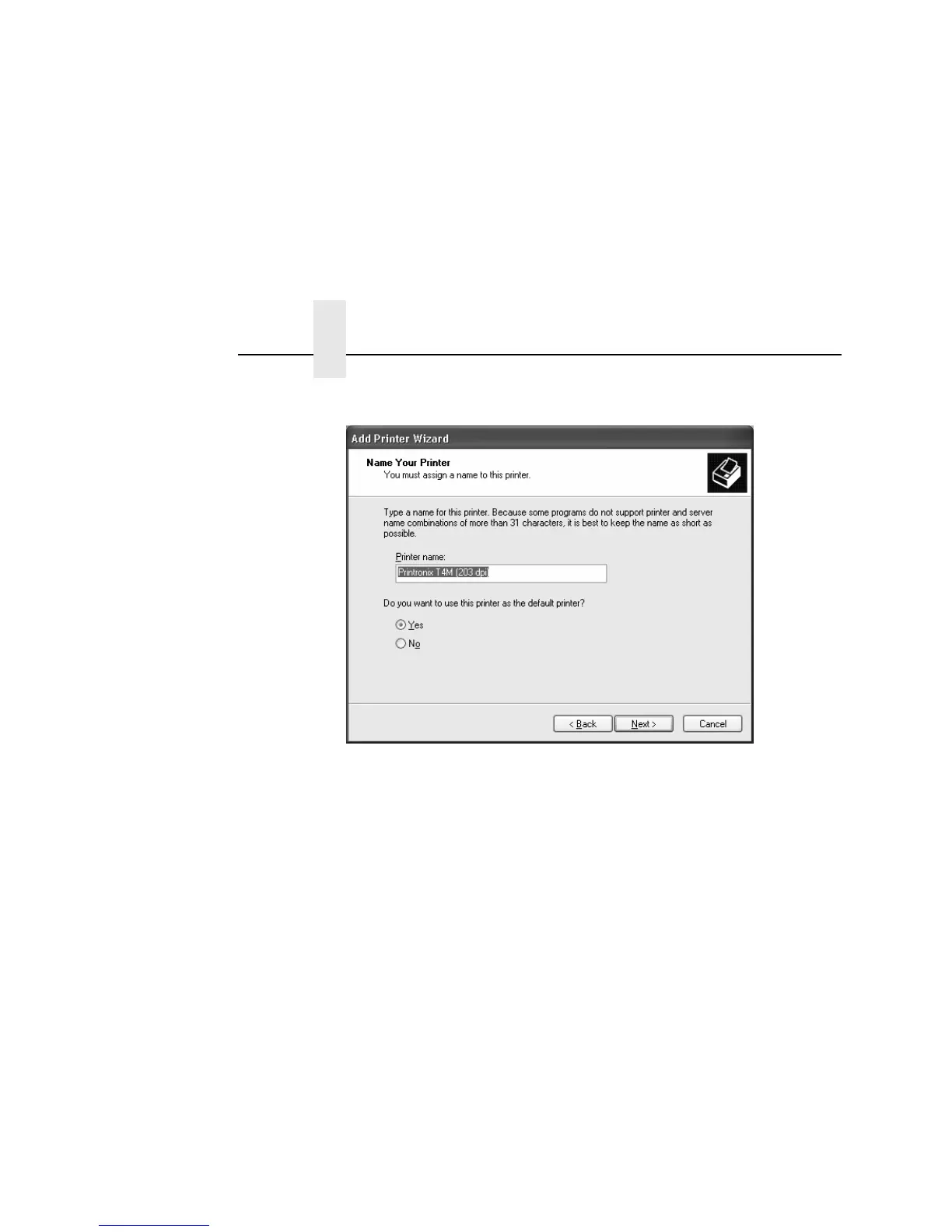
17. If necessary, select Yes to set the printer as the default and
click Next.
18. If you do not want to share the printer with other network users,
select Do not share this printer. Otherwise, select Share
name, and specify a share name. The default setting is “Do not
share the printer.”
19. Click Next.
20. Select Yes to print a test page, otherwise select No.
21. Click Next.



 To Next Page