Windows XP/2000/2003 Server Host Setup
107
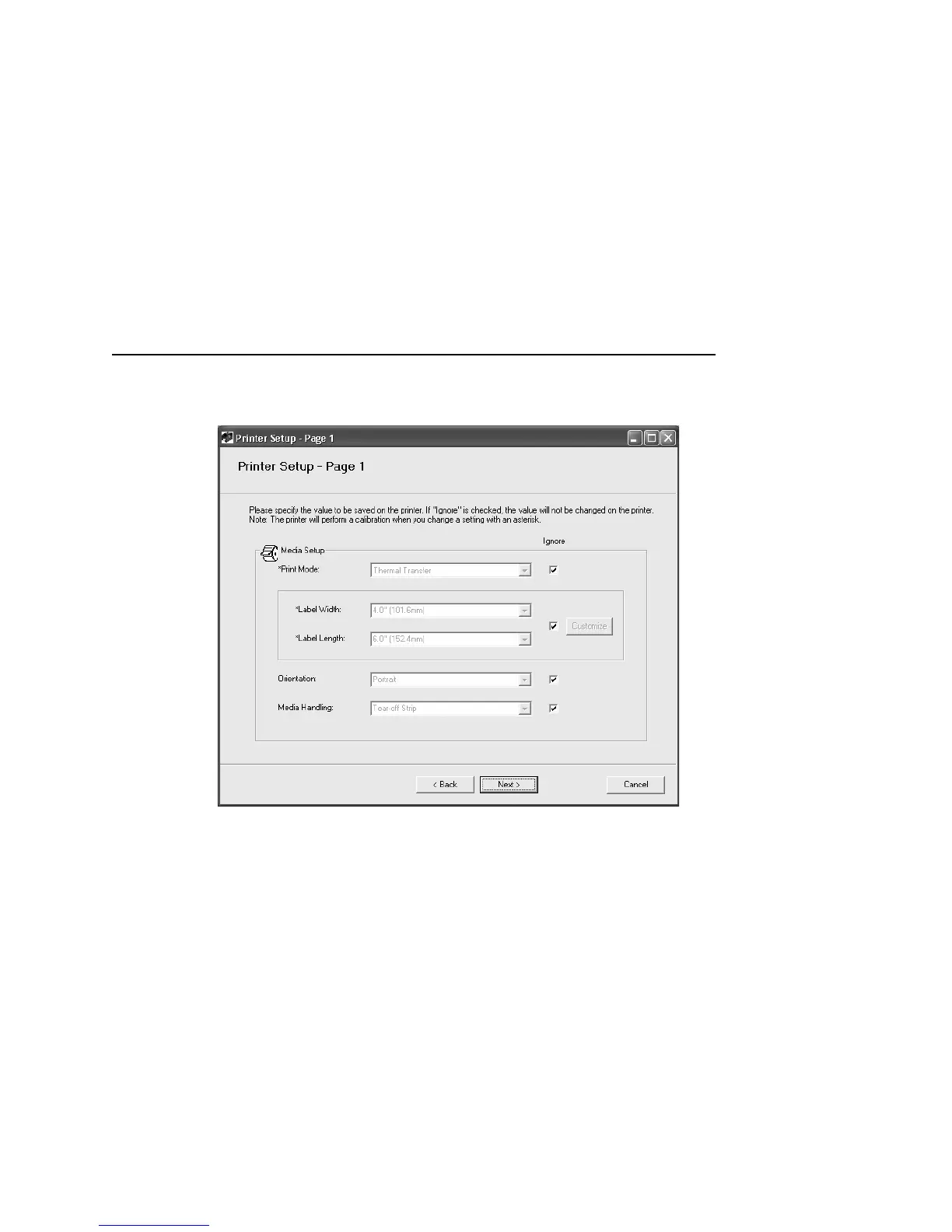
28. Uncheck the Ignore box to specify setup values or accept the
default Ignore parameters.
29. Click Next. The Printer Setup - Page 2 dialog box opens.
30. Uncheck the Ignore box to specify setup values or accept the
default Ignore parameters, and click Next.
NOTE: If you specify setup values, you will be prompted to save
the settings. For the purposes of this example, click No.



 To Next Page