Chapter 3 Network Configuration
44
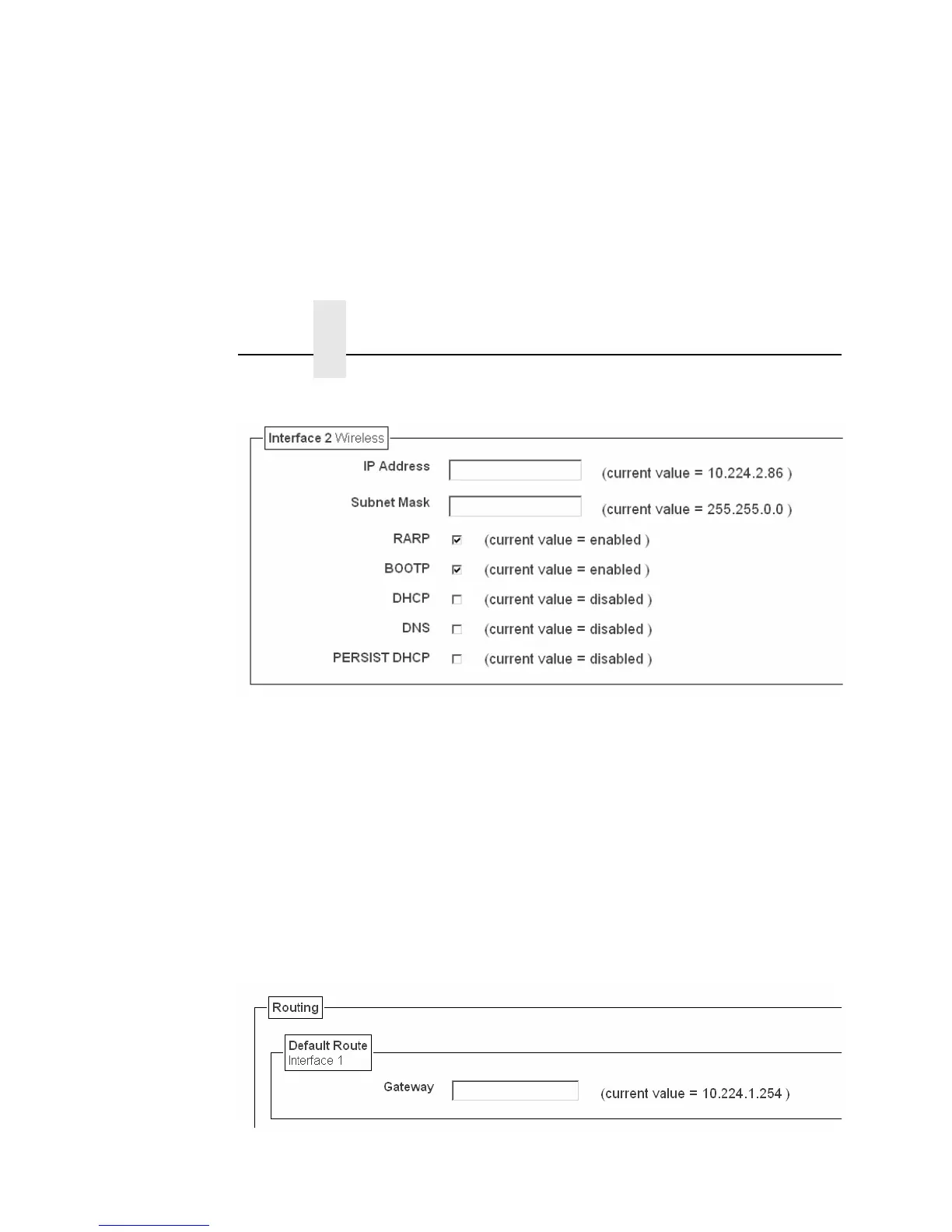
Figure 5. TCP/IP Network Configuration for Wireless Ethernet
Interface
The two edit fields contain the NIC's IP address and subnet mask.
The check boxes enable the RARP, BOOTP, DHCP, DNS, and
Persistent DHCP protocols, which are alternate methods of
assigning IP addresses. On most networks, you want to enter a
permanent IP address and subnet mask and disable RARP,
BOOTP, and DHCP. However, if your network requires one of
these, you should clear the IP address (and possibly the subnet
mask) fields and ensure that the appropriate check box is selected.
Figure 6. Defining a Gateway Address for Wired Ethernet Routing



 To Next Page